AIMB-781 User Manual 58
3.5 Boot
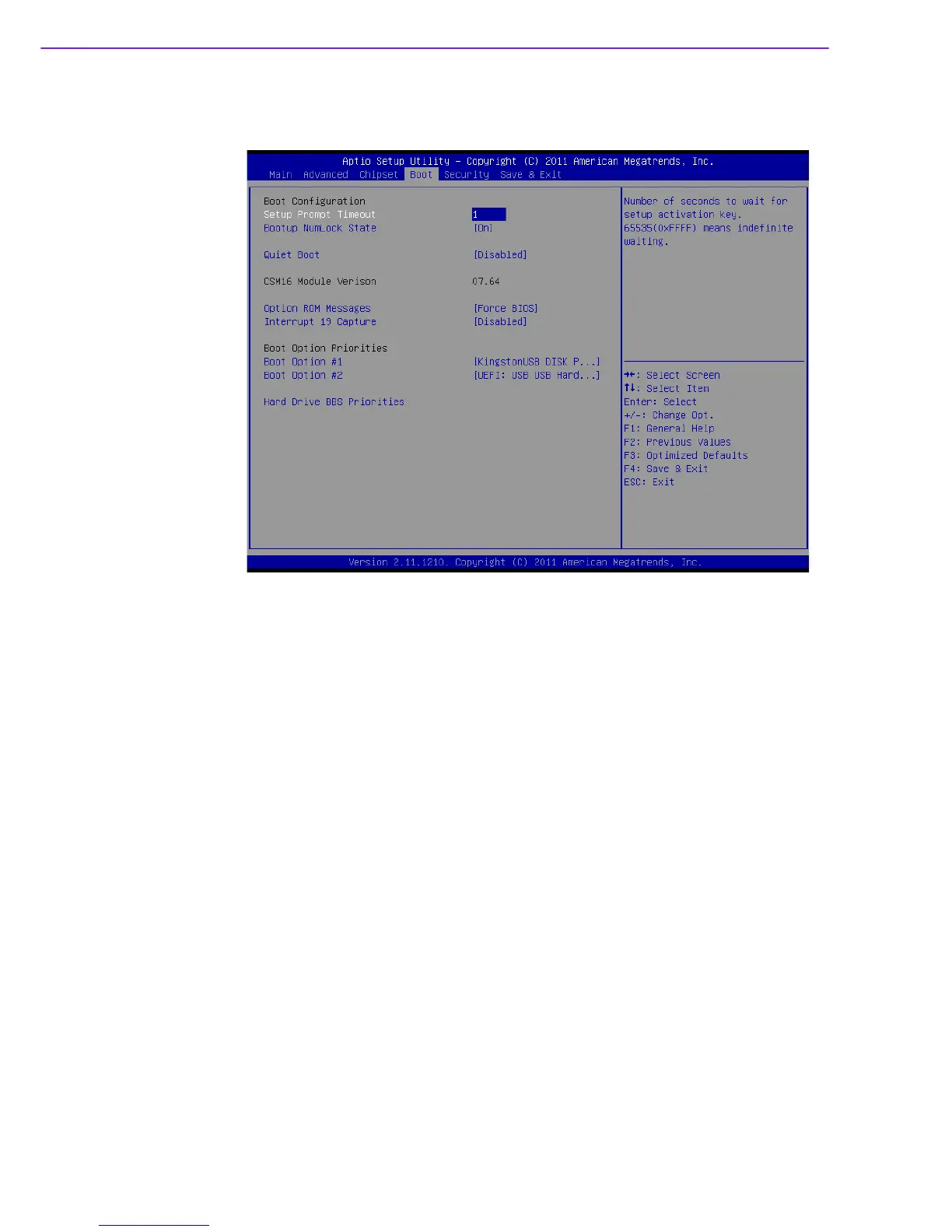
Figure 3.29 Boot
Setup Prompt Timeout
Use the <+> and <-> keys to adjust the number of seconds to wait for setup activa-
tion key.
Bootup NumLock State
“On or Off” power-on state for the NumLock
Quiet Boot
If this option is set to Disabled, the BIOS displays normal POST messages. If
Enabled, an OEM Logo is shown instead of POST messages.
Option ROM Messages
“Force BIOS or Keep Current” to set the display mode for Option ROM
Interrupt 19 Capture
“Enable or Disable” Option ROM to trap Interrupt 19
Boot Option #1/#2
Choose boot priority from boot device














 To Next Page