SECTION 8
USING THE P371 PROGRAM PACK
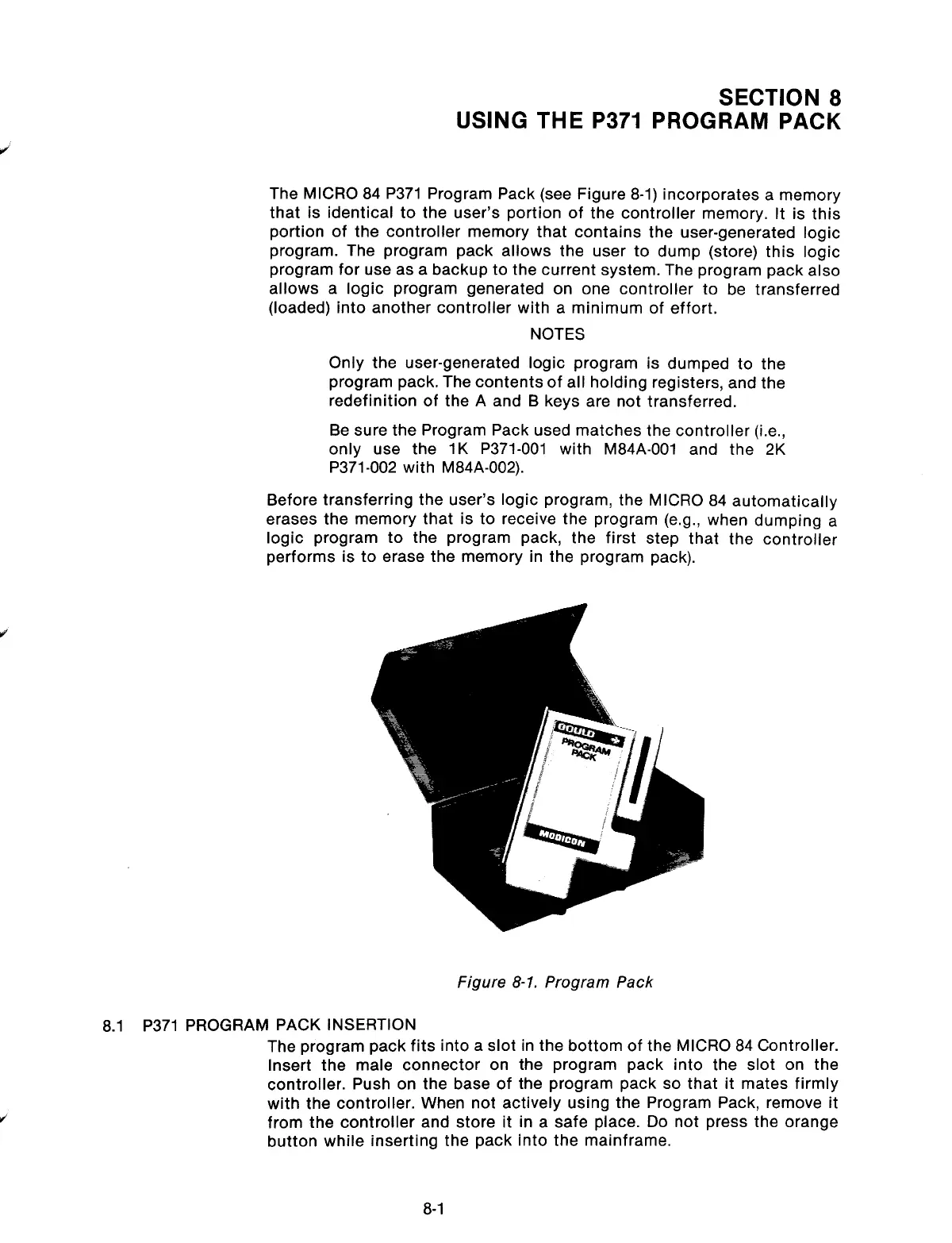
The MICRO 84 P371 Program Pack (see Figure 8-1) incorporates a memory
that is identical to the user’s portion of the controller memory. It is this
portion of the controller memory that contains the user-generated logic
program. The program pack allows the user to dump (store) this logic
program for use as a backup to the current system. The program pack also
allows a logic program generated on one controller to be transferred
(loaded) into another controller with a minimum of effort.
NOTES
Only the user-generated logic program is dumped to the
program pack. The contents of all holding registers, and the
redefinition of the A and B keys are not transferred.
Be sure the Program Pack used matches the controller (i.e.,
only use the 1K P371-001 with M84A-001 and the 2K
P371-002 with M84A-002).
Before transferring the user’s logic program, the MICRO 84 automatically
erases the memory that is to receive the program (e.g., when dumping a
logic program to the program pack, the first step that the controller
performs is to erase the memory in the program pack).
Figure 8-1. Program Pack
8.1 P371 PROGRAM PACK INSERTION
The program pack fits into a slot in the bottom of the MICRO 84 Controller.
Insert the male connector on the program pack into the slot on the
controller. Push on the base of the program pack so that it mates firmly
with the controller. When not actively using the Program Pack, remove it
from the controller and store it in a safe place. Do not press the orange
button while inserting the pack into the mainframe.
8-1
Artisan Technology Group - Quality Instrumentation ... Guaranteed | (888) 88-SOURCE | www.artisantg.com



 To Next Page