Test Set Operation
Subject to Export Control, see Cover Page for details.
3-50
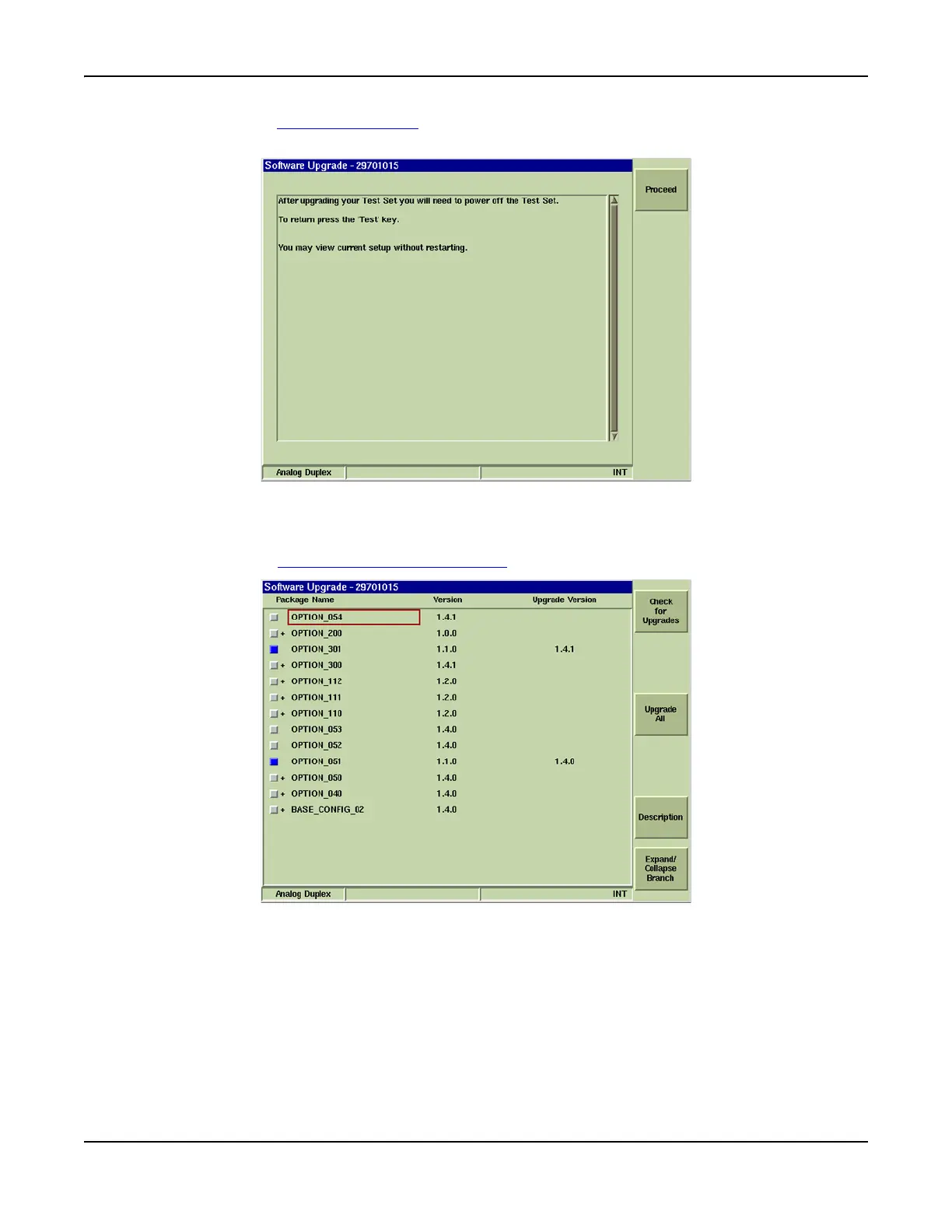
9. Select the [Proceed] Soft Key to continue. Test Set displays a “Querying System” dialog
box while the Test Set performs a series of system checks.
Fig. 3-49 Software Upgrade - Proceed
10. The screen displays a list of installed options with the version and version date of each
option.
11. Select the [Check for Upgrades] Soft Key
.
Fig. 3-50 Software Upgrade - Upgrade Options Soft Keys













 To Next Page