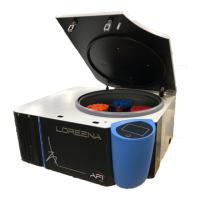
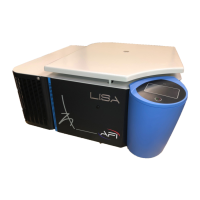
Original Instructions Rev.1.0 User Manual – Isa 17/ 42
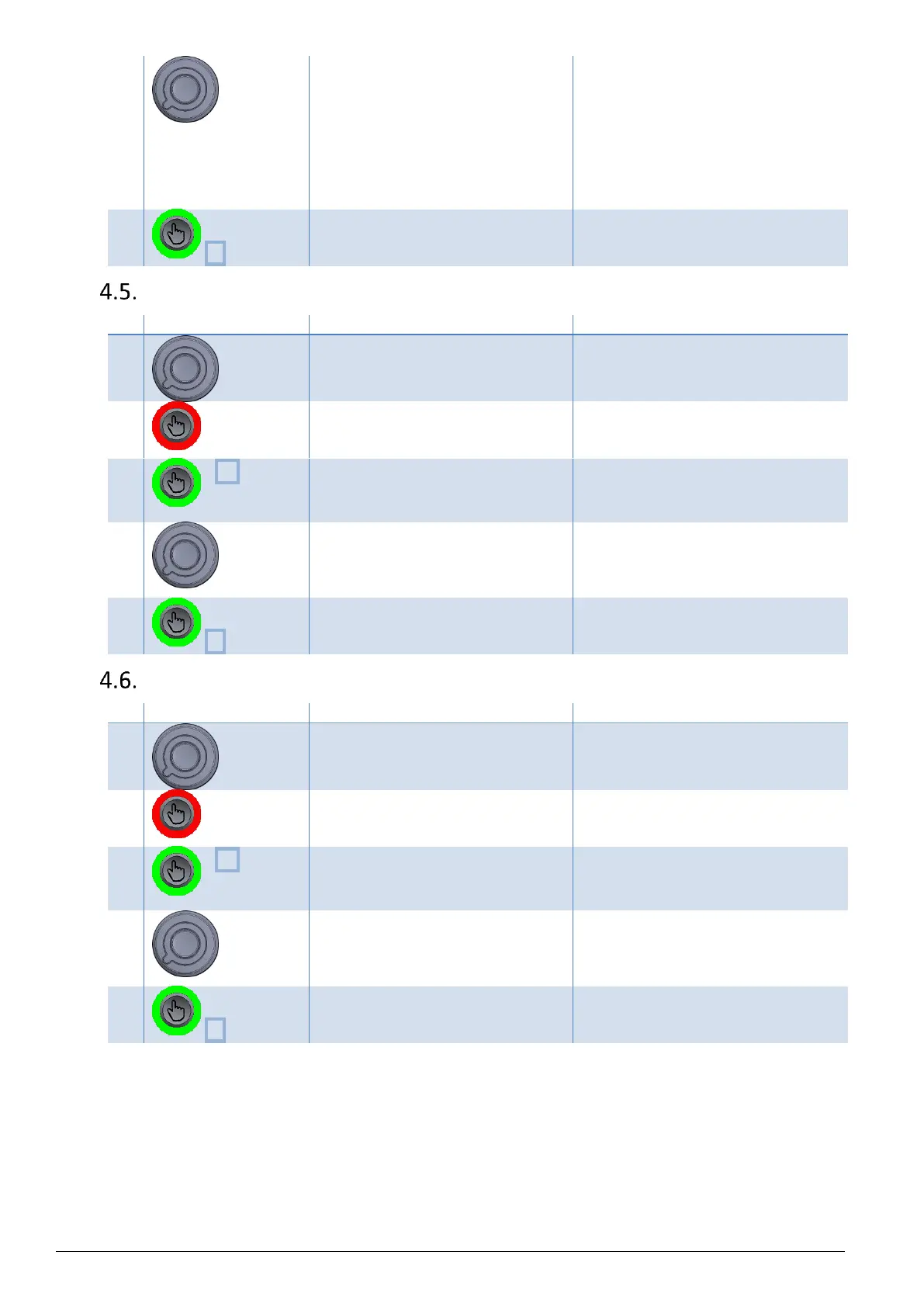
Modify blinking value spinning the
knob.
The temperature value is modified.
Default setting unit is Celsius
degrees.(°C).
Note : Press & hold validation button to
modify units.
To modify the unit, refer to § 0
Set Temperature Unit.
The modification of the selected
program is saved.
Set Acceleration Slope
Select the program number spinning
the knob.
The program number is displayed under
"Prog".
Press & hold validation button.
The selected program is now in
Modification mode.
Speed value is now blinking.
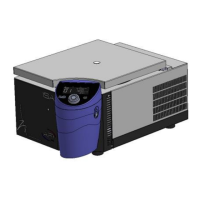
x3 (on
refrigerating
model)
Press 3x to access to acceleration
parameter.
(On ventilated model, press 2x)
Acceleration Slope value is blinking.
Modify blinking value spinning the
knob.
Acceleration Slope value is modified.
Default setting unit is 9.
Note : The higher the value, the shorter
the acceleration time.
The modification of the selected
program is saved.
Set Braking Slope
Select the program number spinning
the knob.
The program number is displayed under
"Prog".
Press & hold validation button.
The selected program is now in
Modification mode.
Speed value is now blinking.
x4 (on
refrigerating
model)
Press 4x to access to acceleration
parameter.
(On ventilated model, press 3x)
Braking Slope value is blinking.
Modify blinking value spinning the
knob.
Braking Slope value is modified.
Default setting unit is 9.
Note : The longest Braking time is 1.
The shortest Braking time is 9.
The modification of the selected
program is saved.


 To Next Page