Originale Instructions- Rev.1.3 User Maunal– Loreena 32/ 68
4.12.8. Counting mode
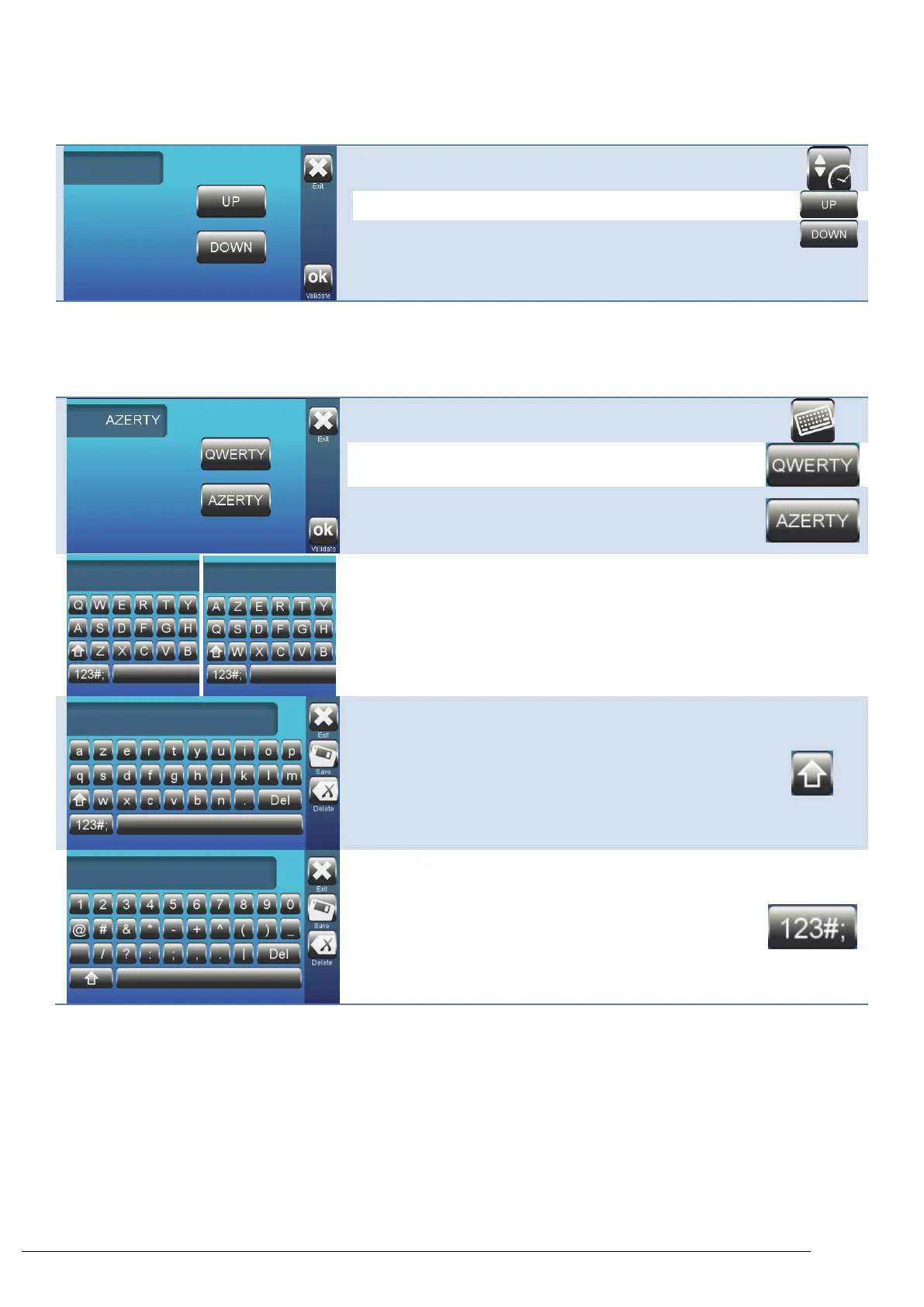
This function is used to display counting up or down during
centrifugation.
Select the counting mode of the stopwatch.
All programs will work according to the chosen mode.
• UP: The stopwatch counts from 0.
• DOWN: The stopwatch counts down from the selected
cycle time.
• This is the default setting.
4.12.9. Keyboard type
This function is used to set keyboard type.
AZERTY: This is the default setting.
QWERTY / AZERTY keyboards
Access numbers & special characters.



 To Next Page