2.5.3 Connecting remote switch
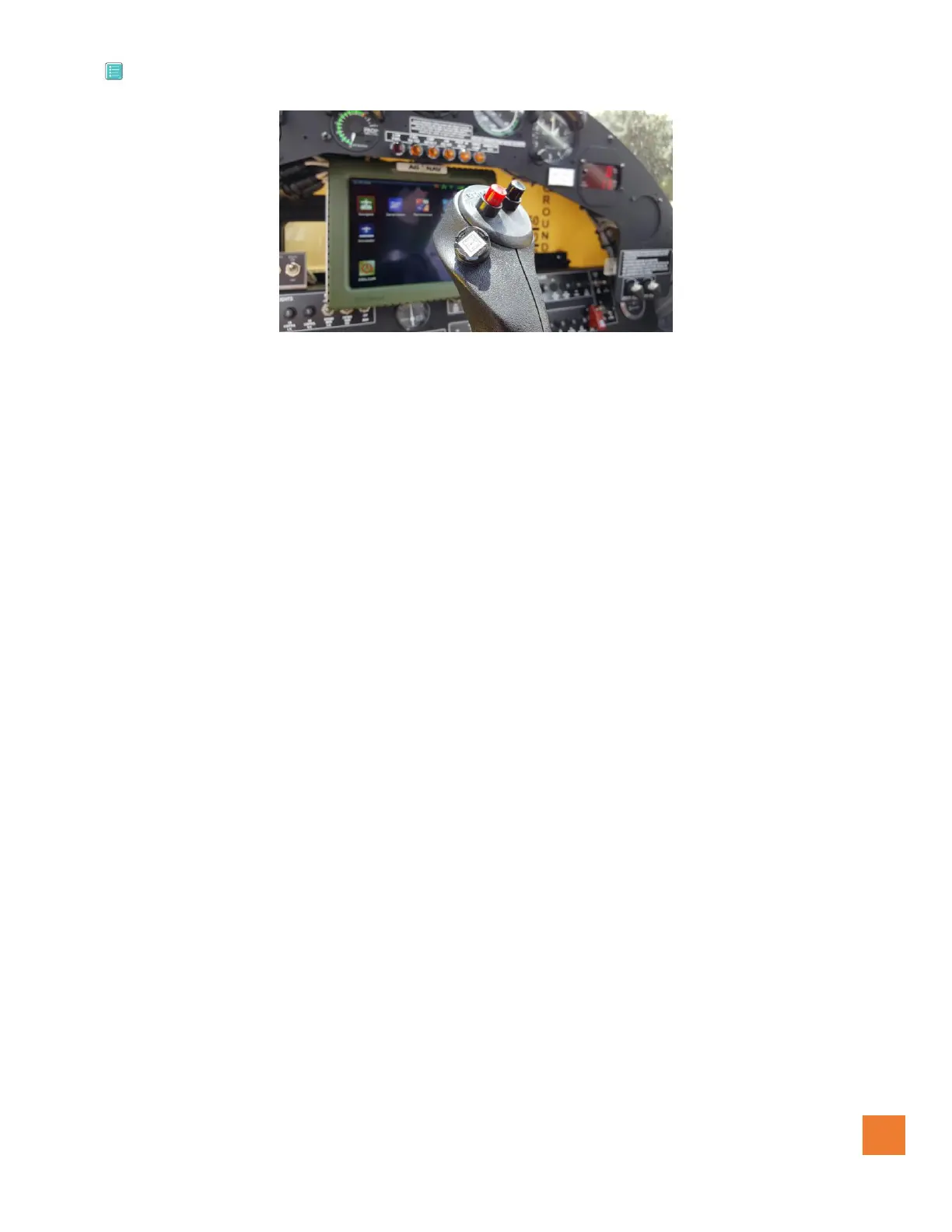
Remote Installation
Figure #39
Connect the REMOTE SWITCHES cable as shown in Installation Drawing below. A terminal block and crimp
terminals are provided in case the cable must be cut and fed through the steering stick or other openings too
tight for the connector. The Picture above (Remote Installation) shows an example of the remote switch
position, also below (figure #40) shows the remote wiring.


 To Next Page