2.5.5 Connecting Indicator Cable
Connect the guidance indicator cable to the (guidance indicator) light bar extension cable – if applicable - one
to the Light Bar and one to the Main Computer (console harness). If not using extension cable connect directly
to the harness cable. The connectors are labelled to mate with the unit and the harness. Insure the connectors
lock well together and cables, connectors are well secured. See platinum main harness external and internal
drawings shown in section 2.5.8 Connecting the wiring harness.
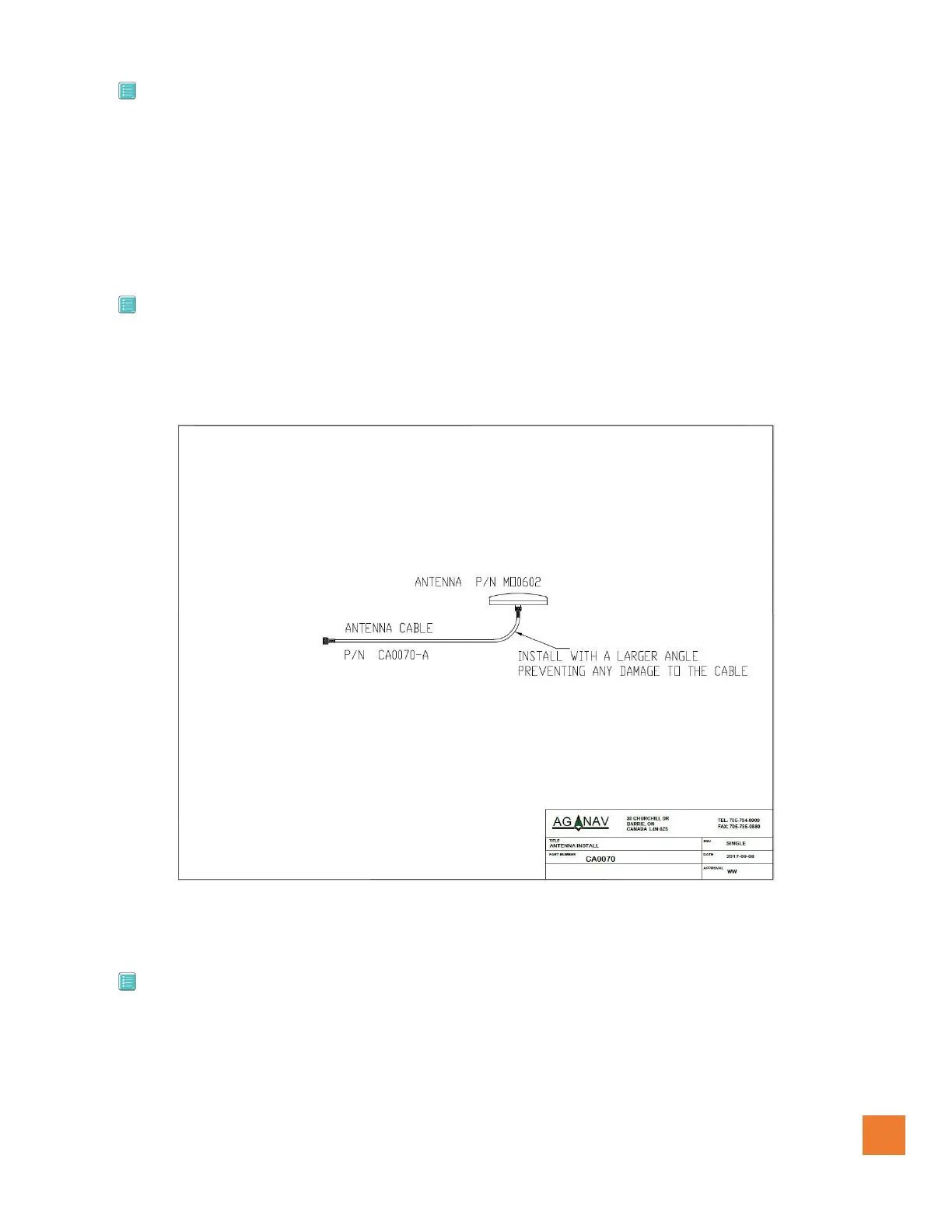
2.5.6 Connecting Antenna Cable
Connect both ends of the Antenna Cable TNCs. One to the Antenna and other to the GPS receiver. Verify that
the cable is run accordance to regulation, with a larger angle bend.
2.5.7 Connecting GPS Receiver Cable
Connect both ends of the GPS Receiver Interface Cable. One to the GPS receiver and the other end to the
Main Computer (console harness). Insure to follow all installation regulations. The cable will have three
connectors one for data communication, one for power and the third connects to the console harness. See the
following drawings for the installation information


 To Next Page