Platinum installation continues…
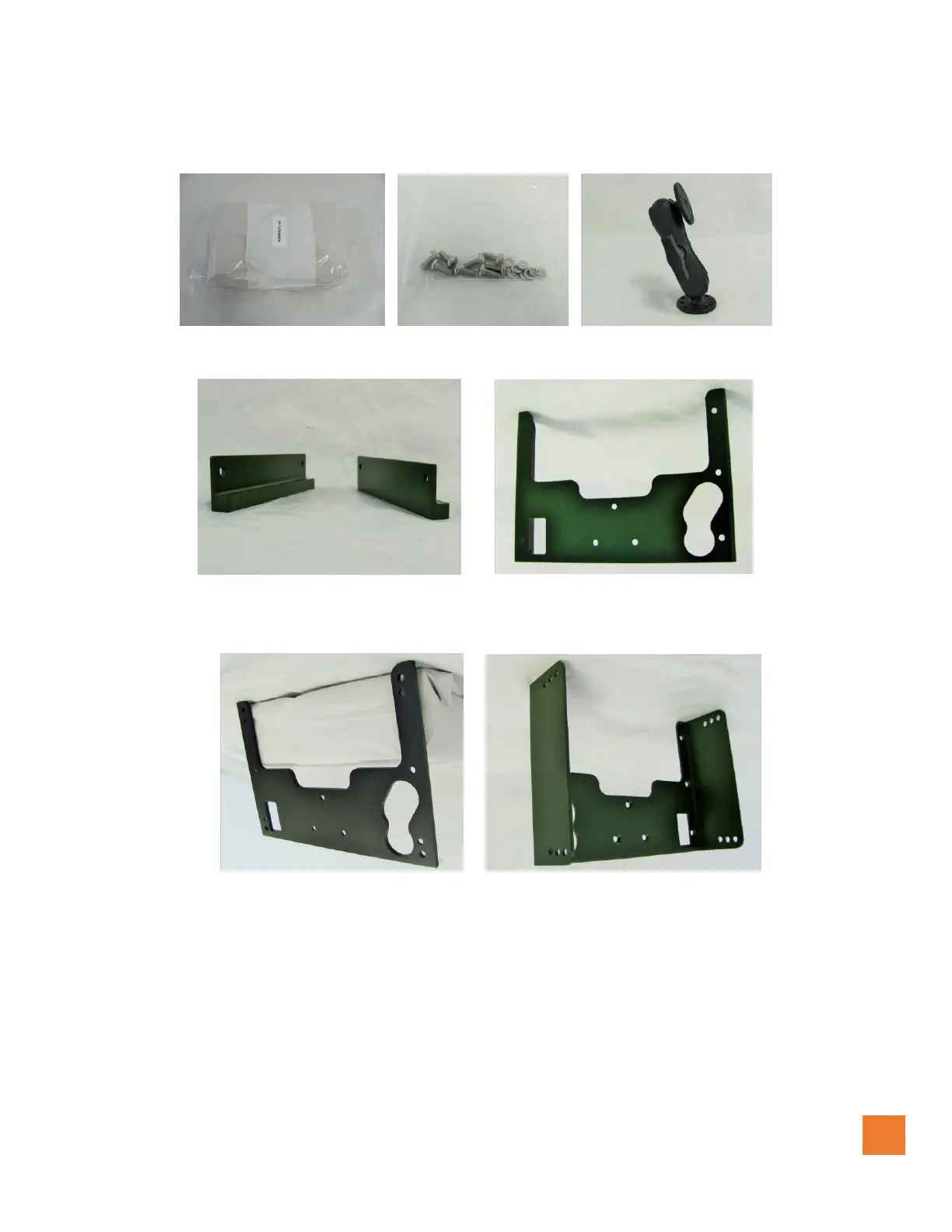
The Platinum system has Five different mounting options as shown below, the ram mount is optional. The Kit
includes the hardware, flush mount, low profile, mounting plate and adjustable mount brackets.
MOUNTING KIT HAREWARE RAM MOUNT (Optional)
Figure # 7 Figure #8 Figure #9
FLUSH MOUNT BRACKET LOW PROFILE BRACKET
Figure #10 Figure #11
MOUNTING PLATE ADJUSTABLE MOUNT BRACKET
Figure #12 Figure #13
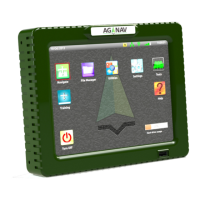
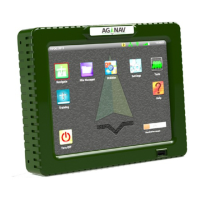
The Platinum console should be mounted to fully atomize control for the pilot following FAA or TRANSPORT
CANADA regulations. Not to infringe on any visual view outside the cockpit during flight. See examples of
installation images above figures 3,4 and 5.
These units may be mounted on the lower horizontal switch panel, or the instrument panel. The preferred
positions are above and below the hopper window. In this position, the Touch Screen can be operated with the
pilot’s left hand. Fabricate suitable brackets so that the units can be attached to the horizontal switch bracket or
the instrument panel.


 To Next Page