Set up and Configuration of CE in Empower 3
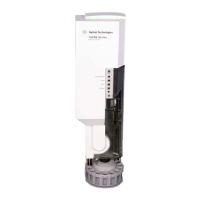
8 Agilent 7100 CE in Empower Environment
3 Once the IP address is connected, click New to open the
PreConfiguration Utility.
Figure 5 Configuration of the CE
4 In the Configuration Editor select the Agilent 7100 CE and click Auto
Configure.
5 Enter the IP address of the instrument and click OK. The instrument is
detected and the CE and DAD appear on the right-hand side of the
configuration window.
Hint
The default IP address is 192.168.254.11. Please refer to the G7100A User Manual if an IP
address change is required.


 To Next Page
 Loading...