CONFIGURATION
MYCHRON5
4.1 Backlight
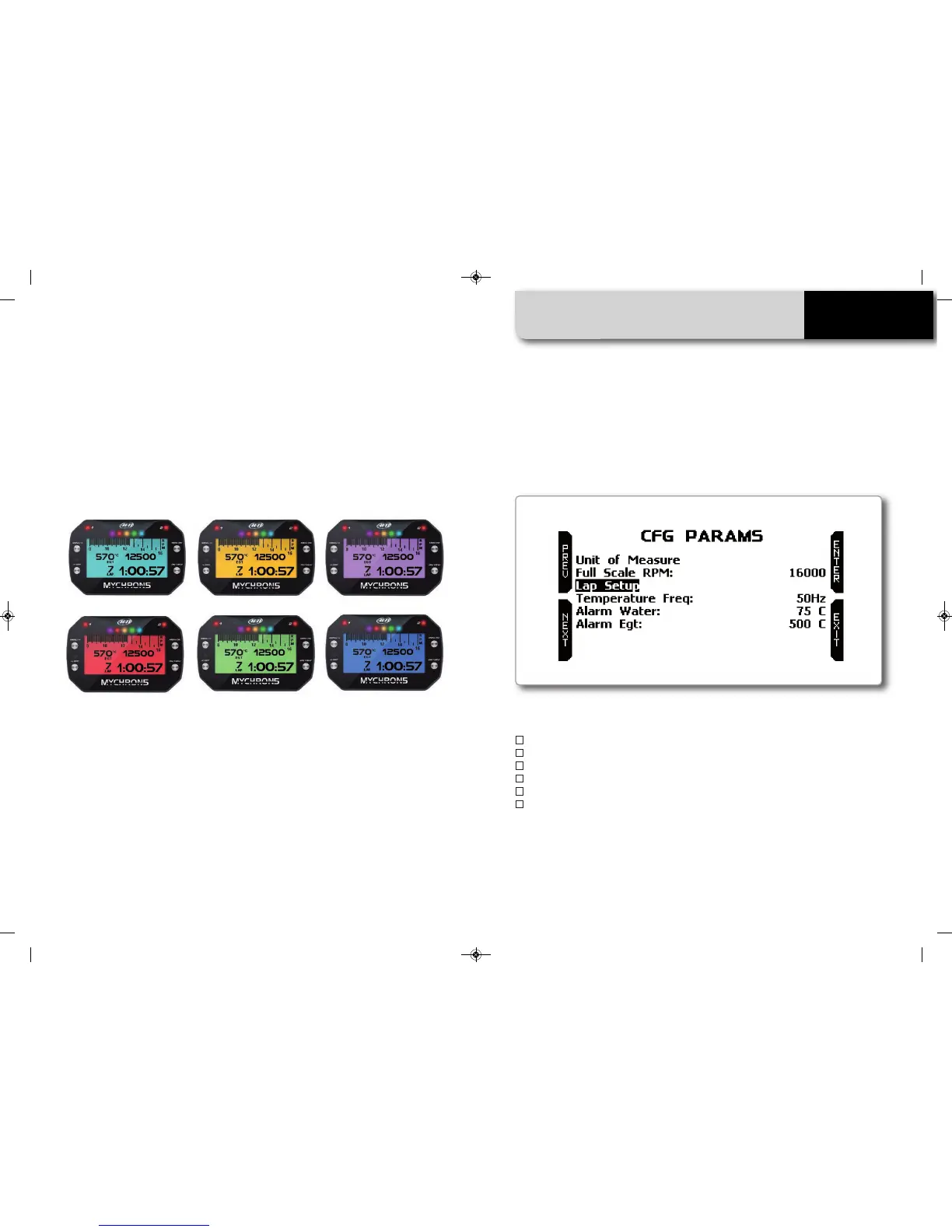
You can set the backlight to on, off, or automatic. In this last case, the light sensor
positioned on the front left of your MyChron5 turns the light on or off depending on
the external light level. Here, you can also change the backlight color, choosing
among six different possibilities.
4.2 Parameter Configuration
Please select the Param Config icon for setting the general purpose parameters.
Through this page you can set:
n
Unit of measure for speed (Km/h or mph) and temperature ( Celsius or Fahrenheit)
n
RPM end of scale
n
Lap setup
n
Temperature frequency: 20 or 50 Hz
n
Water temperature alarm
n
EGT alarm
MANUALE IMPAGINATO.qxp_Layout 1 25/11/15 16:04 Pagina 17


 To Next Page