BRIDGE LIVE Video I/O and Streaming Appliance v1.12 101 www.aja.com
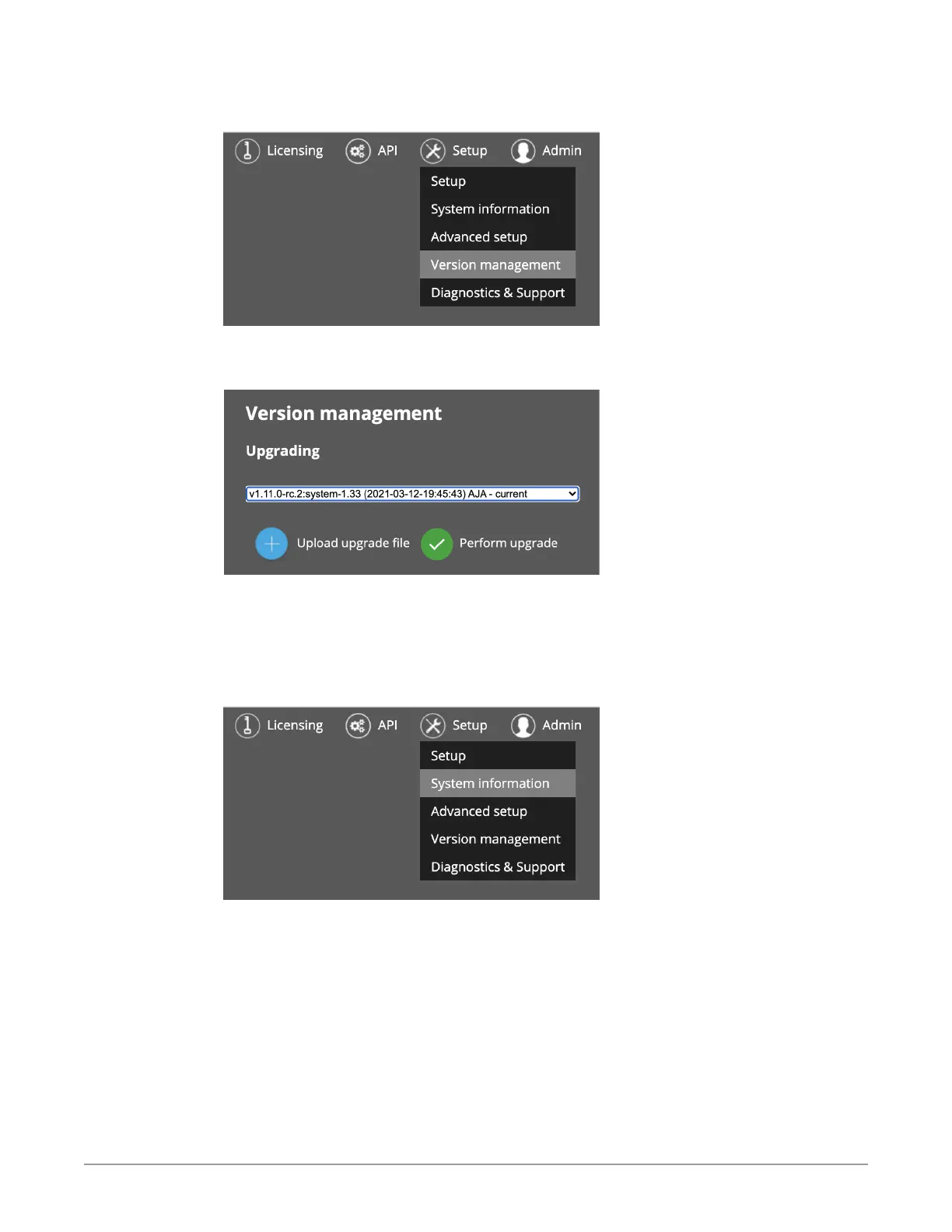
3. From within BRIDGE LIVE, navigate to Setup > Version management.
Figure 152. Accessing the Version management page from the Setup menu
The Version Management Upgrading page displays.
Figure 153. Version management Upgrading page
4. Select Upload upgrade le and browse to the downloaded update.
5. Select Perform upgrade. BRIDGE LIVE will upload and install the update.
Following the upgrade, you can verify the version installed if you like by
navigating to Setup > System information.
Figure 154. Accessing the System information page from the Setup menu
The System Information page displays, indicating the version number currently
installed and running.



 To Next Page