BRIDGE LIVE Video I/O and Streaming Appliance v1.12 103 www.aja.com
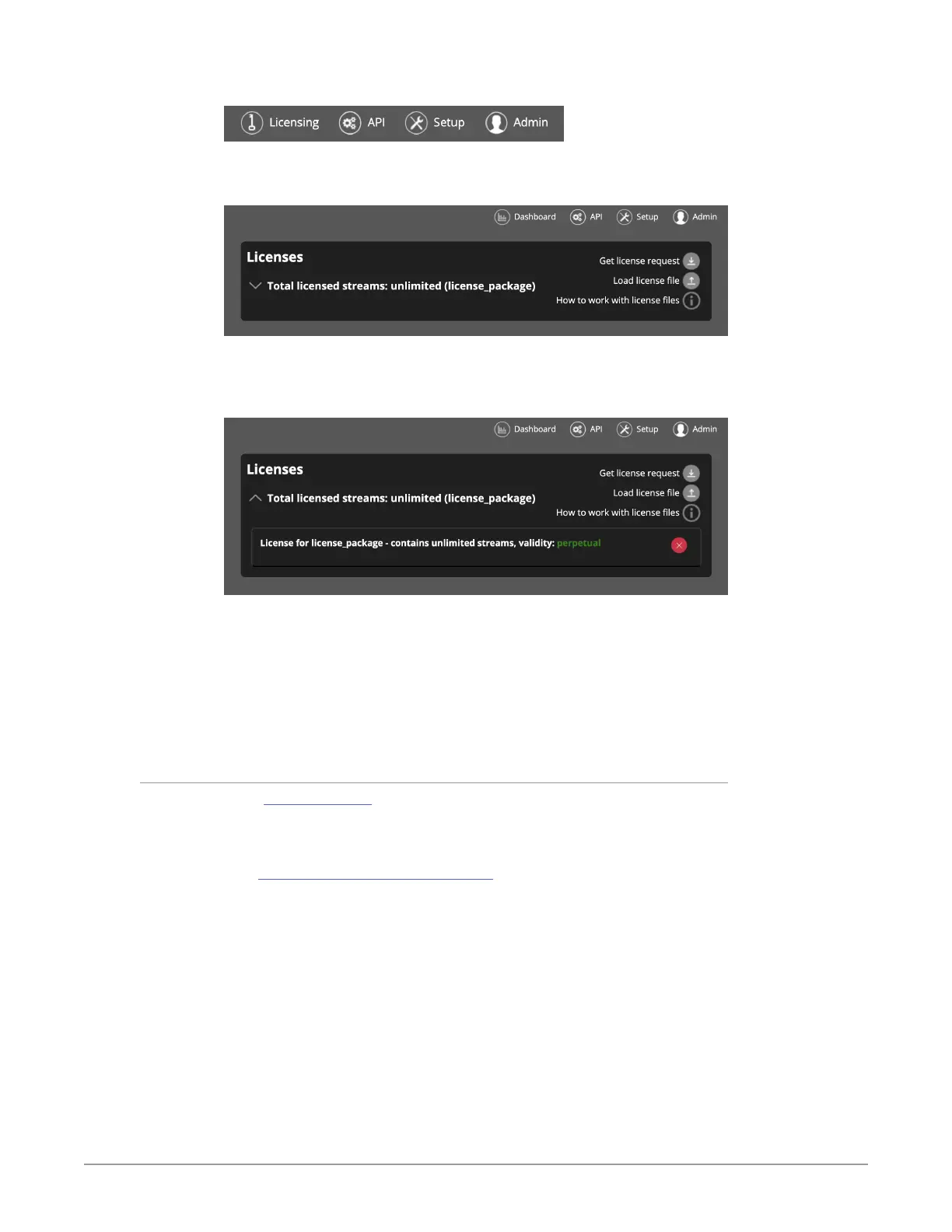
Figure 157. The Licensing menu
The Licenses page displays.
Figure 158. The Licenses page
2. Click the downward pointing disclosure triangle to display your License
Package details for your previously installed License Package.
Figure 159. The Licenses page displaying previously installed License Package
3. Click the red “X” icon to the right of the currently installed License Package
to remove it.
4. Next, with no License Package present, click Load license le. A navigation
window opens.
5. Navigate to your new License Package location, choose the le, and select
Open. The new License Package will install.
Contacting AJA Technical Support
Email: support@aja.com
Phone: +1-530-271-3190
Fax: +1-530-274-9442
Web: https://www.aja.com/support/contact
Shipping: 180 Litton Dr. Grass Valley, CA 95945 USA
With the Installation ID in hand, contact AJA Support. AJA Support will assist
you with placing your order for an additional license. You will receive the license
through an email attachment or download link. Download the license file to a
place that is accessible to you through the BRIDGE LIVE web UI.
Next, navigate to the License page by clicking Licensing in the upper right area
of Dashboard.



 To Next Page