BRIDGE LIVE Video I/O and Streaming Appliance v1.12 115 www.aja.com
Chapter 11 – Using REST API
The REST API is accessed with standard methods, including through the browser
URL field and through Curl commands.
Can use other methods too. Can use through web browser. For automation,
would use something like Curl. But it is a typical REST API in terms of how
someone would access and use it.
Accessing the API Documentation
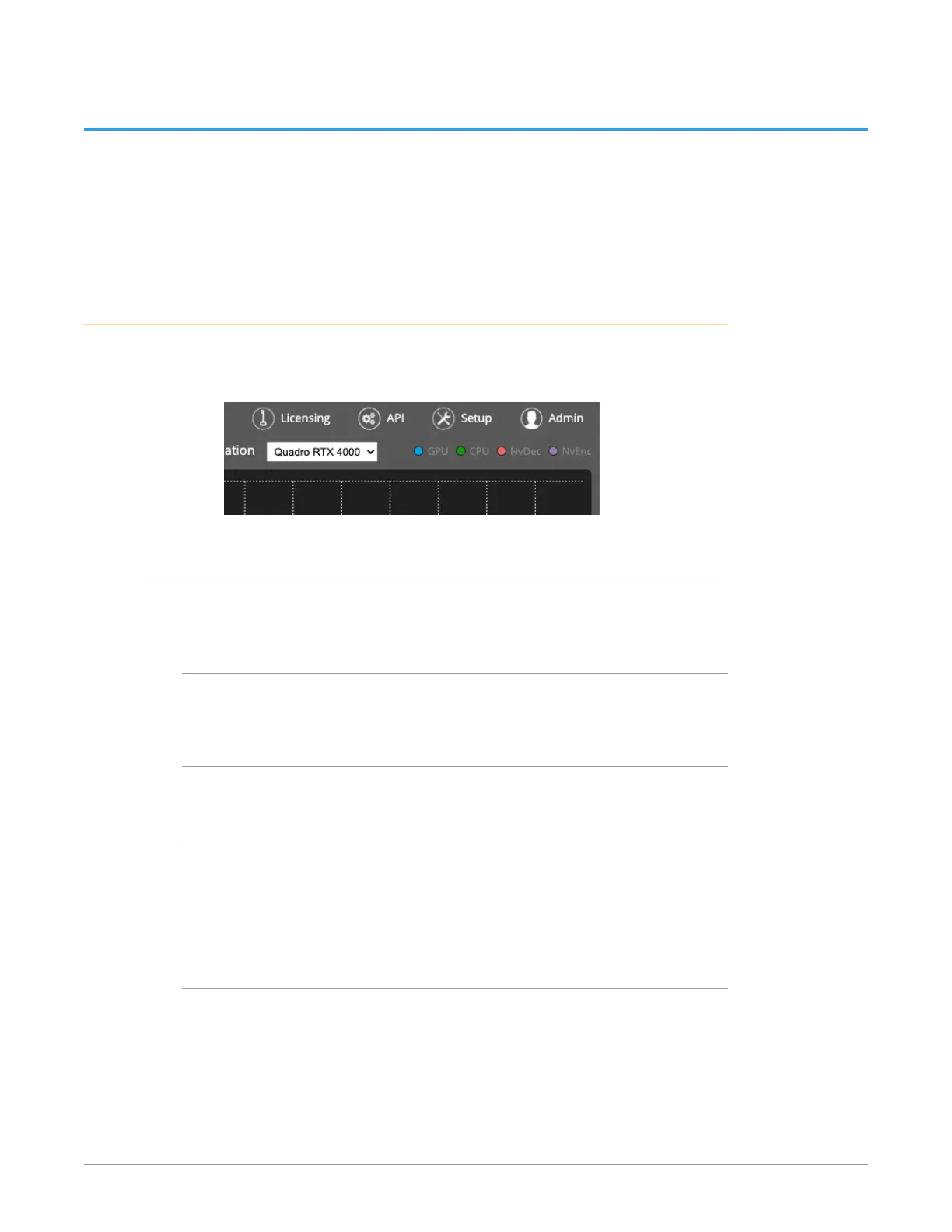
BRIDGE LIVE is REST API ready. You can access the complete API documentation
by selecting the API button in the top right corner of Dashboard.
Figure 173. The API button
Featured Curl commands
The API documentation is extensive. However, the following list of certain Curl
commands may be especially useful as you get started:
list network interfaces
• $ curl 'http://localhost:8080/api/system/network-interfaces' -i -H 'Accept:
application/json'
list all available pipelines
• $ curl 'http://localhost:8080/api/pipelines' -i -H 'Accept: application/json'
add simple pipeline with input stream data
• $ curl 'http://localhost:8080/api/pipeline' -i -X POST -H 'Content-Type:
application/json' \ -d '{ "name" : "Pipeline 3", "source" : "udp://127.0.0.1:5000:lo",
"complianceWith" : "TR_01", "video" : { "format" : "J2K", "width" : 1920, "height"
: 1080, "sampling" : "4:2:2", "depth" : 10, "framerate" : "24", "fieldOrder" :
"PROGRESSIVE" } }
get the state of pipeline with ID 0
• $ curl 'http://localhost:8080/api/pipeline/0/state' -i -H 'Accept: application/
json'



 To Next Page