BRIDGE LIVE Video I/O and Streaming Appliance v1.12 86 www.aja.com
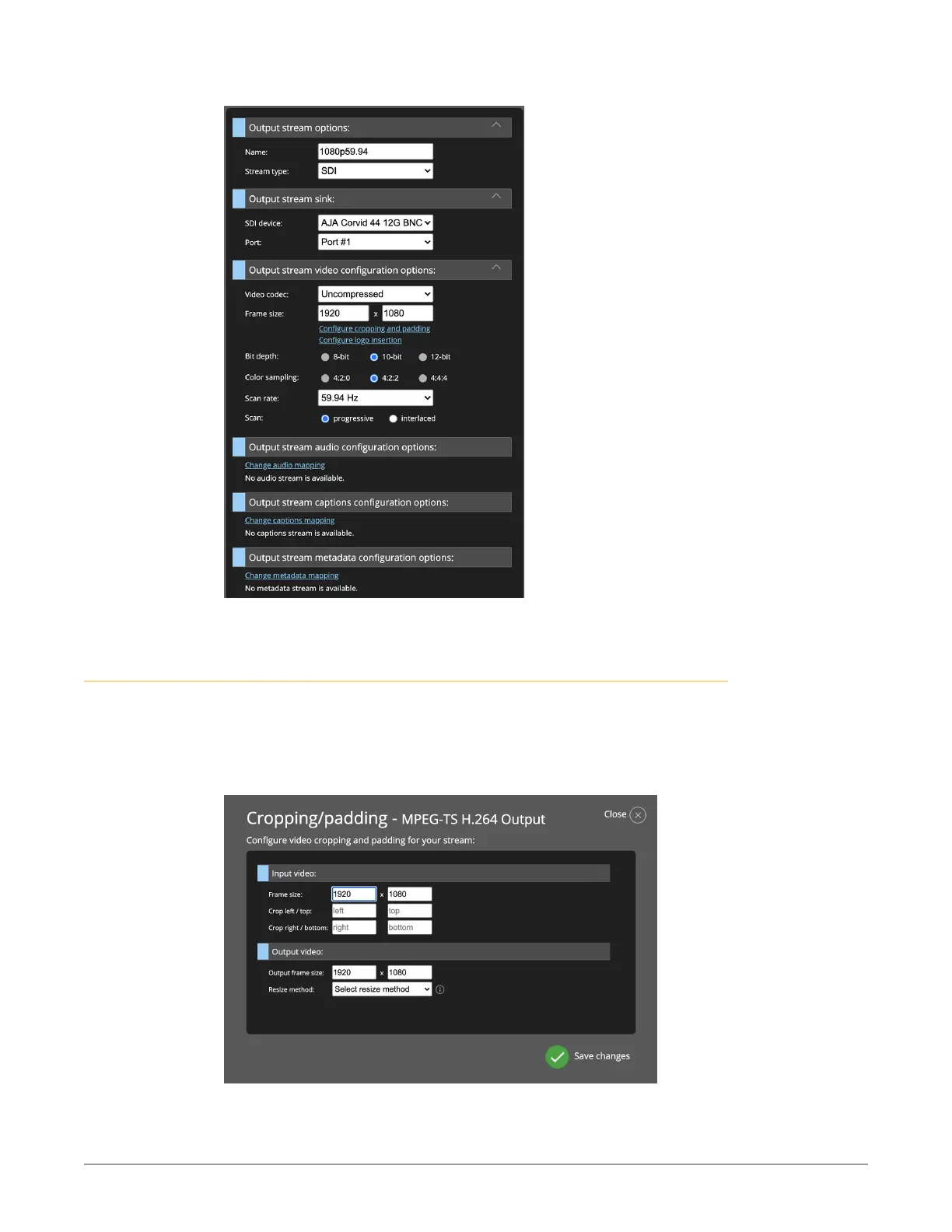
Figure 131. SDI Output Example
Output Stream Cropping and Padding
In order to address how you want BRIDGE LIVE to handle resolution change, use
the Cropping/Padding configuration window to adjust settings for the input
video and output video. Click Configure cropping and padding in the Output
stream video configuration options area to access the configuration window.
Figure 132. The Cropping/Padding configuration window
For the input video, you can adjust frame size, left/top cropping and right/
bottom cropping.



 To Next Page