BRIDGE LIVE Video I/O and Streaming Appliance v1.12 36 www.aja.com
12. Set Prole to Main.
13. Set GOP size to 2x the frame rate. For example, 1080p29.97 = GOP of 60).
Audio Settings
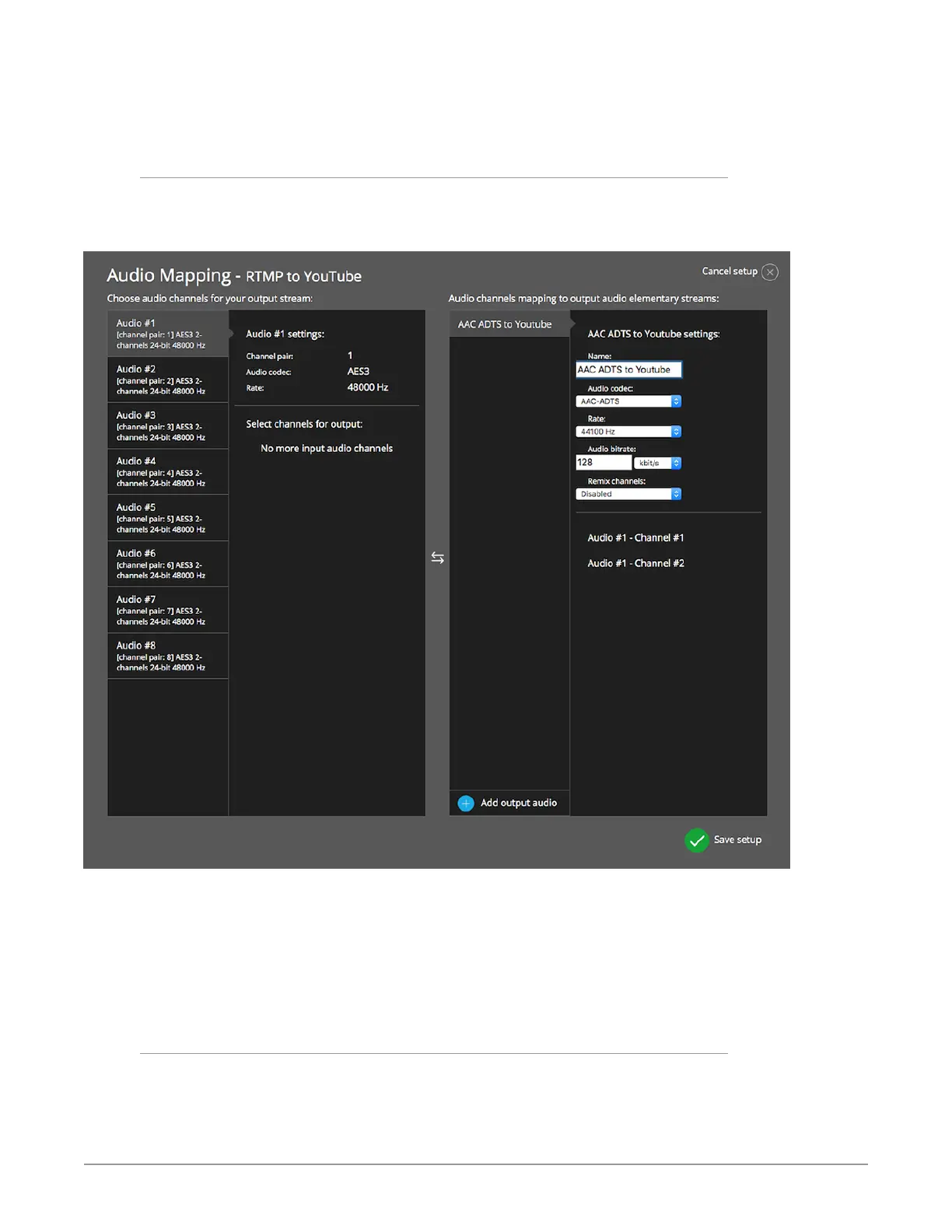
1. Under Output stream audio configuration options, click Change audio
mapping.
Figure 37. Audio Mapping RTMP to YouTube
2. Name your Output Audio settings.
3. Select AAC-ADTS under Audio codec.
4. Set Rate to 44100 Hz.
5. Set Audio bit rate to 128 kbit/s.
6. Click Save setup.
YouTube Studio Live Streaming Page
1. Go to your YouTube Studio live streaming page.



 To Next Page