BRIDGE LIVE Video I/O and Streaming Appliance v1.12 23 www.aja.com
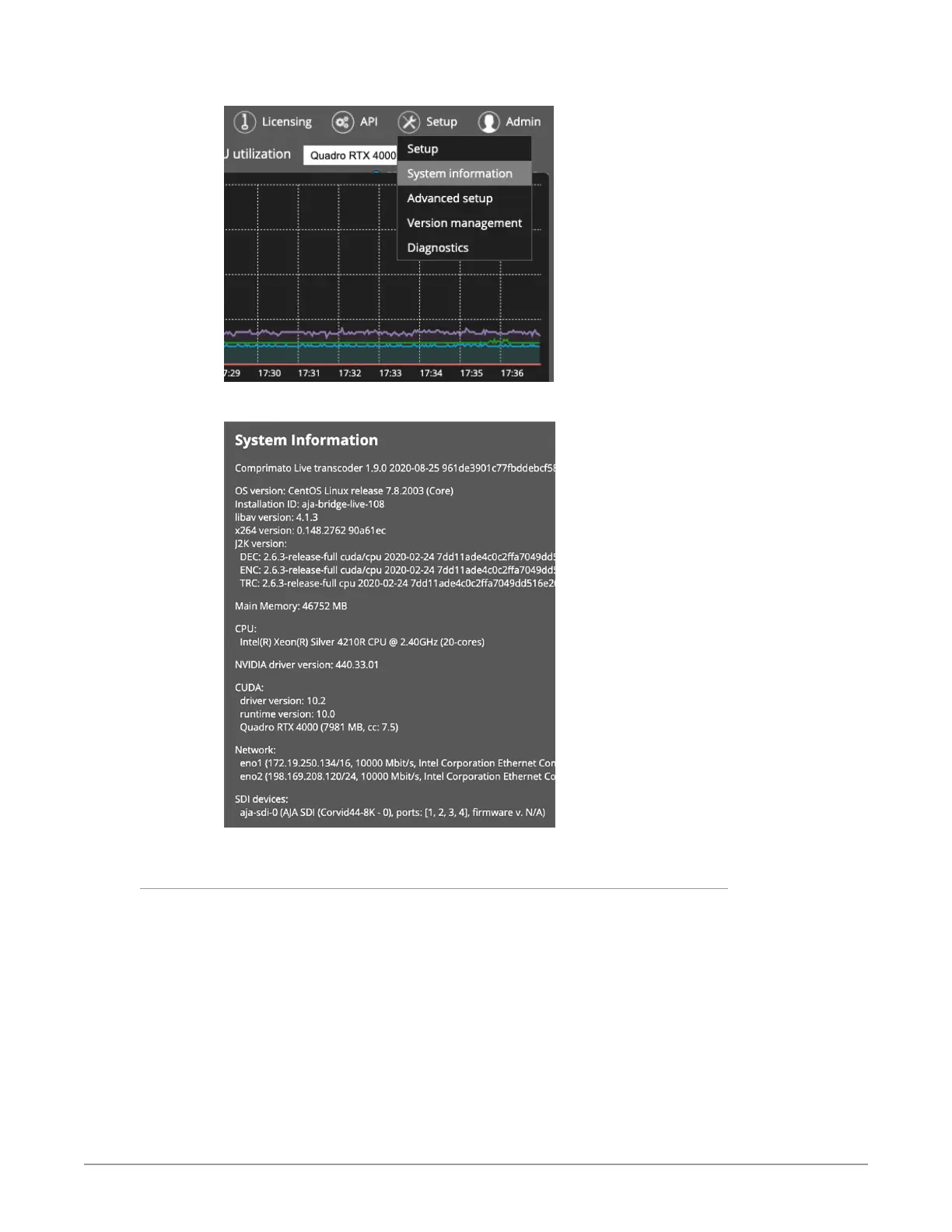
Figure 17. Selecting System information from the Setup menu
Figure 18. System Information
Stream Configuration
The bottom left corner of the Dashboard has an Add new pipeline button for
adding a new pipeline. Selecting it directs you to the setup window. This is
the same window accessed when you want to change the configuration of an
existing stream. From the left column, click on a stream you want to change, and
the stream settings window displays as shown in Figure 19.
If you need to get back to the main Dashboard view, click on the AJA/Comprimato
logos in the top left of the application window.



 To Next Page