BRIDGE LIVE Video I/O and Streaming Appliance v1.12 24 www.aja.com
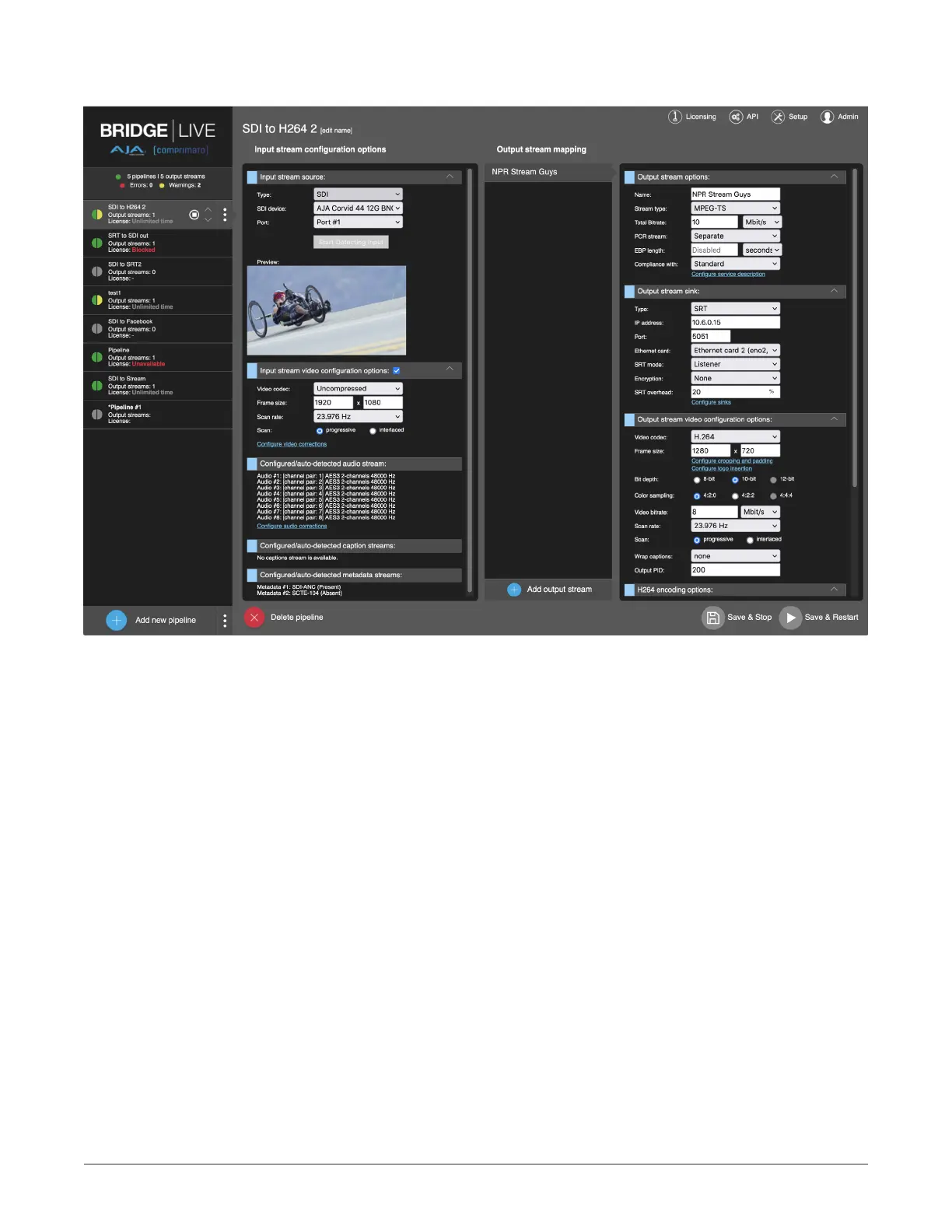
Figure 19. BRIDGE LIVE UI - Changing Stream Configuration
Figure 19 shows a dialogue window to select the input stream source type. You
can choose the input type – SDI input, RTP/UDP, UDP, SRT, NDI, or HLS. If you
select the SDI input, select the SDI card (AJA Corvid 44 12G BNC) and the Port for
the video input.



 To Next Page