BRIDGE LIVE Video I/O and Streaming Appliance v1.12 105 www.aja.com
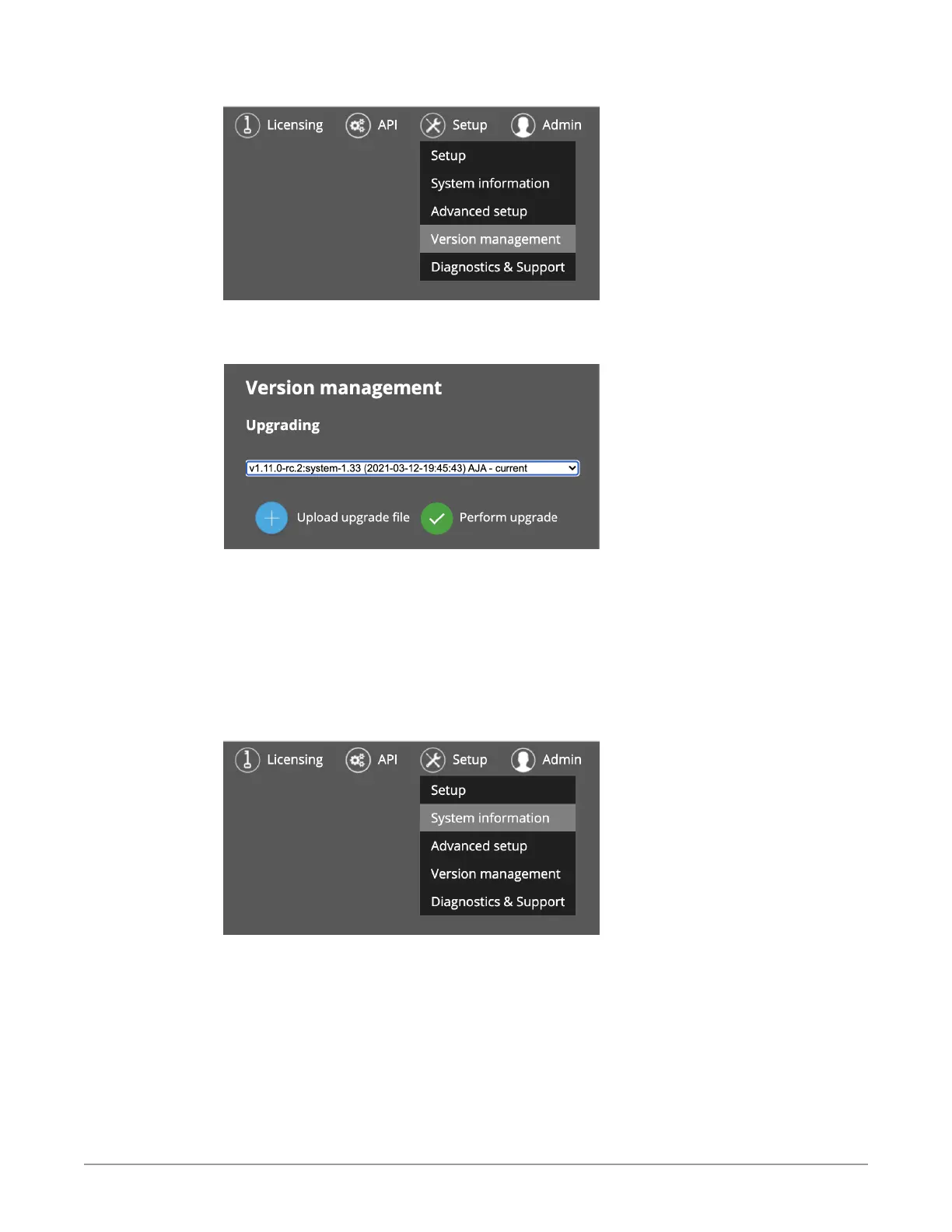
Figure 161. Accessing the Version management page from the Setup menu
The Version Management Upgrading page displays.
Figure 162. Version management Upgrading page
5. Select Upload upgrade le and navigate to the /mnt folder where the
upgrade le is located.
6. Select the upgrade le, then click Perform upgrade. BRIDGE LIVE will
upload and install the update. This may take several minutes.
Your BRIDGE LIVE unit will be upgraded to the version that you just uploaded.
Following the upgrade, you can verify the version installed if you like by
navigating to Setup > System information.
Figure 163. Accessing the System information page from the Setup menu
The System Information page displays, indicating the version number currently
installed and running.



 To Next Page