BRIDGE LIVE Video I/O and Streaming Appliance v1.12 21 www.aja.com
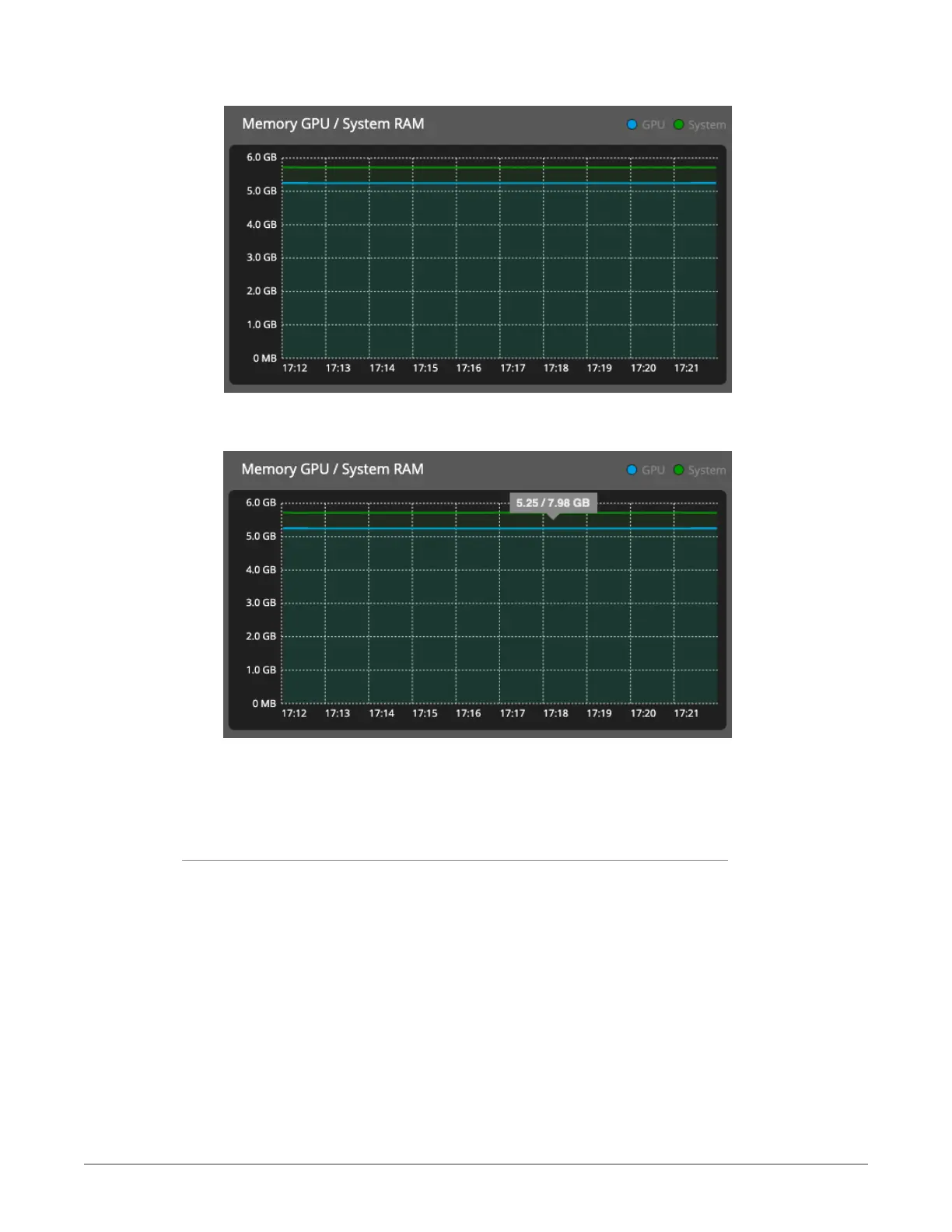
Figure 13. Memory GPU/System RAM panel of Dashboard
Figure 14. Memory GPU/System RAM panel of Dashboard showing mouse-
over message
When you hover the mouse over the line in the graph, a mouse-over message
reports the amount of memory used followed by the amount of memory that is
available.
Lower Panel
In the lower panel of Dashboard, you can see a list of all existing streams – both
input and output. Use the Stream statistics radio buttons to filter by All, Input
stream only, or Output stream only. You can also search for a particular stream
using the search tab in the upper right section of the panel. See Figure 13 below.
NOTE: Pipelines that are still being configured and have yet to be applied will not display
in the stream statistics area.



 To Next Page