FS3 Frame Synchronizer/Converter v1.1r1 76 www.aja.com
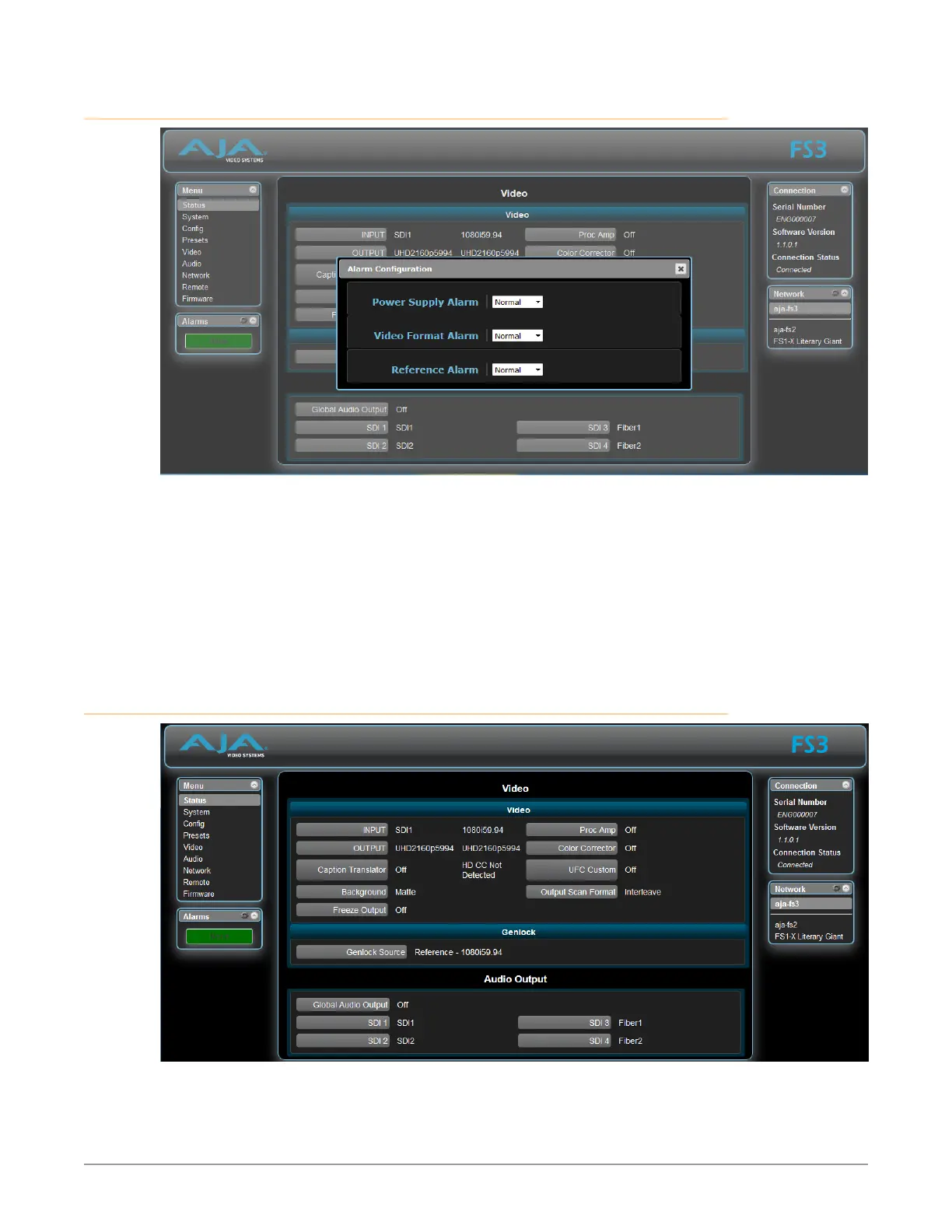
Alarm Configuration Screen
You can pop open the Alarm Configuration display at any time and on any screen
by clicking the gear button in the upper part of the Alarms panel.
To close the window, press the ESC key, or click the X in the upper right corner.
The Alarm Configuration display provides control over these alarm settings:
• "5 Power Supply Alarm" on page 41)
• "6 Video Format Alarm" on page 42)
• "7 Reference Alarm" on page 42)
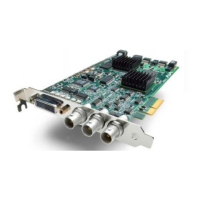
Status Screen



 To Next Page