Basic operation
36
How to delete the channel you have selected.
1 Press the 'right' button until the 'Yes' on the screen
is yellow.
2 Press the 'SELECT' button.
3 This will delete the channel number from the
'Channel List' and from the memory in the set-top
box.
To cancel deleting the channel you have selected.
1 Press the 'right' button until the 'No' on the screen is
yellow.
2 Press the 'SELECT' button.
3 No changes will be made.
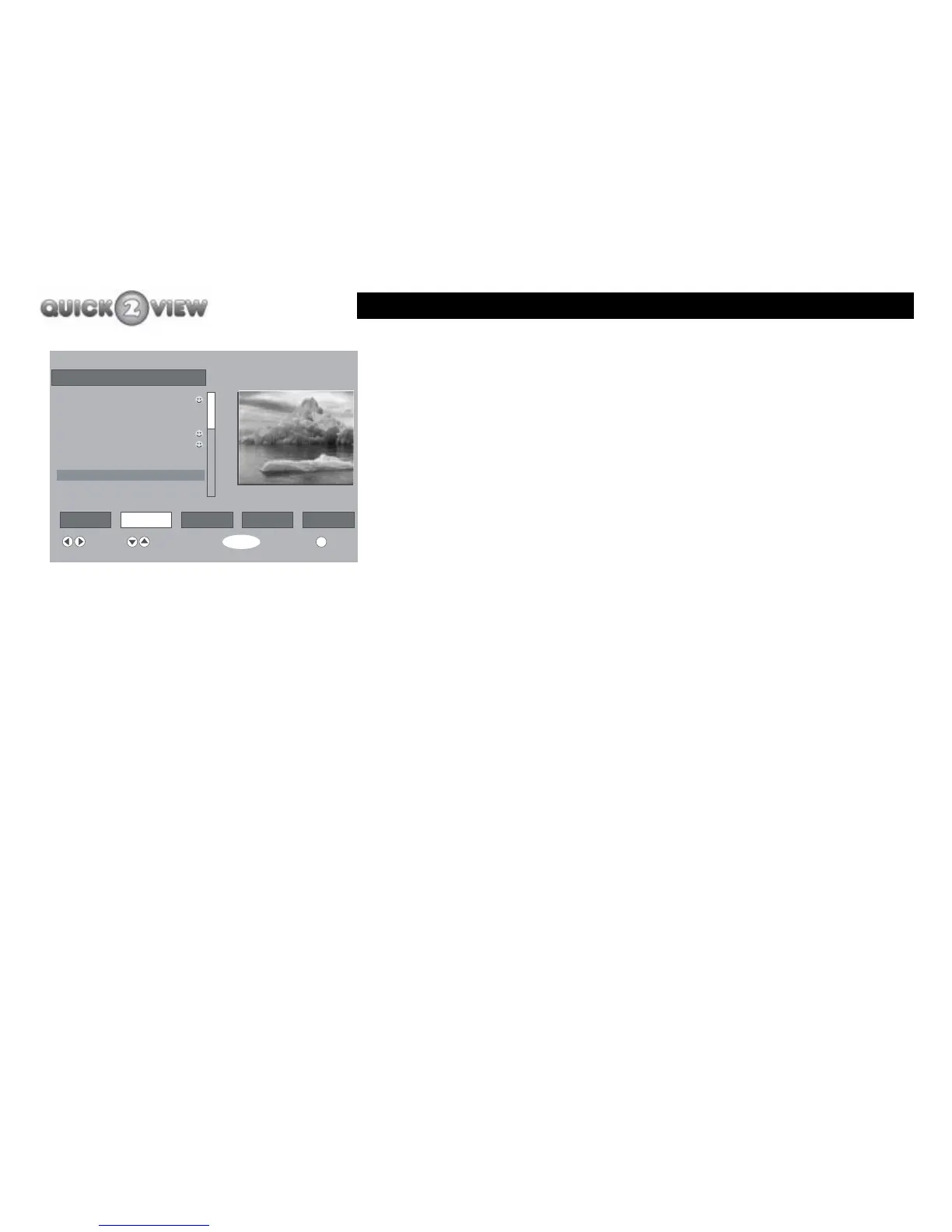
6 ITV2
i
Channel List
Select Delete Edit Name Lock Favourites
Function Select Channel Watch More
SELECT
1. BBC ONE
2. BBC TWO
3. ITV1
4. Channel 4
5. BBC THREE
6. ITV2
7. BBC THREE
10. ITV3
11. SKY THREE



 To Next Page