Basic operation
37
How to rename a channel
You can rename a channel with up to 14 different characters or
numbers (this includes spaces) in the name. You can enter more
that 14 characters for the new name but the list will only display
the first 14.
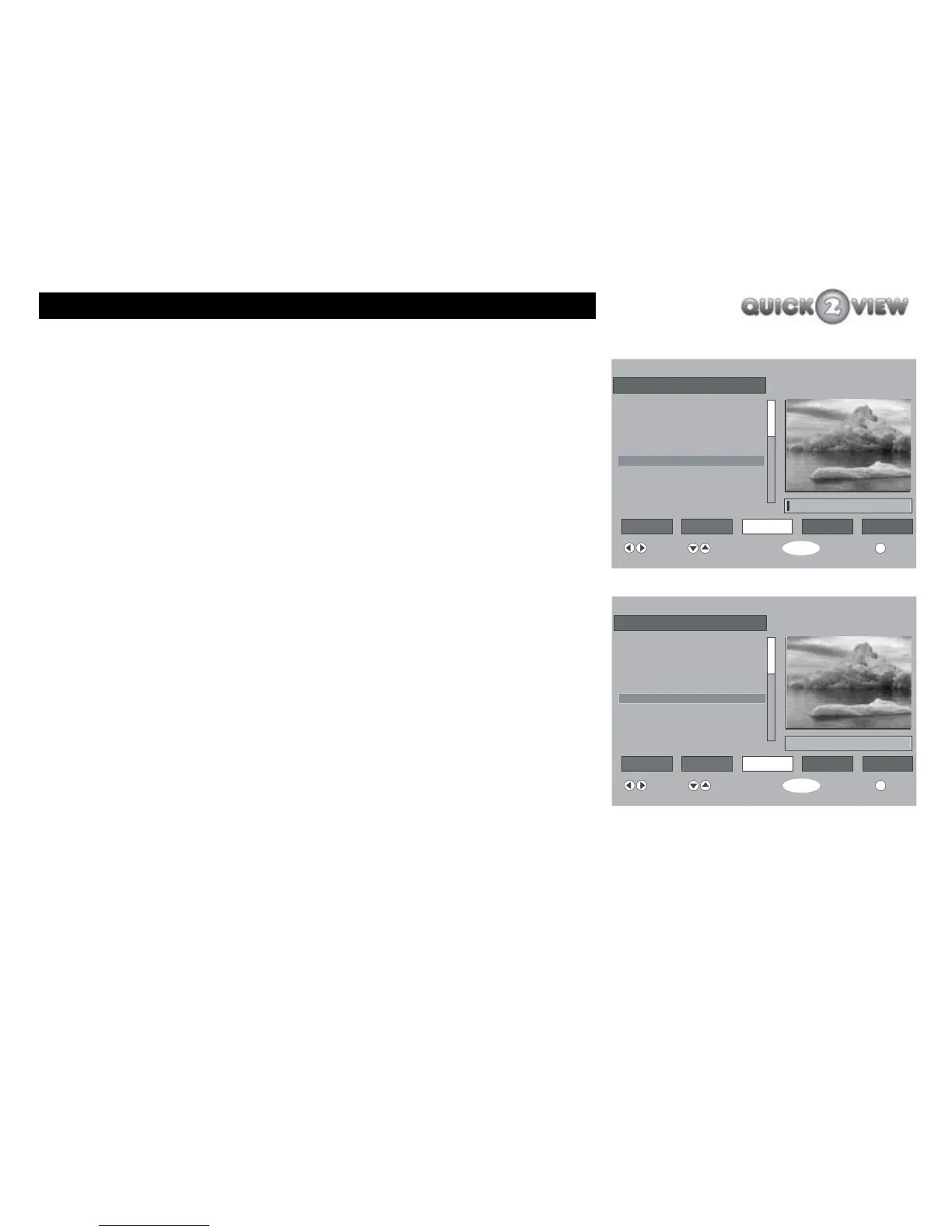
1 Select the channel you want to rename.
2 Press the 'right' button to highlight 'Edit Name' on
the screen.
3 Press the 'SELECT' button.
4 The current name of the channel will now appear on
the screen in the edit box with the cursor (a black
rectangle) on the first character in the edit box.
You have a choice of characters to rename the channel you
have selected. You select each character using the 'up' and
'down' buttons to step through the different characters. The
characters are displayed over the cursor.
When you have selected the character you want, move the
cursor to the next position in the edit box to choose the next
character.
6 ITV2
i
Channel List
Select Delete Edit Name Lock Favourites
Function Select Channel Watch More
SELECT
1. BBC ONE
2. BBC TWO
3. ITV1
4. Channel 4
5. Five
6. ITV2
7. BBC THREE
10. BBC FOUR
11. Sky Travel
ITV2
6 ITV2
i
Channel List
Select Delete Edit Name Lock Favourites
Function Select Channel Watch More
SELECT
1. BBC ONE
2. BBC TWO
3. ITV1
4. Channel 4
5. Five
6. ITV2
7. BBC THREE
10. ITV3
11. SKY THREE
Nature



 To Next Page