BEFORE SYSTEM INSTALLATION
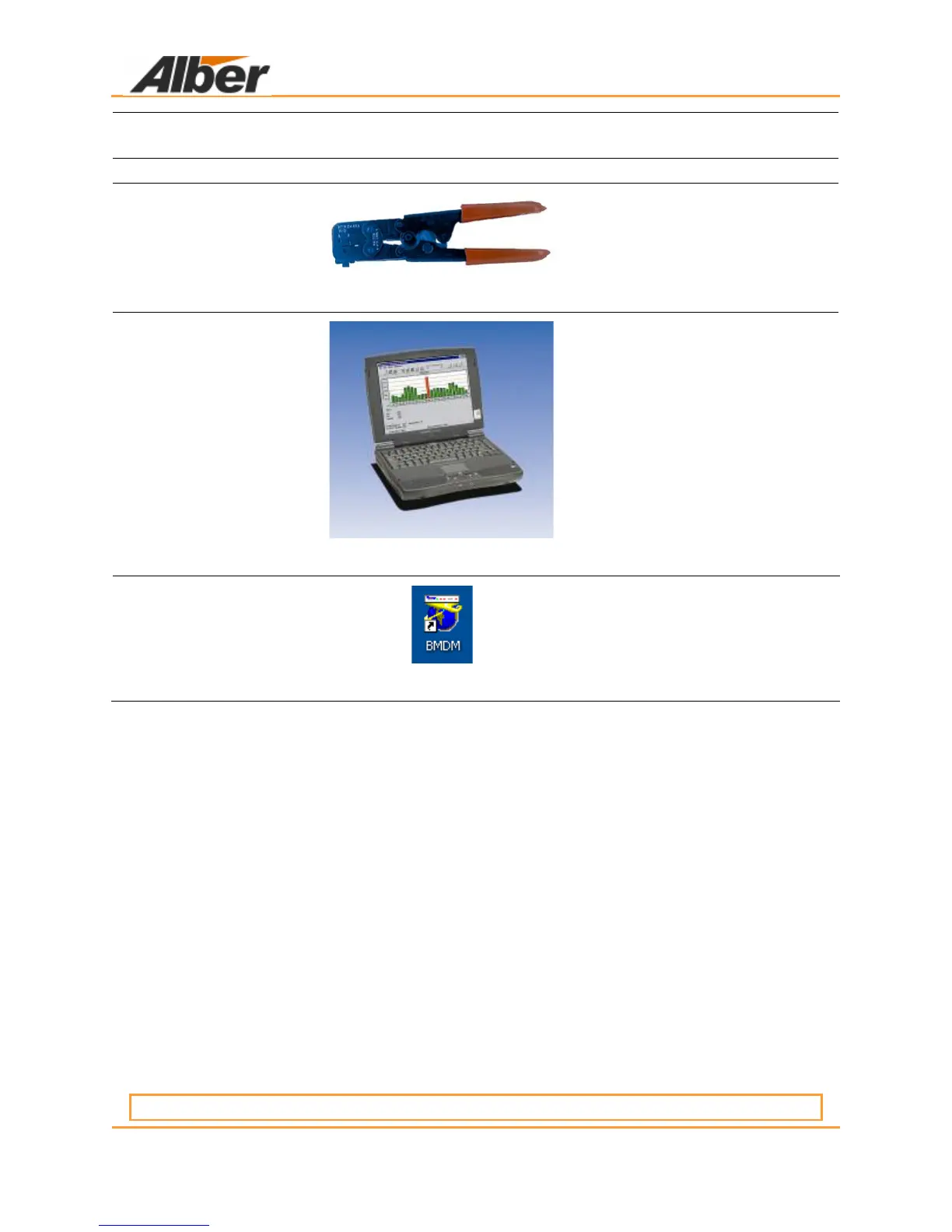
Molex Crimp Tool
HTR 2445 A
pn 5400–006
Figure 26. Molex Crimp Tool
For crimping specific Molex
pins on specific FCCPs
Computer/Printer
LT pn 2025–058
DT pn 2025–054
Printer pn 2025–127
Figure 27. Computer/PC
To review data, monitor
alarms etc.
BMDM Software
pn 2027–001
Figure 28. BMDM Software Icon
Help to monitor the systems
and capture data for reporting,
etc.
5.7 Building Management System Integration
The BDS–40 system can be connected to building management systems. This integration
requires writing software that can communicate with the BDS. The communication protocol is
MODBUS ASCII. The user may obtain a register map from Albércorp. or download it from the
Albér Web site technical library at www.Albér.com. The connections are made via the RS–232
DB–9 connectors on the rear panel. The only connections made are TX–Pin 2, RX–Pin 3, and
GND–Pin 5.
5.8 Panel Controls And Indicators
Items on the front and rear panels are described in the Product Description Guide. Additional
descriptions may appear elsewhere in this manual.
5.9 BDS System Specifications
Specification sheets for the discrete components in a typical BDS system are in the BDS–40
Monitor Product Description Guide.
6 BEFORE SYSTEM INSTALLATION
6.1 Required Drawings
IMPORTANT NOTE:



 To Next Page