Final Steps Communication Connections
9.3 Communications Connections
Communication connections to the BDS can be via:
1. a modem,
2. the USB (front panel)
3. RJ–45 and RS–232 (rear panel).
All methods allow battery parameters to be checked. Connection to a BDS can be via a modem
or Wide Area Network/WAN from a remote location or on–site using the RS–232 Local port,
Local Area Network/LANport or USB port. Any method lets the user check all battery
parameters. When connecting via modem, use 26AWG (minimum) Telco line cord. Refer to
BDS–1193–B986.
9.3.1 Modem
The BDS can connect to a telephone line using the TELCO RJ–11 connector on the rear panel.
To communicate with a BDS from a remote location, connect the BDS rear panel modem
connector to a telephone line. Connect the remote computer’s modem to the telephone line
according to the computer manufacturer's instructions.
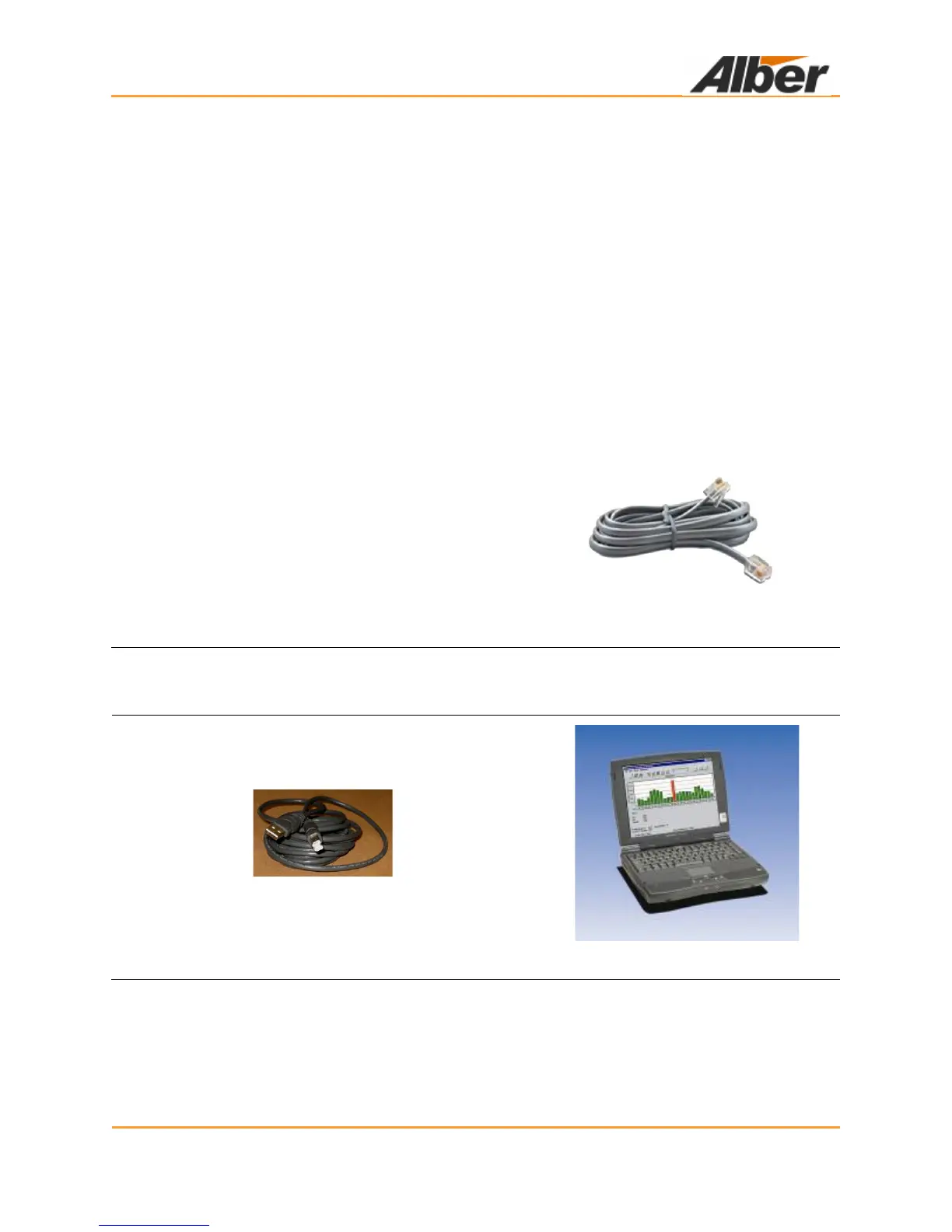
When connecting via modem, use 26AWG
(minimum) TELCO line cord. Pins 2 and 3 of the RJ–
11 TELCO connector are for the tip and ring
connection.
Figure 46. TELCO RJ–11
Modem Connection
9.3.2 USB
Use the front panel USB port for connecting a portable computer for service or data analysis.
Figure 47. USB Cable
Figure 48. Laptop



 To Next Page