9.3.3 RS–232
Use the 9–pin RS–232 Local port on the rear panel of
the Controller for connecting to a permanent Local
computer or a building management system.
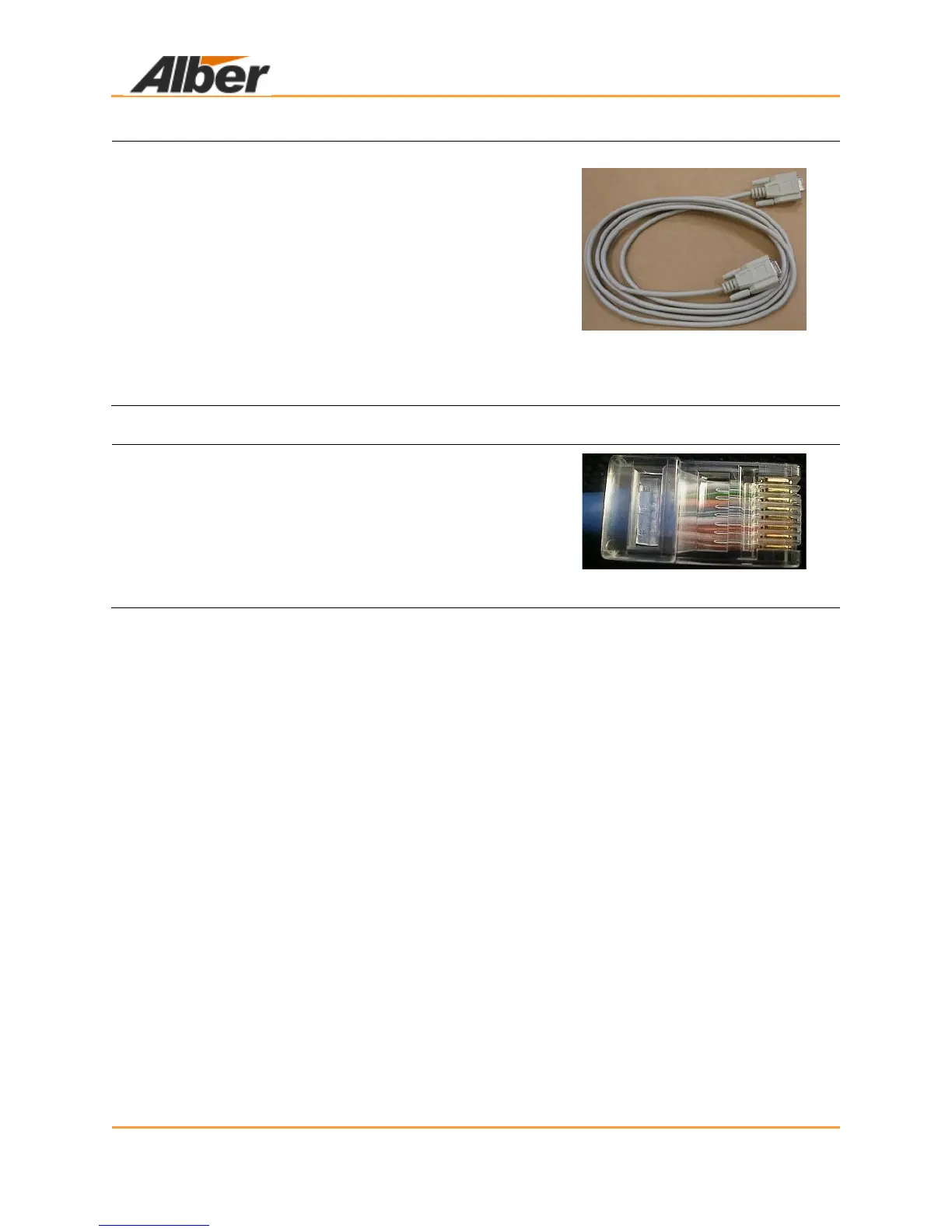
For a permanently connected computer, connect a 9–
pin female to female cable (pin to pin construction) to
the rear panel port available and to an available port
on the computer to be used.
The connection between the BDS and the computer
must not exceed 25 feet.
Figure 49. RS–232 9 Pin Female
to Female Cable
9.3.4 RJ–45
If the network option is installed, there is an RJ–45
connector installed on the rear panel.
Connect an Ethernet patch cable between the
controller and the network to be utilized.
Figure 50. RJ–45
10 Drawings



 To Next Page