Getting to know your telephone
12 /45 8AL90627ENAA ed02
1.2 Permanent features keys
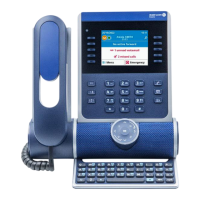
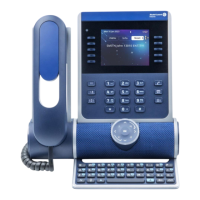
This chapter displays all permanent features keys available on your desk phone. They are located
around the screen and on the Smart Pad.
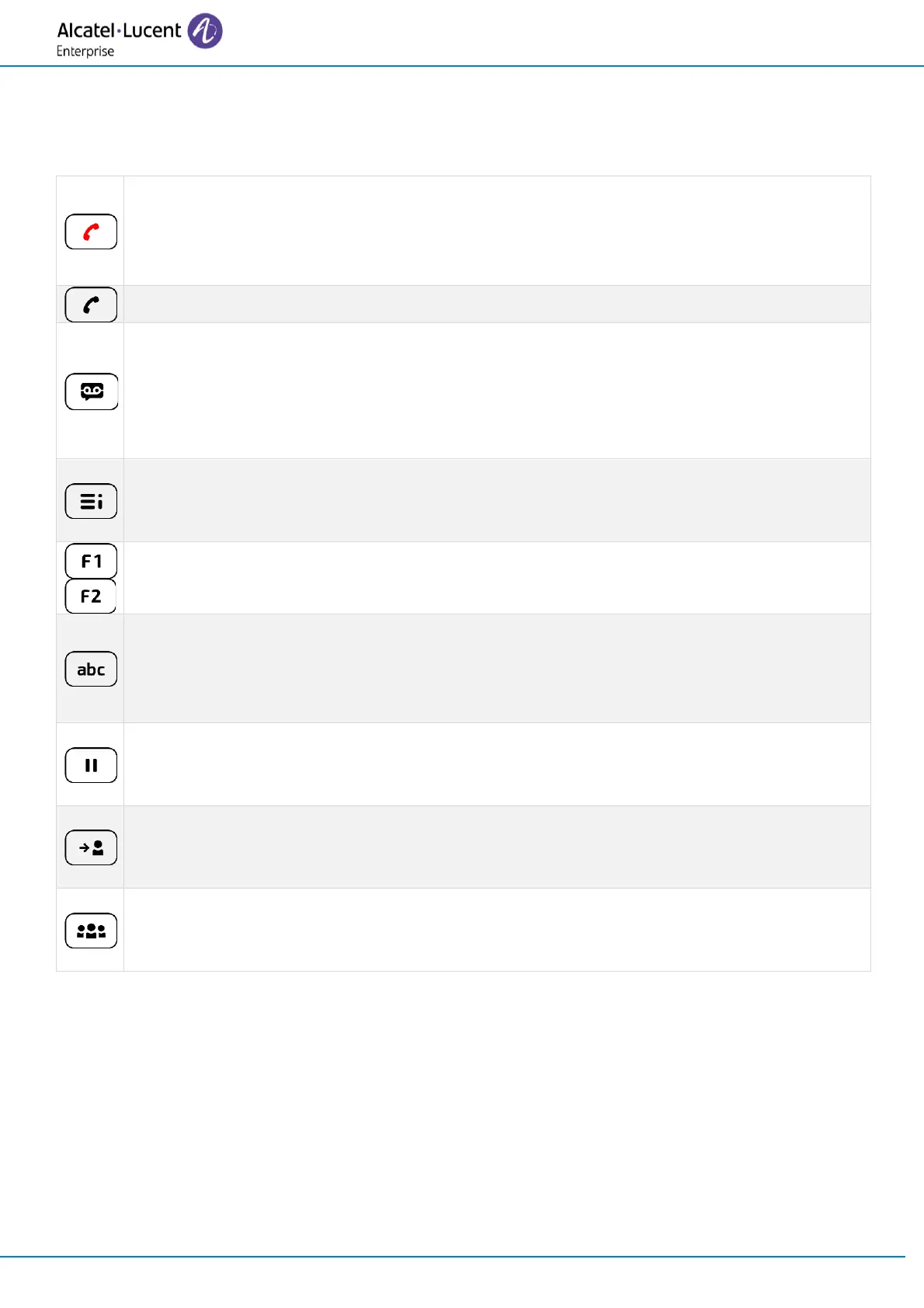
• Hang up key (lit in red) to end a call or to go back to the homepage during
configuring.
• When you receive a call, the key is blinking red and you can ignore the call by
selecting it. Your phone no longer rings but the call is still presented.
• Redial key: to access the 'Redial' feature (long press).
• Messaging key to access the messaging portal (redial list with outgoing calls, voice
messages and text messages).
This key flashes blue when there is a new event such as a new voice message or a
new instant message. The key remains lit until all events are acknowledged or
deleted.
• Quick access to user local menu (short press).
• Used to obtain information on functions of the 'menu' page and to program key of
the 'perso' page (long press).
• Programmable keys (F1 and F2 keys). Lit when the function associated with the key is
activated. A service or a direct call can be associated to these keys.
• Alphanumeric key
Switch between the alphabetic and numeric dialpad.
• Programmable key when a magnetic keyboard is connected to the desk phone (ALE-
100).
• Hold: the call is placed on hold. This key depends on the system configuration and
countries as United States.
• Programmable key when not configured as hold key.
• Transfer: transfer the call to another number. This key depends on the system
configuration and countries as United States.
• Programmable key when not configured as transfer key.
• Conference: establish a three-party conference call. This key depends on the system
configuration and countries as United States.
• Programmable key when not configured as conference key.


 To Next Page