Getting to know your telephone
8AL90627ENAA ed02 19 /45
1.7.2 LED management
The icons displayed depend on the system configuration. Some keys must be programmed by your
administrator. LED behavior may differ depending on the system configuration. For more
information, contact your installer or administrator.
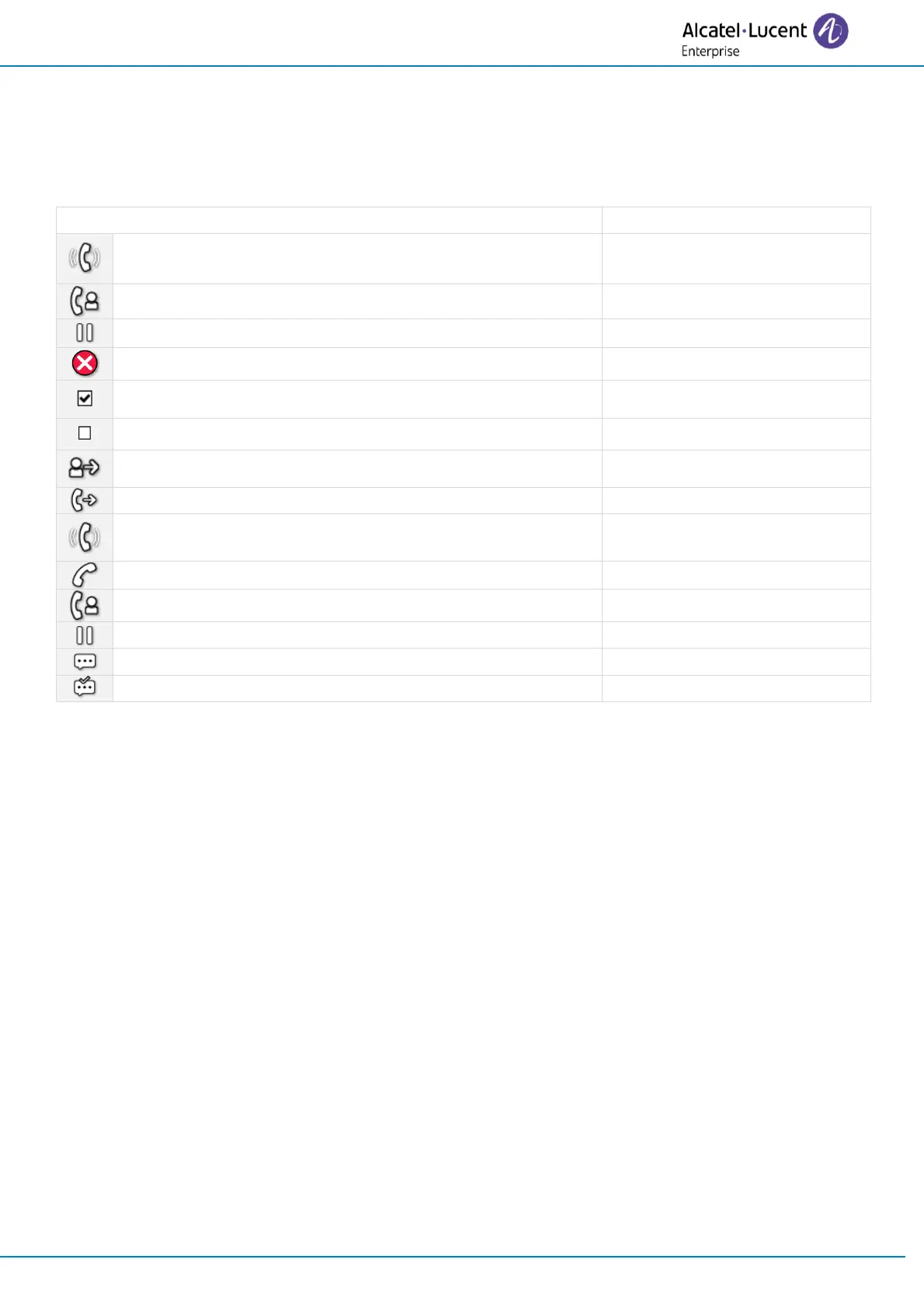
You receive an incoming call from the programmed
contact.
You are in conversation with the programmed contact.
You place the programmed contact on hold.
Do not disturb your programmed contact.
Supervised contact (free).
The supervised contact receives an incoming call
(ringing). You can pick up the call by clicking the key.
The supervised contact is in a conversation.
You are in a conversation with the supervised contact.
The supervised contact puts the call on hold.
Unread message on supervised set.
Read message on supervised set.


 To Next Page