Getting to know your telephone
8AL90627ENAA ed02 17 /45
1.7 Programming keys for call numbers and functions (Perso page/F1 and
F2 keys/Add-on keys)
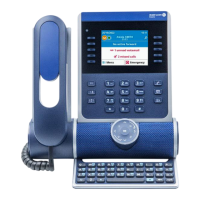
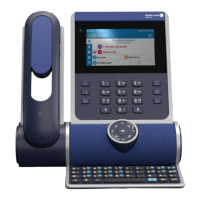
If your desk phone is equipped with the magnetic keyboard, use it to enter letters. If not,
use the alphanumeric keyboard to enter letters. Use the alphanumeric keyboard key to switch
between the numeric and alphabetic keyboard. When in alphabetic mode, the LED corresponding
to the key remains lit up.
The following keys can be configured:
• Softkeys of the Perso page.
• Keys/softkeys of the add-on module.
• F1 and F2 keys.
• Abc' key in case a magnetic keyboard is connected (ALE-400, ALE-300, ALE-100).
The following functions and services can be set on a softkey:
• Line key: make calls using a specific telephone line.
• Speed dial key (direct call key): dial a pre-defined phone number.
• Function key: access special features such as voicemail, call transfer, call hold, conference,
do not disturb, etc.
• Hunt group key: enter or exit a hunt group. The hunting group enables calls to be
distributed from a single number to a group of several phone numbers. If your phone
number is part of a hunting group, it can be reached via the hunting group number.
Belonging to a group does not affect the management of direct calls. A specific telephone
within a group can always be called by using its own number.
• Supervision key: monitor supervised contact. Supervision provides selective monitoring
combined with a display showing calling and called parties. The notified call can be
answered by the designated 'Supervisor'. It also shows whether or not the line is busy (BLF –
Busy Light Field), so you can learn when to call or transfer a call to the supervised contact.
The function or services available depend on the system configuration. Some keys can only be
programmed by your system administrator. Contact your administrator if necessary.


 To Next Page