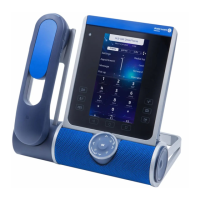
Operator station (OS) Basic features
24 /45 8AL90627ENAA ed02
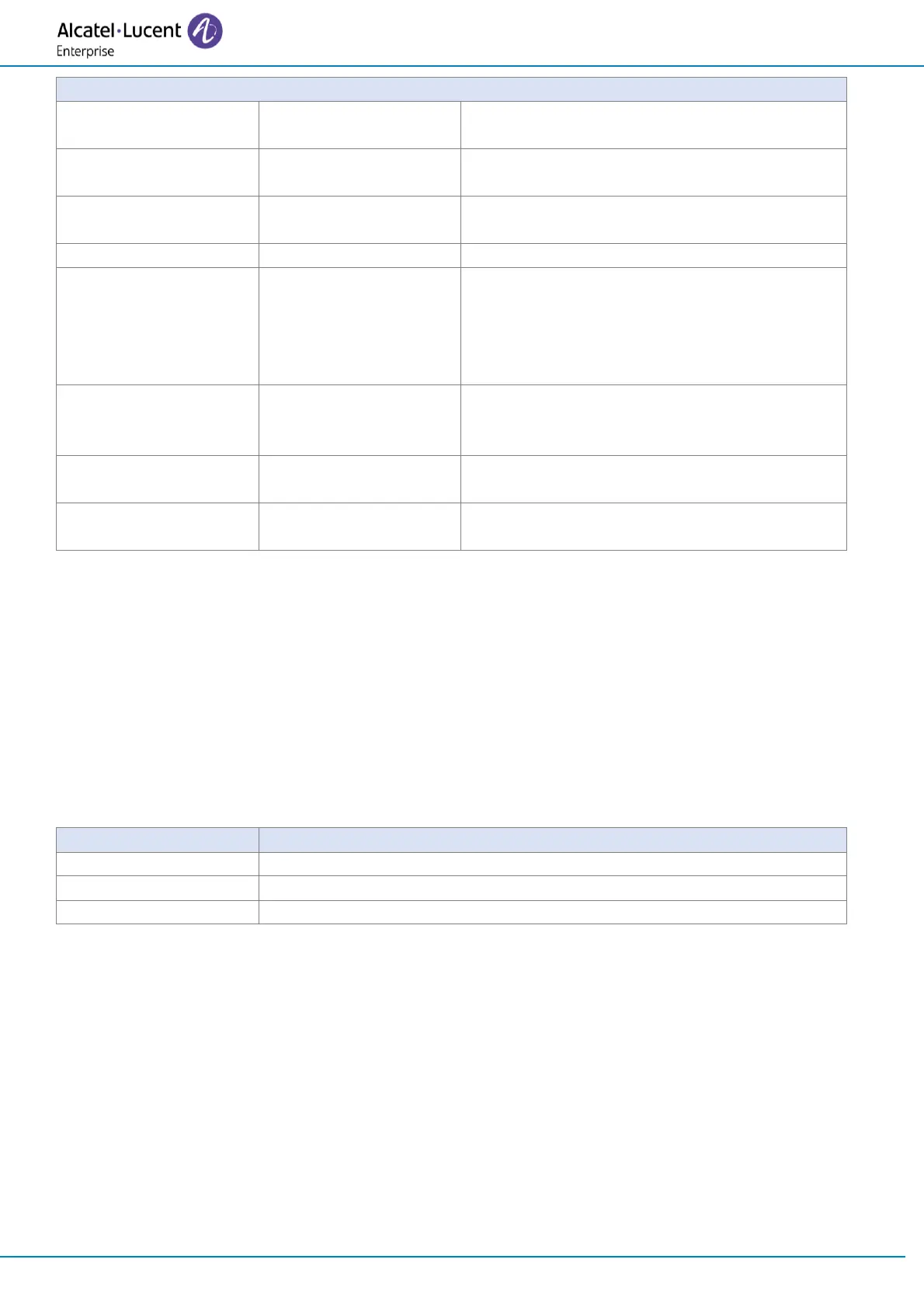
To activate ringing on the forwarding
destination set.
To release both the forwarding destination
set and the forwarded set.
To call the forwarded set despite the
forwarded status of the set.
To release the forwarded set.
To ring automatically the busy set as soon as
the user has hung up.
After having activated call waiting, use the
followinf softkey to deactivate it: Camp on
off.
To barge in the conversation between the
called set and the external party. To exit,
press the following softkey: Intrude off.
To send a call-back request to the forwarded
set.
To send a call-back request to the
forwarding destination set.
2.4 Calling an external user
To call an external user, the attendant can dial an external access prefix or an ARS prefix.
'Trunk group name' in the telephone area is the name of the group of external lines.
'External' in the telephone area indicates that the ARS feature selects the 'optimum' route for the
external call.
Release: Pressing this softkey releases the current call and returns the attendant set to idle state.
Available softkeys when dialing the number or when the number is dialed:
To correct the last digits dialed in case of dialing mistake.
To release the current call.
To activate ringing on the called external set.



 To Next Page