Getting to know your telephone
6 /45 8AL90627ENAA ed02
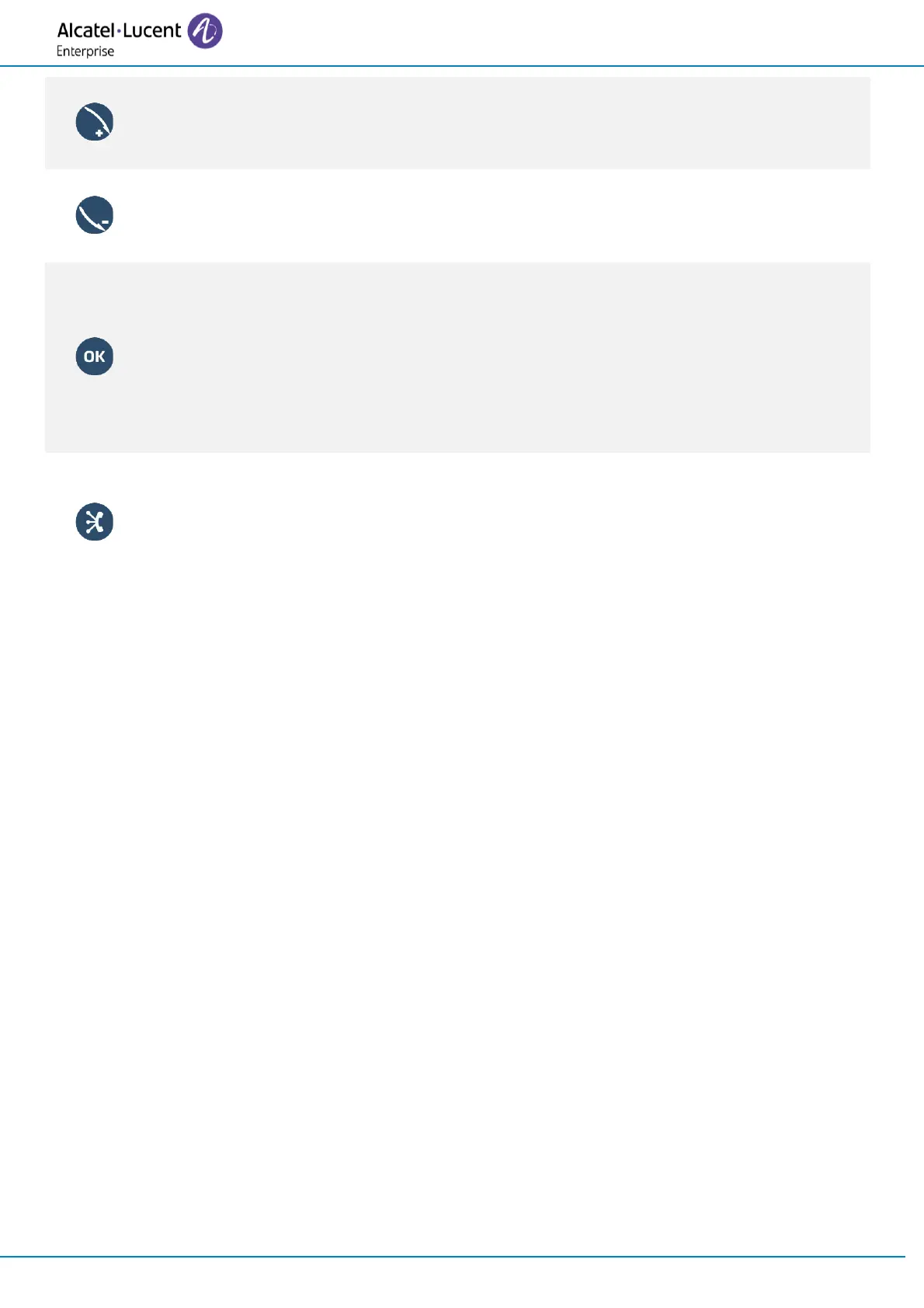
Rotate clockwise
Turn up the volume (ringing, calls or audio player).
Increase the brightness (idle state).
Rotate counter clockwise
Turn down the volume (ringing, calls or audio player).
Decrease the brightness (idle state).
OK key
Use this key to validate your choices and options while programming or configuring.
Use this key to answer an incoming call with the default audio device.
Use this key to turn on or off the back light in idle state.
Long press this key to launch vocal assistant (depending on the software version).
Use this key to play/pause the audio when using the Audio Player (Bluetooth
®
Audio
Hub).
BT Audio hub - To know the latest news, contact your administrator who has access to
the last release notes.
Use your desk phone as a Bluetooth
®
AudioHub with your mobile phone or as a USB
AudioHub with your computer (hands-free mode, handset and headset).
Please consult your deskphone user manual for more details.



 To Next Page