Management from the attendant set
3BA 19875 ENAA - Ed. 02 - April 2000 - Alcatel 4035 - Attendant set 3-9
• Changing the content of a repertory key
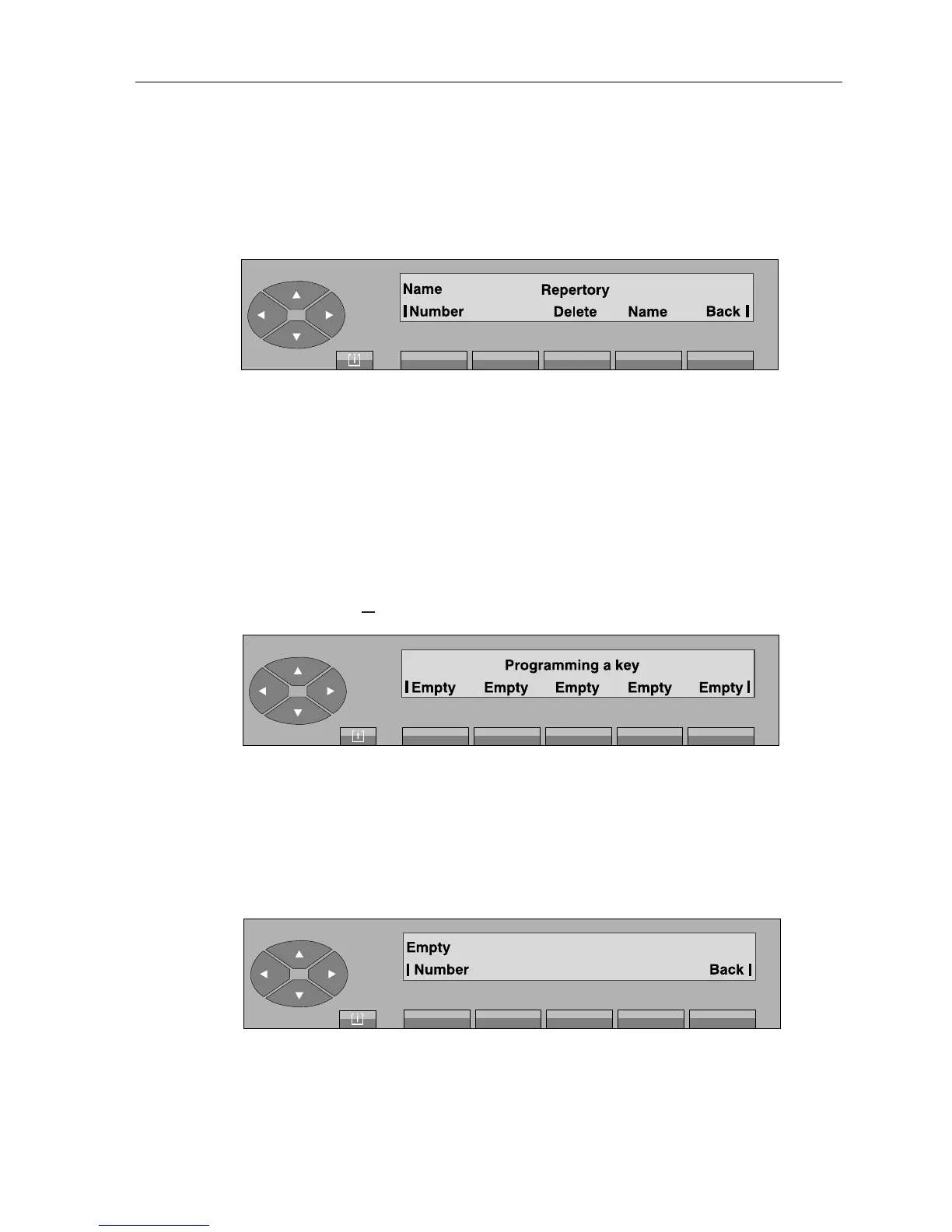
After pressing the key in question, the screen displays:
Number used to change the number programmed.
Delete erases all the programming for the key.
Name used to change the «label» of the key.
Back used to return to the initial screen.
To change the user number and name,
see § Programming
.
▼ Programming the programmable keys
On pressing the « » fixed key, followed by «Prog» and «Keys» keys, the screen displays:
Initial menu
• Programming a key
After pressing the key on the set or add-on module that the attendant wants to program, the screen
displays:
Number to enter the number required (repertory, prefix, external, abbreviated).
Back return to the initial screen.
[ i ]



 To Next Page