Chapter 3 Management from the attendant set
3-10 3BA 19875 ENAA - Ed. 02 - April 2000 - Alcatel 4035 - Attendant set
--- «empty» in the case of a key that is not programmed, or content of the key.
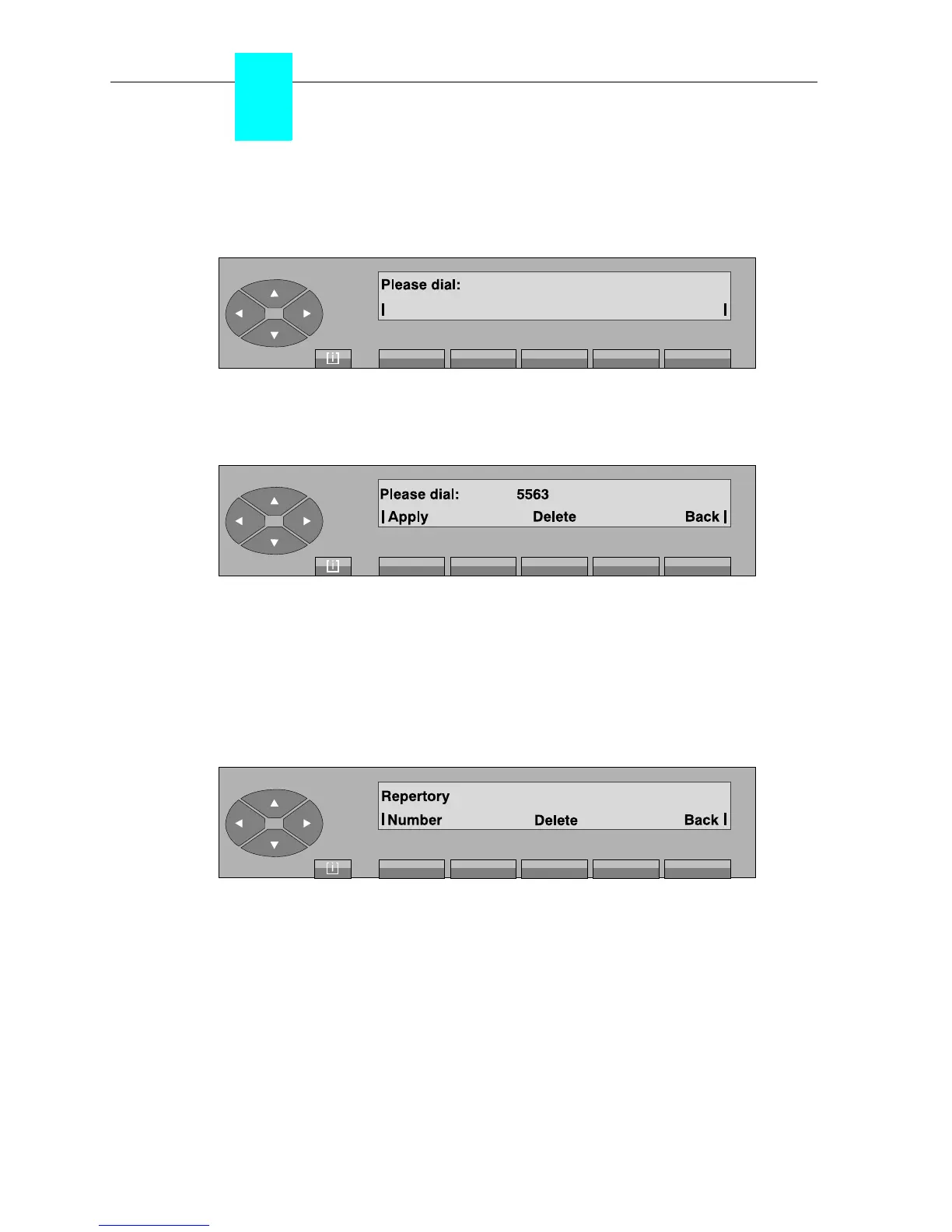
On pressing the «Number» key, the following is displayed:
The attendant can enter the number which will be assigned to this key.
Example:
Apply confirms the number dialled.
Delete erases the number programmed.
Back used to return to the initial screen.
• Changing the content of a key
After pressing the key in question, the screen displays:
Number used to change the number programmed.
Delete erases the programming for the key.
Back used to return to the initial screen.
To change the number,
see § Programming
.



 To Next Page