Chapter 3 Management from the attendant set
3-20 3BA 19875 ENAA - Ed. 02 - April 2000 - Alcatel 4035 - Attendant set
3-2-2-1 Group status
•Diagram
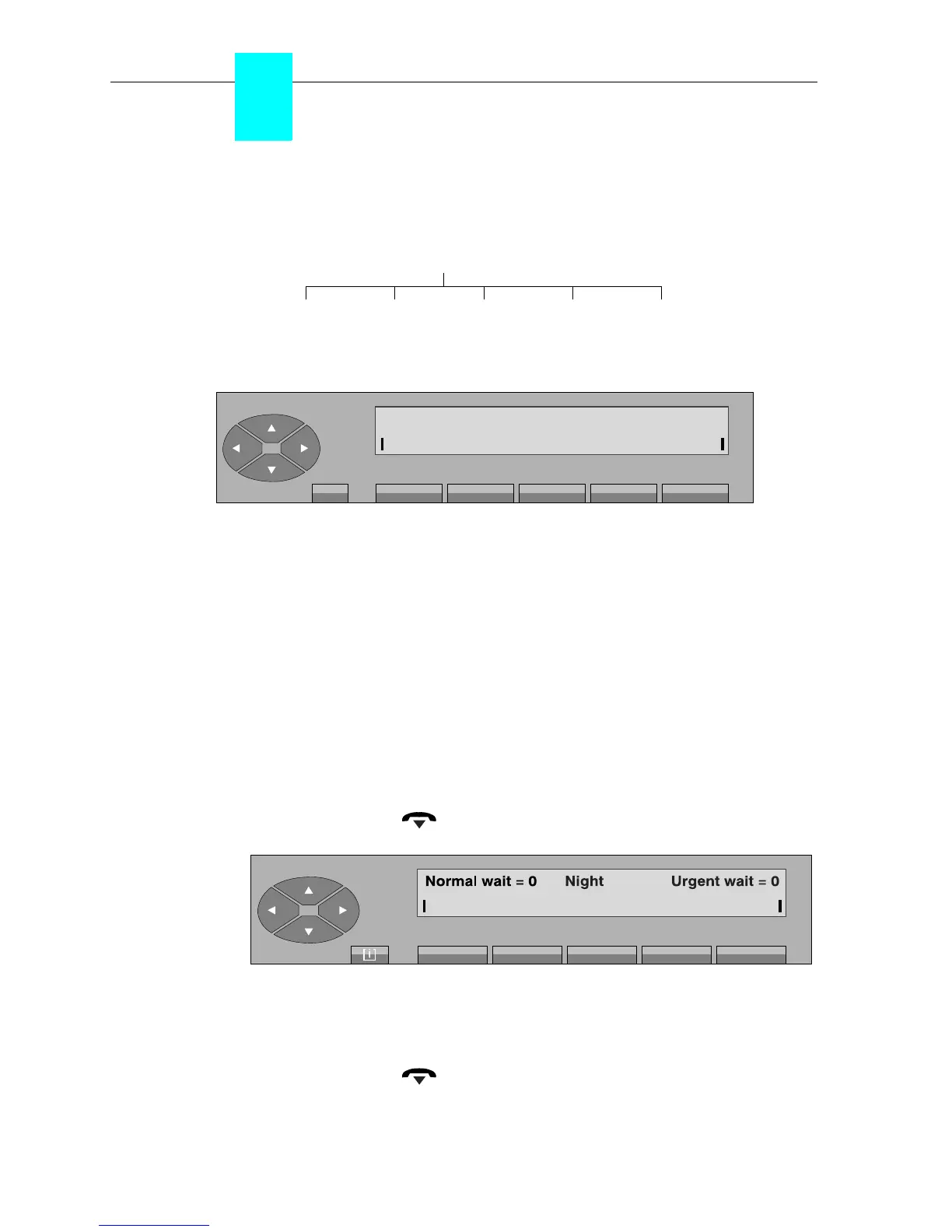
Pressing the «Status» key is used to modify the group operating mode from the attendant set.
The following sub-menu is proposed:
The first line displays the current operating mode.
The attendant selects the group operating mode by pressing one of the following 5 keys:
Night to switch the group to «Night mode» and allocate users the categories that
are valid at night.
Day to activate day service.
Fwd 1 to validate forwarding order 1.
Fwd 2 to validate forwarding order 2.
Entity to modify the «entity» calls operating mode. This label is only displayed if
there is at least one entity supervised by the attendant.
- On pressing the «Night» key, the attendant switches the group to «Night mode» (the first
line of the display shows: «Night»).
The attendant set returns to its idle screen either automatically after a timer, or by a forced
return by pressing the « » fixed key with indication of the night mode.
The attendant set remains active.
- On pressing the «Day» key, the attendant switches the group to «Day service» (the first
line of the display shows «Day Mode»).
The attendant set returns to its idle screen either automatically after a timer, or by a forced
return by pressing the « » fixed key.
The attendant set is in «normal service».
Status
DayNight Fwd1 Fwd2 Entity
Night Day Fwd1 Fwd2
AC Group Status: - - -
Entity
Menu



 To Next Page