Chapter 3 Management from the attendant set
3-22 3BA 19875 ENAA - Ed. 02 - April 2000 - Alcatel 4035 - Attendant set
3-2-2-2 Adjusting the group call threshold
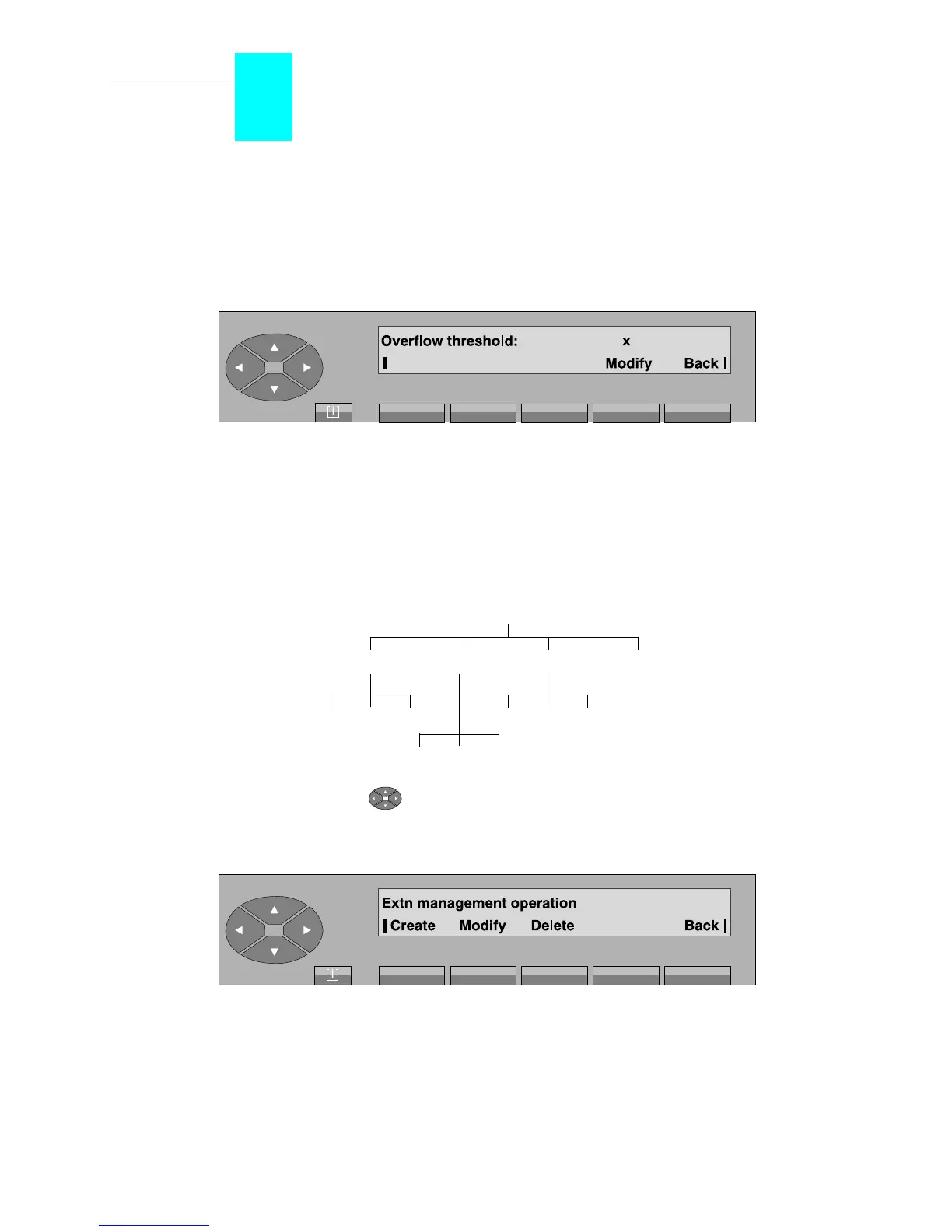
Pressing the «Thresh» key is used to set the mutual assistance threshold for group calls.
Pressing this key displays the programmed value on the screen: if the threshold is exceeded, the
calls are redirected according to the «mutual assistance» function (if it is activated).
After pressing the «Modify» key, the attendant enters a new value if necessary and the characters
are displayed. When the number has been entered (from 0 to 200), press the «Apply» key to
confirm the value entered. The screen automatically returns to idle position.
3-2-2-3 Declaring a new profile
•Diagram
Pressing the top of the « » key, then on the key below the «Admin» label is used to create
new characteristics on a user set or to modify those of an existing user. The following sub-menu
is proposed:
Create used to program the characteristics of a new user.
Modify used to modify existing characteristics.
Delete used to delete existing characteristics.
Set Mg
ModifyCreate Delete Back
Delete Apply Back Delete Apply Back
Delete Apply Back



 To Next Page