Management from the attendant set
3BA 19875 ENAA - Ed. 02 - April 2000 - Alcatel 4035 - Attendant set 3-23
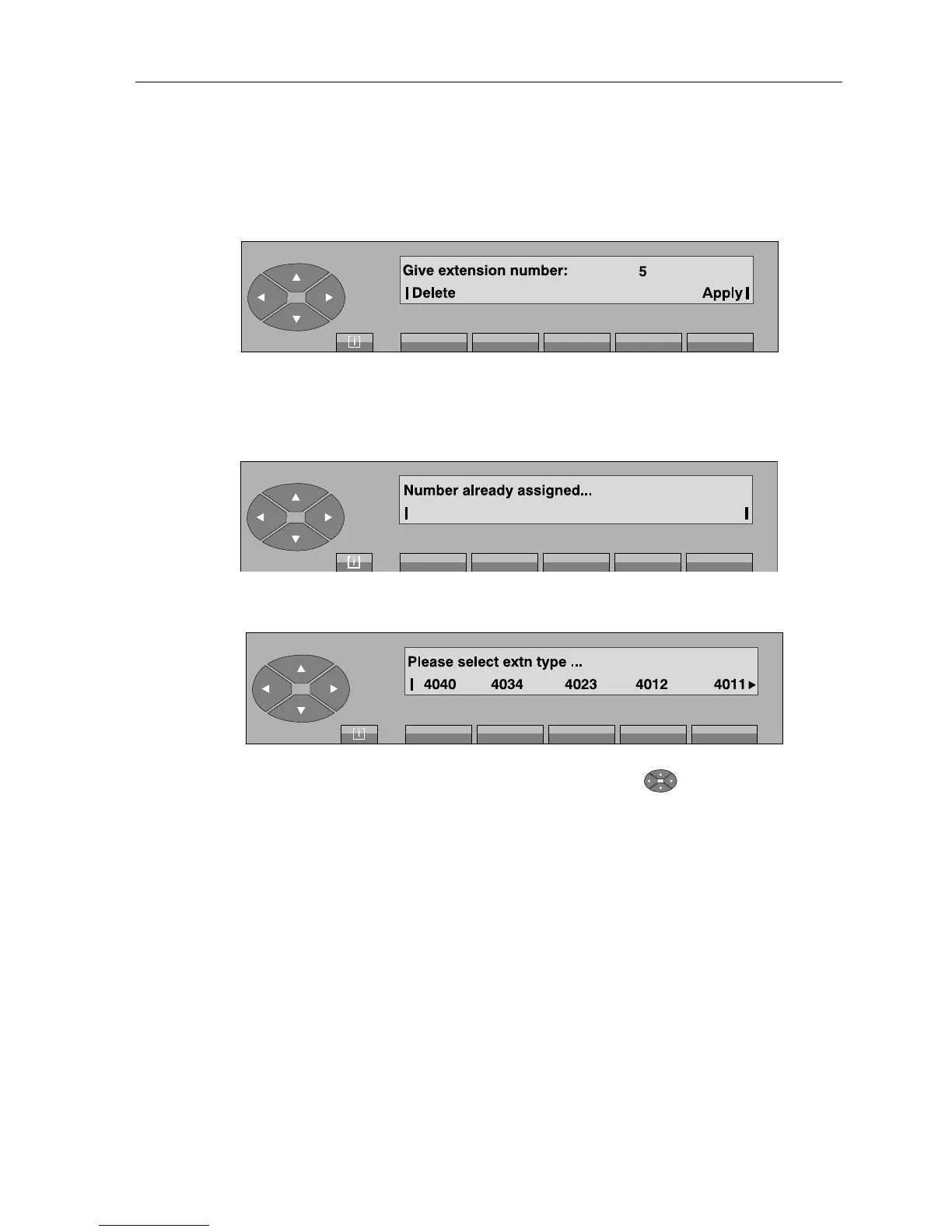
- Pressing the «Create» key provides access to the following display: «Give extension
number:». After the first digit, the following is displayed, for example:
When the repertory number is complete, the attendant confirms this number by pressing the
«Apply» key. If the repertory number corresponds to a set that has already been created,
the screen displays:
Otherwise, the screen displays:
Then select a profile from those proposed. Pressing the « » key provides access to
other profiles if they are available (4001, 4075, 4302, 4304, 4321, Analog, 4074,
GAP).
40xx Reflex sets (except 4075, 4074: DECT mobile set).
43xx Digital sets.
Analog Analog set.
GAP GAP mobile set.



 To Next Page