Chapter 3 Management from the attendant set
3-24 3BA 19875 ENAA - Ed. 02 - April 2000 - Alcatel 4035 - Attendant set
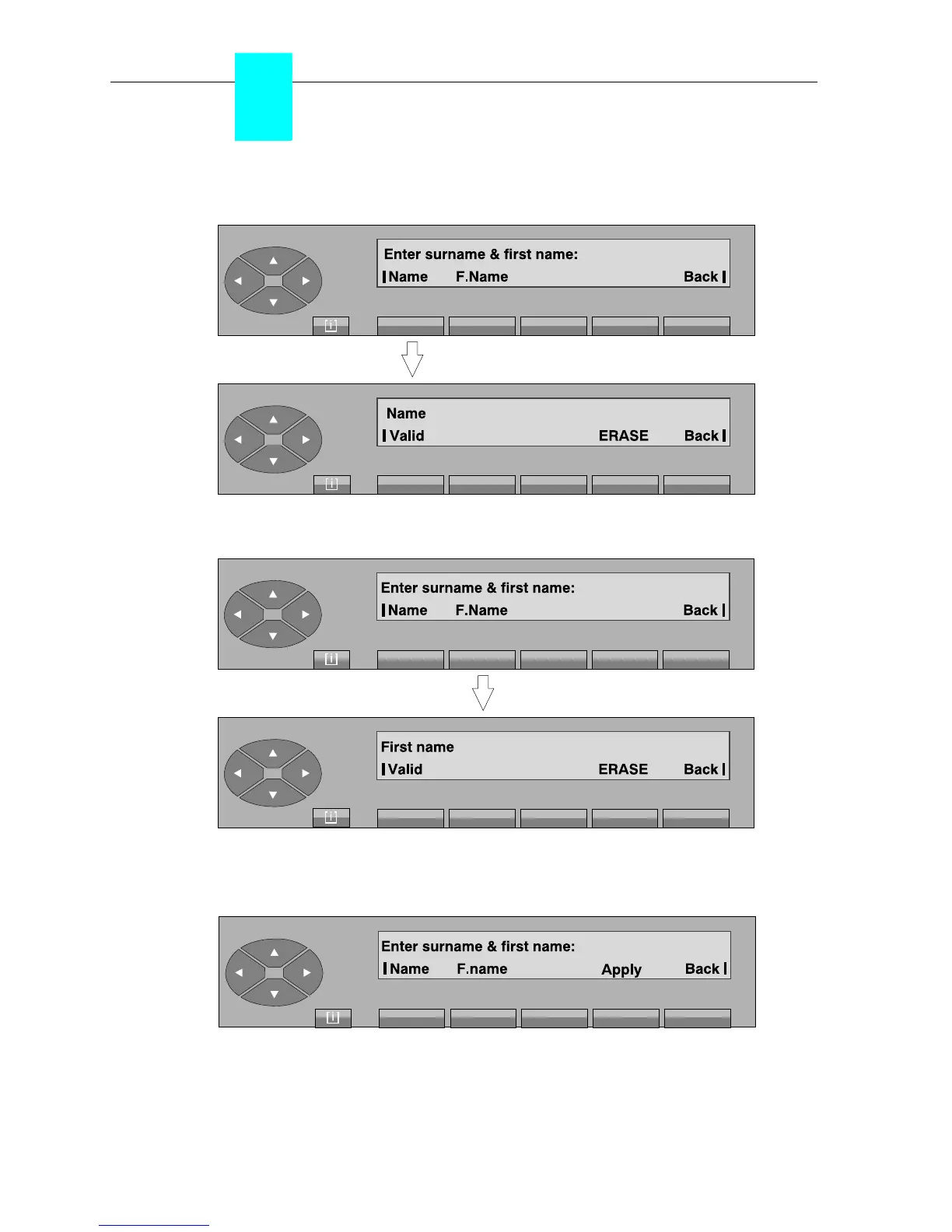
Then, define the name and first name of the user:
Enter the name of the user and press the «Valid» key. The following is displayed:
Enter the first name of the user using the alphabetical keyboard and press the «Valid» key.
Provided the name and first name have been validated, the following screen is displayed:



 To Next Page