Management from the attendant set
3BA 19875 ENAA - Ed. 02 - April 2000 - Alcatel 4035 - Attendant set 3-25
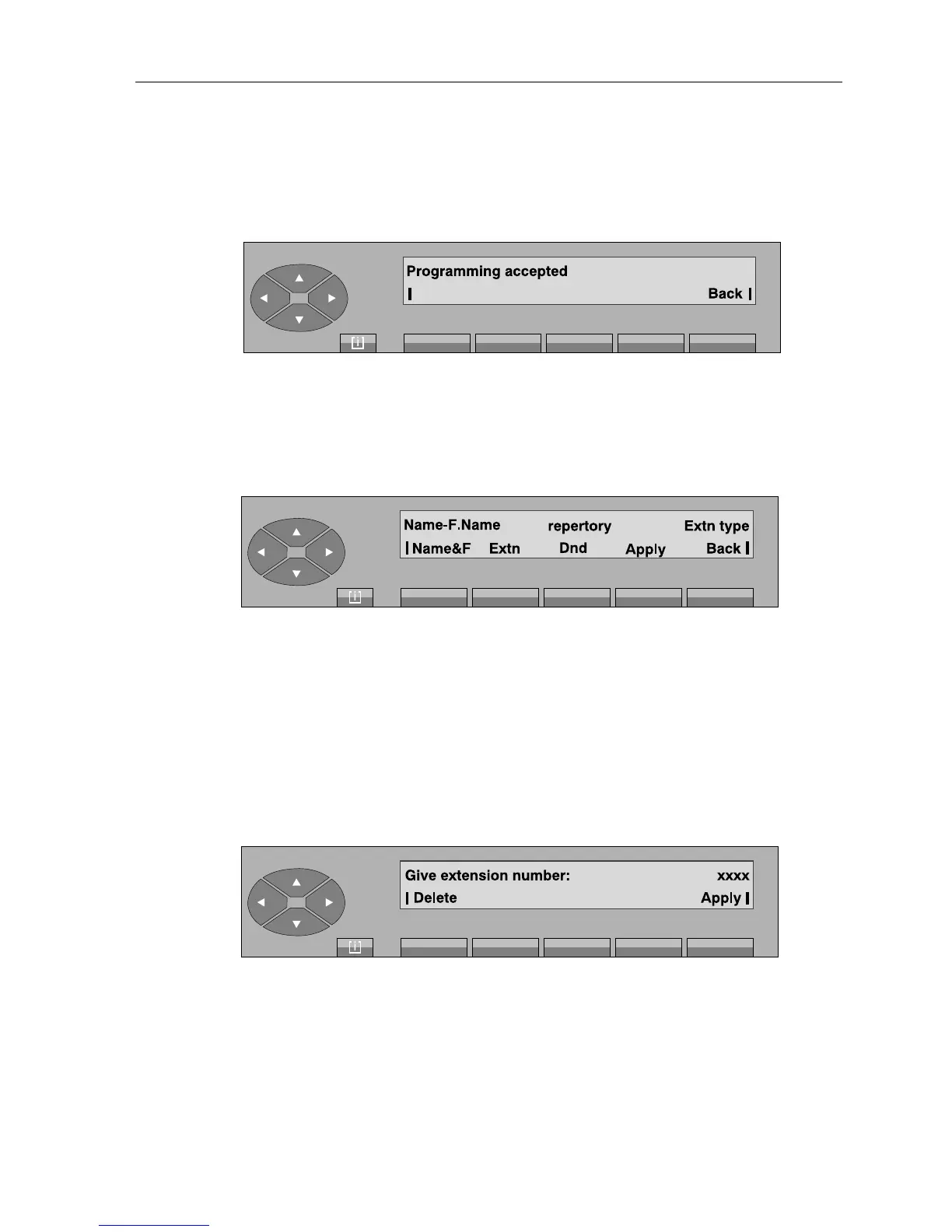
By pressing the «Apply» key, the attendant validates the programming.
If the programming is accepted, the screen displays:
Back used to return to the initial general screen.
- Pressing the «Modify» key is used to complete the repertory number of a set whose
characteristics are to be modified. When the complete number has been entered, the screen
displays:
Name&F used to program the name and first name.
Extn used to modify the type of set.
Dnd to leave the characteristics unchanged.
Back to return to the initial screen.
The rest of the operation is then the same as described for the «Create» key.
- Pressing the «Delete» key is used to complete the repertory number of a set whose
characteristics are to be deleted.
When the complete number is entered, the screen displays:
On pressing the «Apply» key, the attendant confirms deletion of the set characteristics.



 To Next Page