Chapter 3 Management from the attendant set
3-26 3BA 19875 ENAA - Ed. 02 - April 2000 - Alcatel 4035 - Attendant set
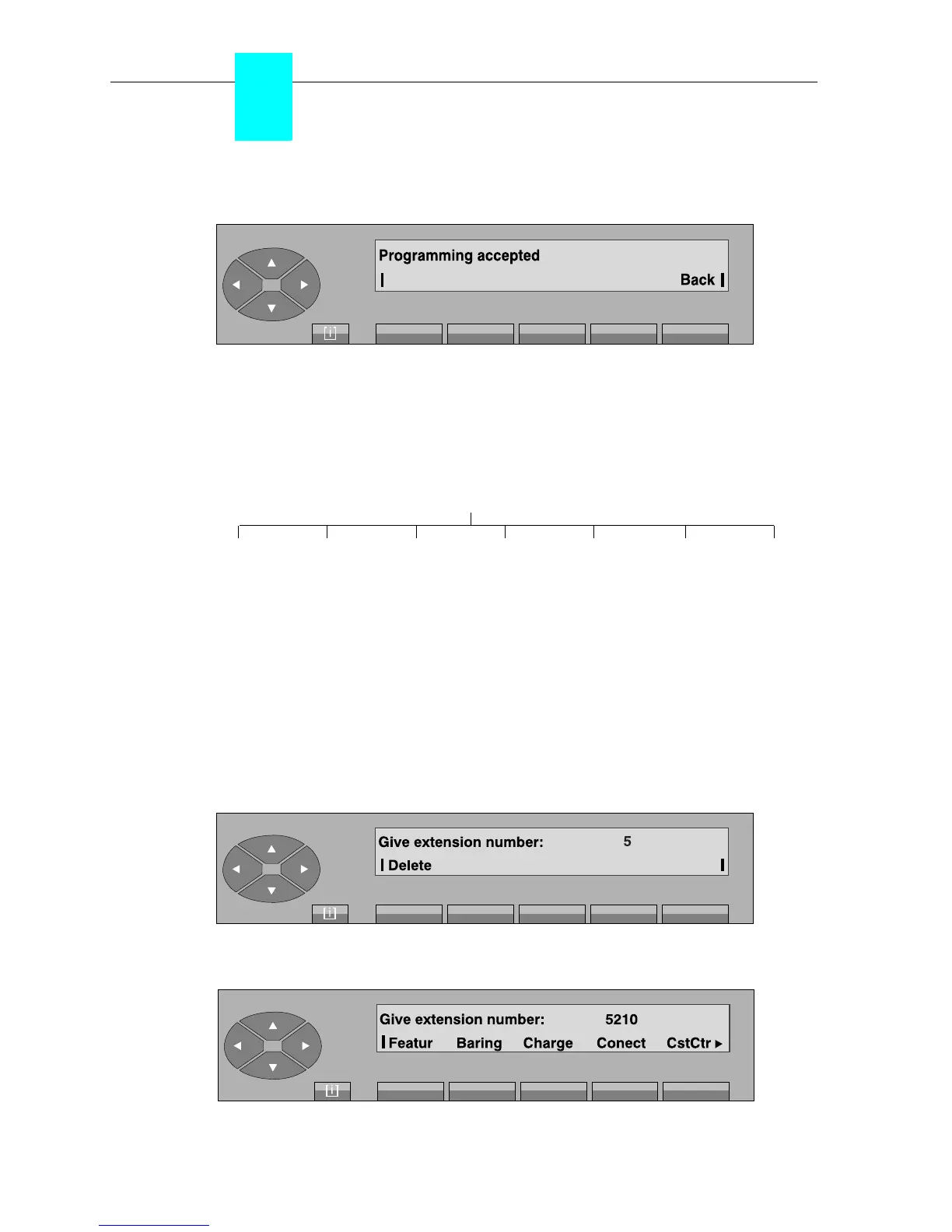
If the deletion is accepted, the screen shows:
Back used to return to the initial screen.
3-2-2-4 Categories
•Diagram
Pressing the «COS» key provides the possibility of changing the cost centres of the users and the
following categories:
- operating,
-network,
- charging,
- connection.
After pressing the «COS» key, the screen displays: «Give extension number:». As soon as
the first digit is entered on the keyboard
(for example: 5)
, the following is displayed:
When the repertory number is complete, the following categories are displayed:
BaringFeatur Charge Conect CstCtr Next Bac



 To Next Page