Your First Session With The QS6: Chapter 2
QS6 Reference Manual 11
CHAPTER 2
YOUR FIRST SESSION
WITH THE QS6
POWERING UP
After making your connections, turn on the system’s power using this procedure:
¿ Before turning on the QS6’s power, check the following items:
• Have all connections been made correctly?
• Are the volume controls of the amplifier or mixer turned down?
• Is the volume of the QS6 turned down?
¡ Turn on the [POWER ON/OFF] switch on the QS6 rear panel.
Upon power-up, the QS6 will display the last selected Program or Mix. If this
Program/Mix has been edited, the display will indicate this by showing an “
*
” to
the left of the name of the Program or Mix.
¬ Press [PROGRAM] to select Program Play Mode.
The display should look something like this:
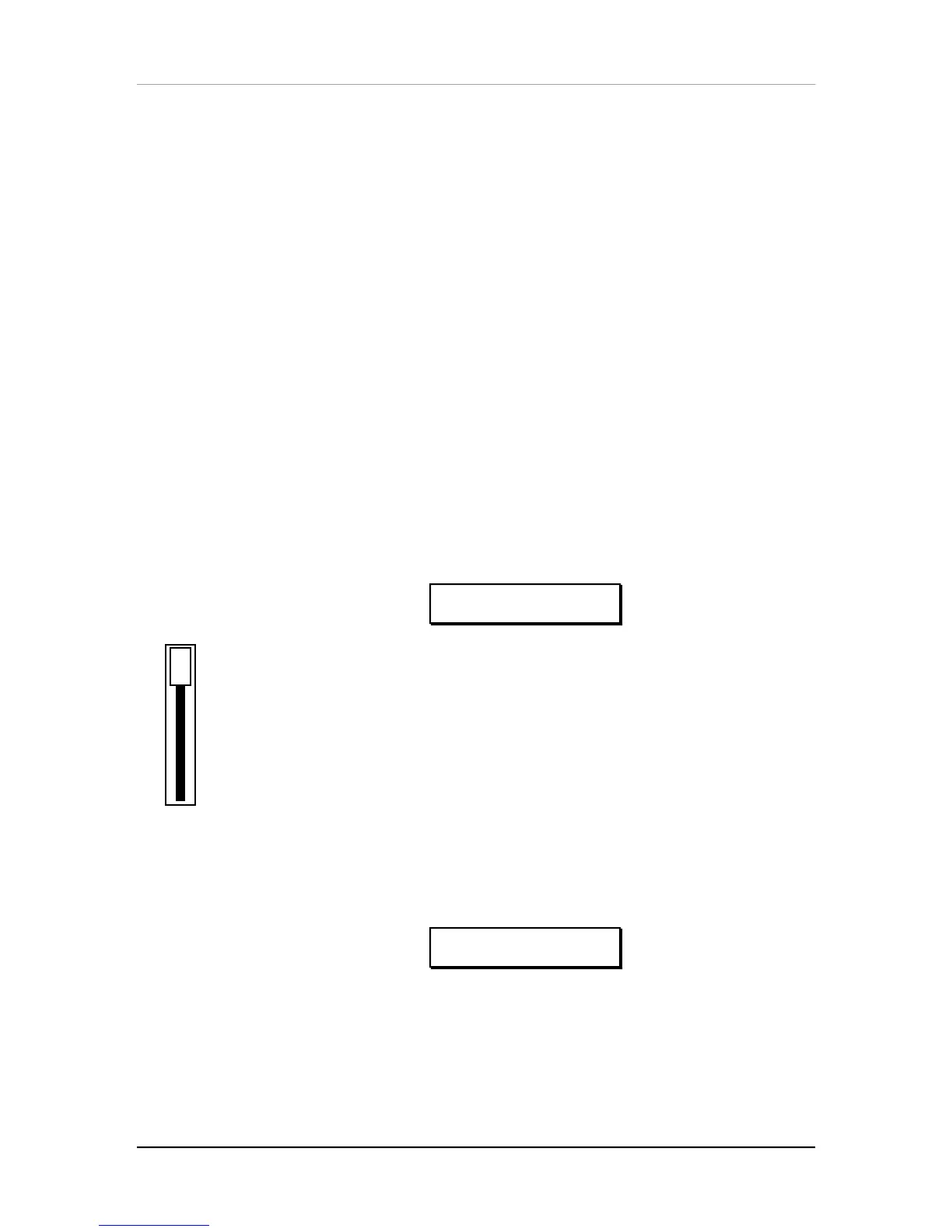
PROG PRESET1 ºº
GrandPiano Ch01
VOLUME
÷ Raise the QS6’s master [VOLUME] slider to maximum.
The best signal-to-noise ratio is achieved when
[VOLUME]
is set to maximum.
ƒ Turn on the power of the amplifier/mixer, and adjust the volume.
PLAYING THE DEMO SEQUENCES
The QS6 has built-in demo sequences which demonstrate the wide variety of sounds
this amazing instrument is capable of generating. In order to get the full effect of the
demo, we recommend that you connect both the [LEFT] and [RIGHT] outputs to your
sound system, or listen on headphones.
To play the demo sequence:
¿ Hold the [MIX] button, and press [GLOBAL].
The display will read:
PLAYING DEMO....
<MIX>=STOP
¡ Press [MIX] to stop the demo.
There will be no MIDI out messages during the demo, and the keyboard will be
disabled.



 To Next Page