Editing Mixes: Chapter 5
QS6 Reference Manual 45
POLYPHONY IN MIX PLAY MODE
The QS6 has 64-note polyphony. In Mix Play Mode, if you have all 16 MIDI channels
assigned to the same keyboard range, and each channel’s Program has only one
active Program Sound, you’ll have 4-note polyphony as you play the keyboard (but a
really thick layer...). This is extreme, of course, but should tell you what you can
expect when you really pile on the layers from the keyboard.
USING THE QS6 AS A MASTER KEYBOARD
Mix Play Mode gives the QS6 the capabilities of a MIDI master keyboard. You can
layer the QS6’s internal sounds with an external synthesizer's sounds without using
up internal polyphony by adjusting the proper parameters in the Mix Edit mode.
Example:
You can have 2 layers (or a split) played directly from the QS6,
simultaneously playing on external synthesizers using a MIDI channel which has its
internal QS6’s Program Enable parameter turned OFF.
SETTING THE MIDI OUT CHANNELS FOR A MIX IN GLOBAL
MODE
The QS6 offers a wide variety of ways to set the MIDI output. It is very easy in
Program Play Mode; you just use the [
▲
PAGE] and [PAGE
▲
] buttons to set the
MIDI OUT channel for the whole instrument. But when using the QS6 in Mix Play
Mode, you may want to transmit on several MIDI channels at once, and to temporarily
isolate certain channels within a Mix. This is done with the Keyboard Mode function.
¿ Press [EDIT SELECT] and then [BANK
▲
].
Note the word "Global" in blue under the BANK key.
¡ Press [PAGE
▲
] five times to get to Page 6.
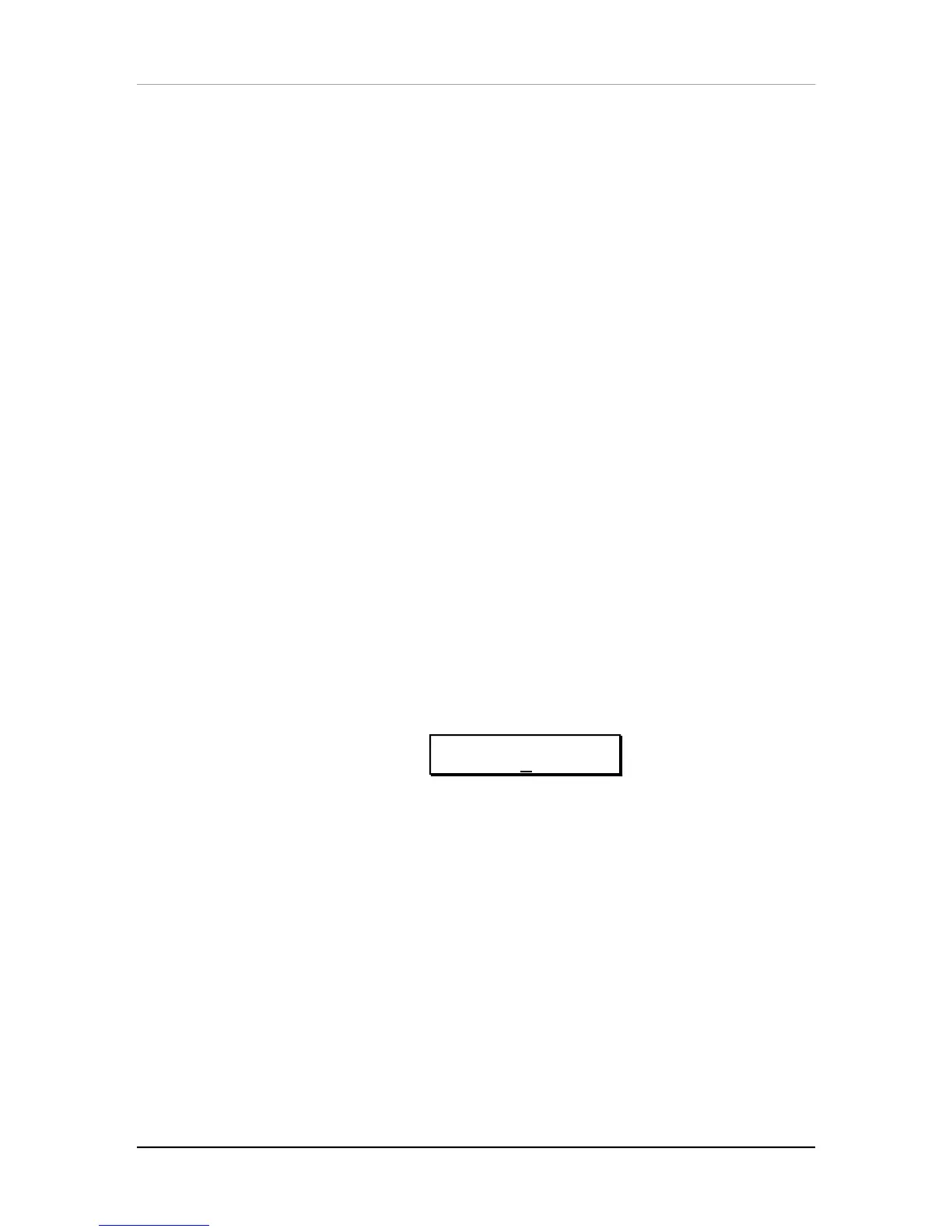
The display should look like this:
ED:GLOBAL p˙
KBD MODE:NORMAL
¬ Use the [s VALUE] and [VALUE t] buttons or the [CONTROLLER A] slider to set
the Keyboard Mode.
The options are: NORMAL, CH SOLO and OUT 1 — OUT 16.
NORMAL. In this mode, the MIDI channels sent out will correspond to whatever
layers or splits the Mix is set up for. For example, in a Mix bank, there may be
several Mixes in which the keyboard is split in two or more ways from left to right;
each of these “zones” is linked to a different set of channels. As you play through
each zone, it can be set to send MIDI messages corresponding to that key range and
trigger the corresponding channels. Note that certain controllers such as pitch bend
and aftertouch will send on all channels at once. The MIDI Monitor indicators in the
display will show which channels are enabled; but if the QS6 is sending a MIDI OUT
message on a channel without its internal sound being enabled, it will not show on
the MIDI Monitor.
CH SOLO. In this mode, the only sounds coming from the QS6, and the only MIDI
Out messages, will come from the MIDI channel in the display which is selected by



 To Next Page