Connections: Chapter 3
QS6 Reference Manual 21
CHAPTER 3
CONNECTIONS
BASIC MIDI HOOKUP
MIDI is an internationally-accepted protocol that allows musical-related data to be
conveyed from one device to another. See the MIDI Supplement in Appendix B if you
are not familiar with how MIDI works.
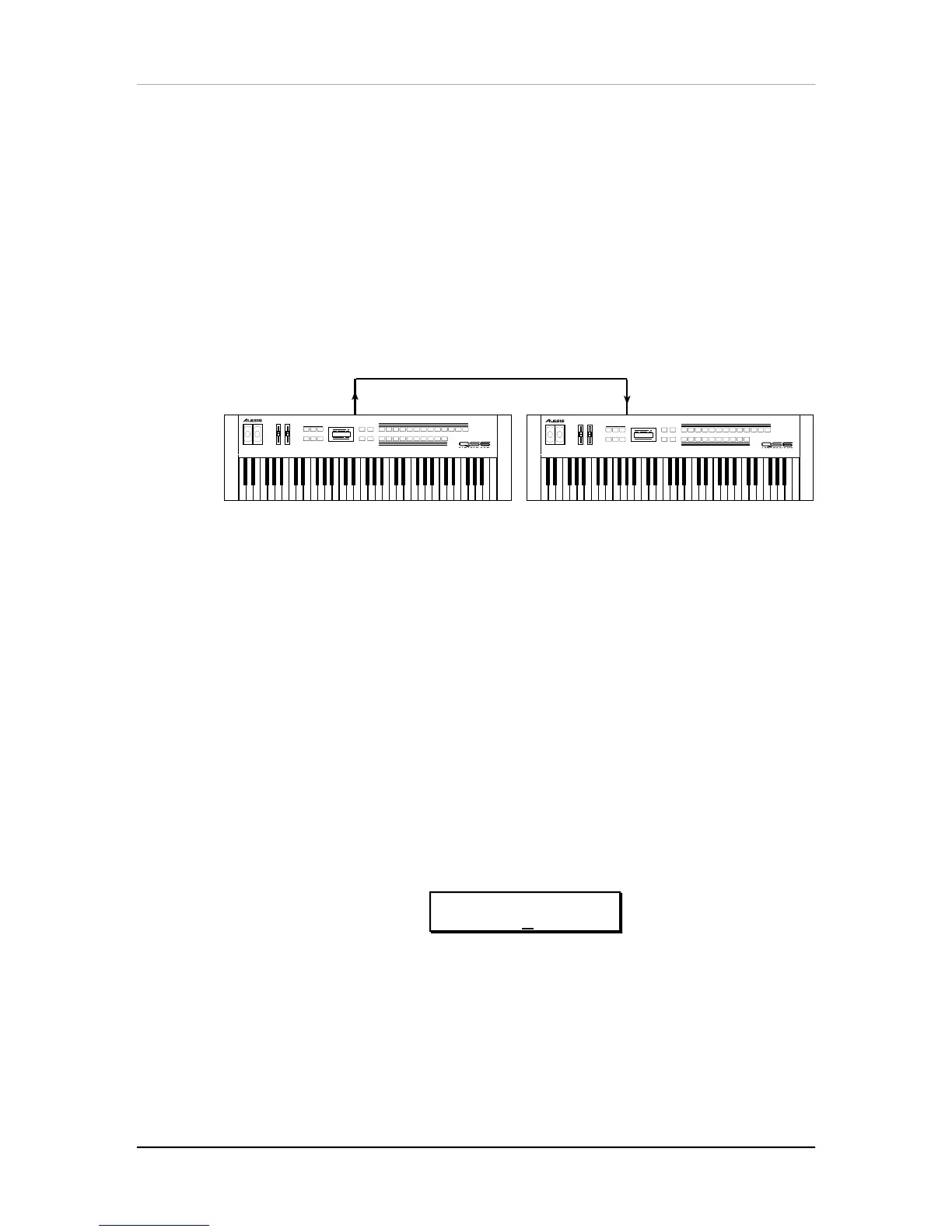
The MIDI connections provide three different functions. To trigger the QS6 from a
MIDI control device (keyboard, drum pad, guitar or bass controller, sequencer, etc.),
connect the control device’s MIDI OUT to the QS6’s [MIDI IN].
MIDI
OUT
MIDI
IN
The [MIDI OUT] connector sends MIDI data from the QS6’s keyboard to other MIDI
devices, but can also send
System Exclusive
data (see the MIDI supplement) to a
storage device for later recall.
THRU MODE
The [MIDI OUT] connector can be switched to a “Thru” mode so that it carries a
replica (or echo) of the messages appearing at the QS6’s [MIDI IN], allowing you to
trigger other devices from the same controller which is feeding the QS6. Simply
connect the QS6 [MIDI OUT] to the other device’s MIDI IN.
Note:
The [MIDI OUT]
connector will not send messages originating from the QS6’s keyboard itself while in
MIDI Thru mode.
To turn on MIDI Thru Mode:
¿ Press the [EDIT SELECT] button, followed by the [BANK
▲
] button.
This selects Global Edit Mode.
¡ Press [
▲
PAGE] until the MIDI Thru parameter appears in the display.
The display should look like this:
ED:GLOBAL pª
MIDI THRU: OUT
¬ Press [s VALUE] to turn on MIDI Thru Mode.



 To Next Page