Editing Effects: Chapter 7
QS6 Reference Manual 87
CHAPTER 7
EDITING EFFECTS
ABOUT SIGNAL PROCESSING
The built-in effects processor of the QS6 is similar to that of the Alesis QuadraVerb 2,
capable of generating multiple, fully digital effects simultaneously. The QS6 effects
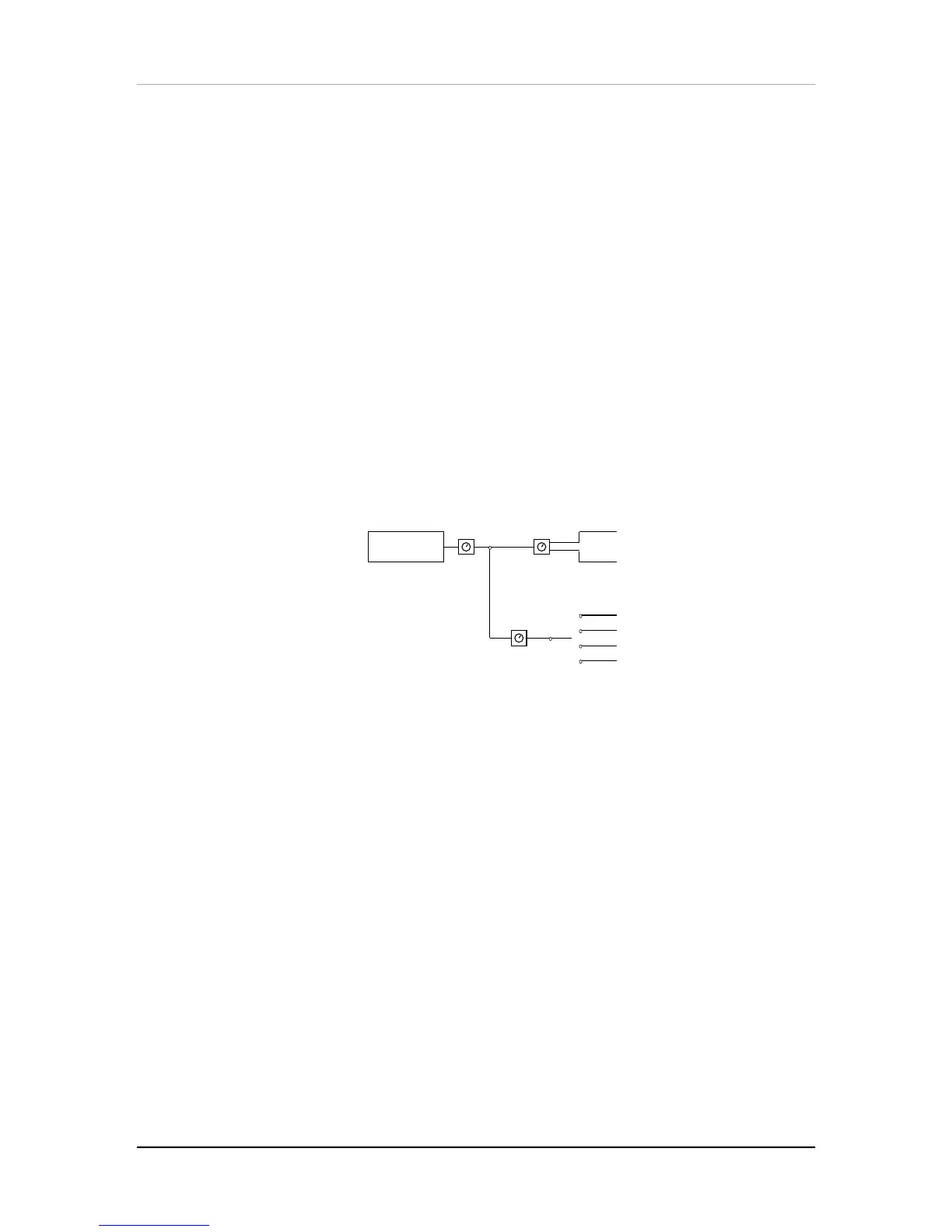
processor has four inputs, called effect sends. You might think of these as the typical
post-fader sends found on a mixing console. In a Program, each of the four Sounds
can be assigned to one of the four effect sends. In a Mix, each Program can use its
own effects level and bus routing or you may override these by assigning the entire
Program (all 4 of its sounds) to one of the four effect sends and all at the same level.
Once you assign a Sound (in Program Edit Mode) or a Program (in Mix Edit Mode) to
an effect send, you can adjust the Sound’s/Program’s Effect Send Level.
TIP:
To route a Sound/Program only to an effect send, and not the Main or Aux outputs,
assign the Output parameter of the Sound/Program to “OFF,” assign its Effect Bus to
one of the four effect sends, and adjust its Effects Level.
Outputs
1 SOUND
Main Left
Main Right
1
2
3
4
Effects Sends
Level Pan
Effects
Level
The Effect Patch’s
Configuration
determines the arrangement of effect functions of
each effect send. Imagine a Configuration as an arrangement of multiple effects
processors patched together at the end of each effect send.
Example:
In one configuration, effect send 3 has its own separate reverb, while in
another configuration it has its own delay and a level control feeding a reverb shared
with send 1. When you’re programming effects, you will need to refer to the charts on
pages 88–93 for the effect configuration you’re using, so you will know how the paths
from different effect functions interact.
The Effect functions consist of: Pitch, Delay, Reverb and in some cases Misc. (which
provides access to special effects such as EQ and Overdrive). Each function has
several types to choose from. For example, the Pitch effect can be either a chorus, a
flange, a resonator, etc. The Reverb can be a large hall, plate, gated, etc. The effect
types available for each effect function depends on the Configuration you are using.
The parameters available for an effect function depend on the selected effect type.
Some effect types have very few parameters, while others have many. For example,
the stereo delay effect has about twice as many parameters as the mono delay effect
(since the stereo delay has two adjustments– left and right – for several parameters).
Consequently, the more parameters an effect has, additional pages become available
for that function. Each effect has stereo outputs, which may be routed to the [LEFT]
and [RIGHT] outputs using the Mix function (this is not the same as a
Mix
, but rather
a function that mixes the effects’ outputs together).



 To Next Page