8028 SIP Doorphone (G2) FW 3.2
Auxiliary Dry Contact Inputs
Both the Controller and Door Station can detect a dry contact closure from auxiliary
devices. A non-capacitive and non-inductive low voltage and low current is used to detect
contact closure.
Default operations are as follows:
• Doorphone Controller input = Door Sensor Normally Closed (used to detect door
open)
• Door Station input = Call Button Normally Open (used to detect external doorbell
switch)
Options for Doorphone Controller input include Door Sensor Normally Closed, Door
Sensor Normally Open, Manual Door Release, Door Control Lockout, Call Button
Normally Closed, and Call Button Normally Open.
Options for Door Station input include Door Sensor Normally Closed, Door Sensor
Normally Open, Call Button Normally Closed, and Call Button Normally Open.
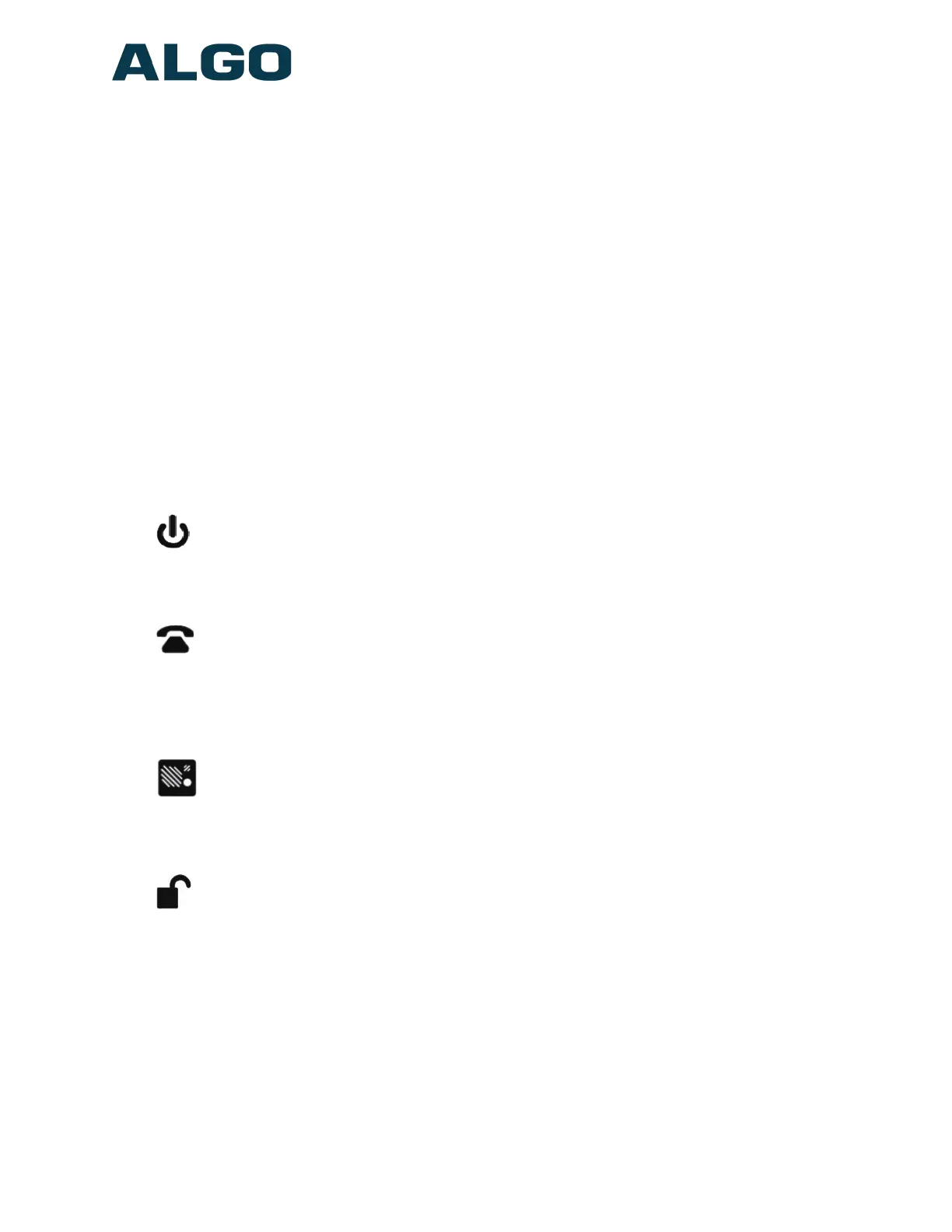
LED Indicators
Power
On steady: Link and IP Address established successfully
Flashing: Ethernet Link status OK, but IP Address not yet obtained
Telephone
Off: Not registered or error registering with SIP server
On steady: Successfully registered with SIP Server, ready for use
Flashing: off-hook or ringing state is currently active
Door Station
On steady: the door station is connected
Off: Communication errors with the door station, or not connected
Unlock
On steady: Door Relay is activated.
Testing the door control feature: the “unlock” light on the 8028 will turn on (and the
mechanical relay may be heard) when the Open Code is pressed from the telephone
keypad during a call with the 8028. This light shows the state of the relay, and verifies that
it has activated. If the “unlock” light activates, but the door fails to unlock, please contact
your electrician to check the connections and wiring to the door strike. If the “unlock” light
does not turn on, verify that the phone sends a DTMF signal to the Doorphone.
Document 90-00104
05/21/2020
Page 17
Algo Communication Products Ltd
4500 Beedie St Burnaby BC Canada V5J 5L2
www.algosolutions.com
(604) 454-3792
support@algosolutions.com



 To Next Page