20 Get more from your alienDVR with our Free CCTV tips at aliendvr.com
Smart Setup
Hard Drive Management
IP Settings
Record Settings
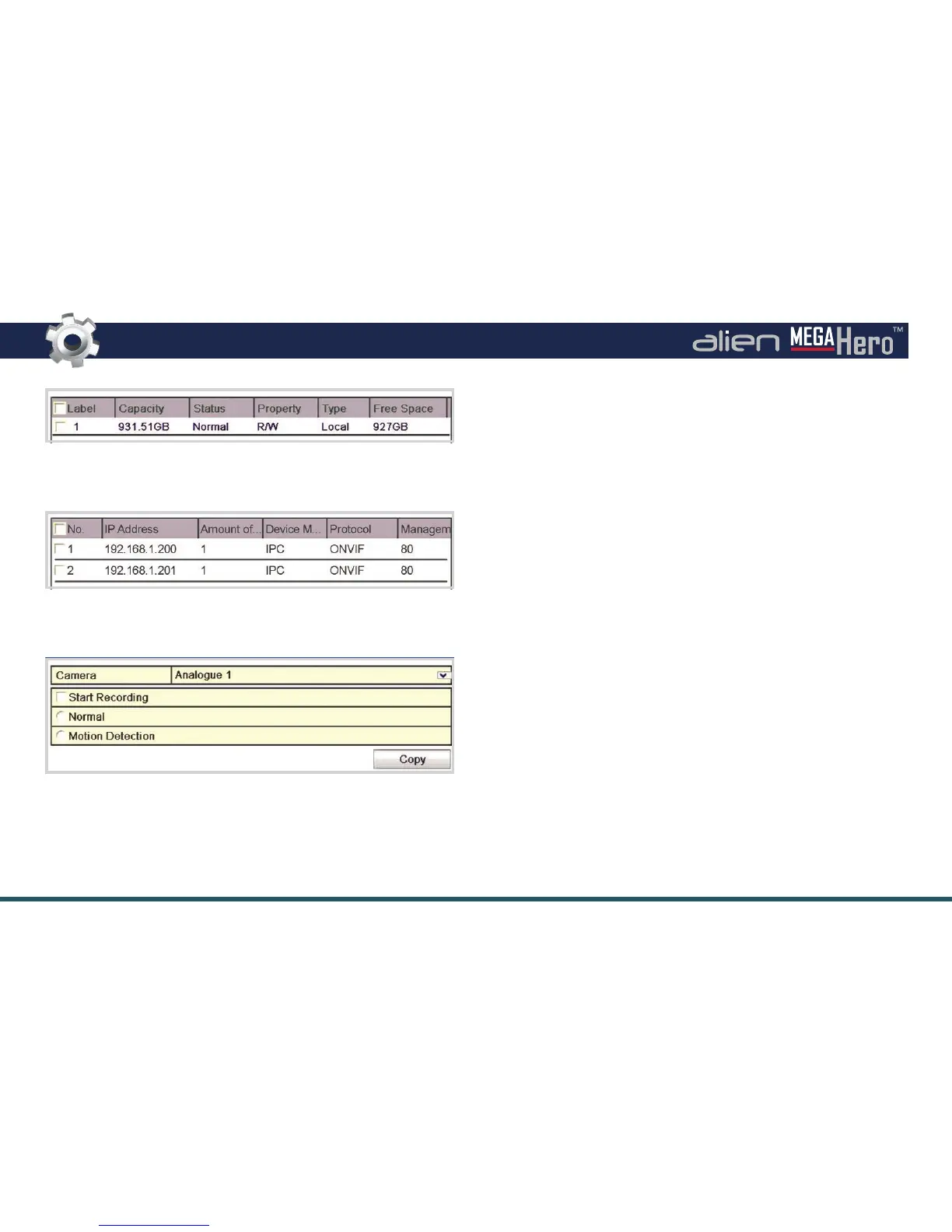
Hard Drive Management
MegaHero DVRs purchased with a hard drive option do not need
formatting. If you intend to use your own hard drives they must be
formatted, otherwise they will not be recognised by the DVR.
IP Settings
Any compatible IP cameras on the same network as the MegaHero
will be displayed in the available IP camera list. You can then add IP
cameras to the DVR by checking the corresponding check box and
clicking ‘Add’.
Record Settings
The last window in Smart Setup is Record Settings. Here each
camera can be set to start recording normally, or set to start
recording when motion is detected. To speed things up settings
can be copied from one camera and applied to others. For more
information on setting up scheduled recordings see page 27.



 To Next Page