24 Get more from your alienDVR with our Free CCTV tips at aliendvr.com
Tools
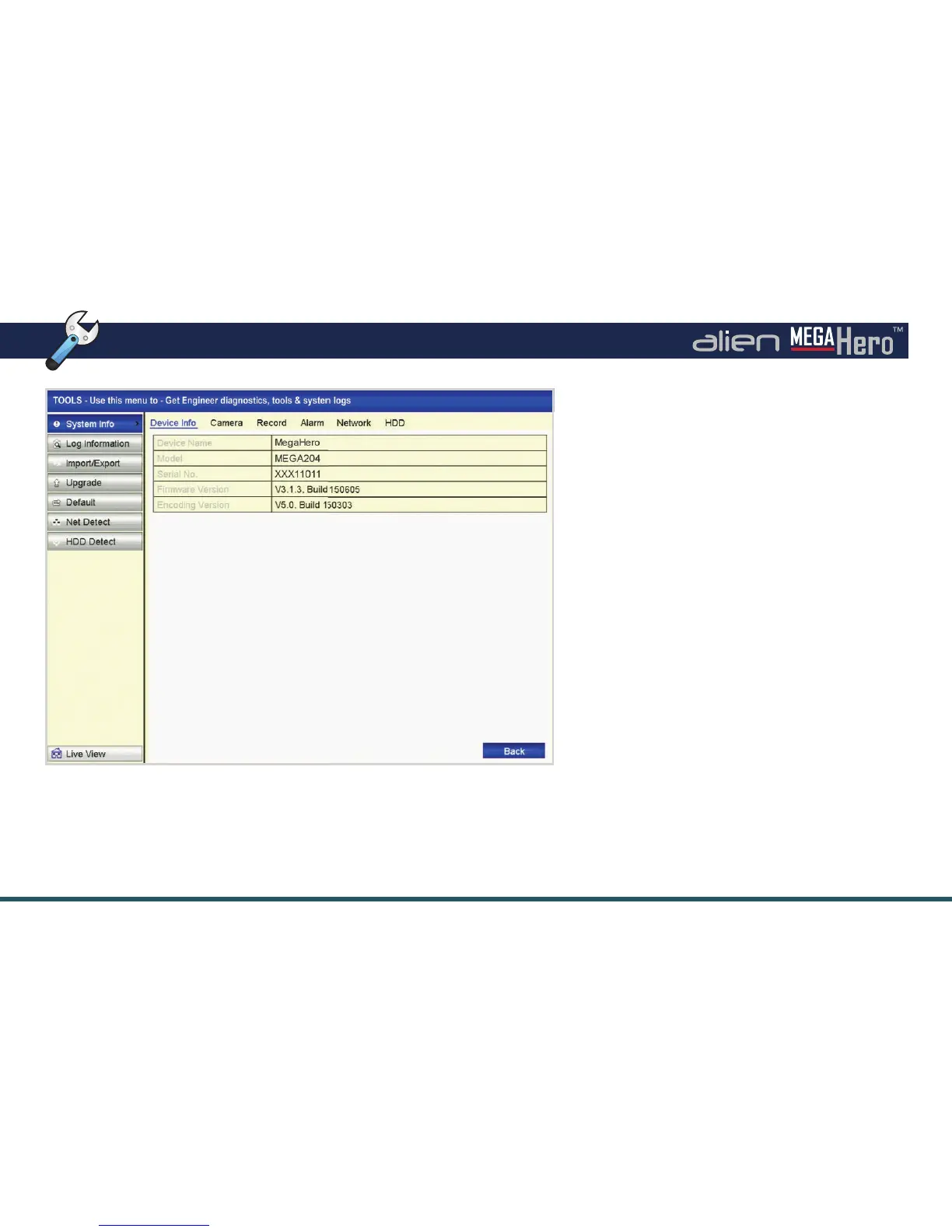
Tools Interface
Tools Submenu Overview
The Tools menu is where you can view all the
important system information such as Model and
Serial number. You can also see key information
on cameras, recordings, alarms, networks and
hard drives.
Log Information shows all major system events
within a speci ed time period such as alarm
triggers, when the device is powered on or o
and network issues. Recordings found can be
played back from here.
Other functions available through the Tools
submenu are:
• View/Playback By System Log
• Import/Export System Con guration Files
• Upgrade Firmware
• Default System Settings
• View Network Information
• Test Network Delay And Packet Loss
• Check And Test Hard Drives For Errors



 To Next Page