22 Get more from your alienDVR with our Free CCTV tips at aliendvr.com
Playback Toolbars Explained
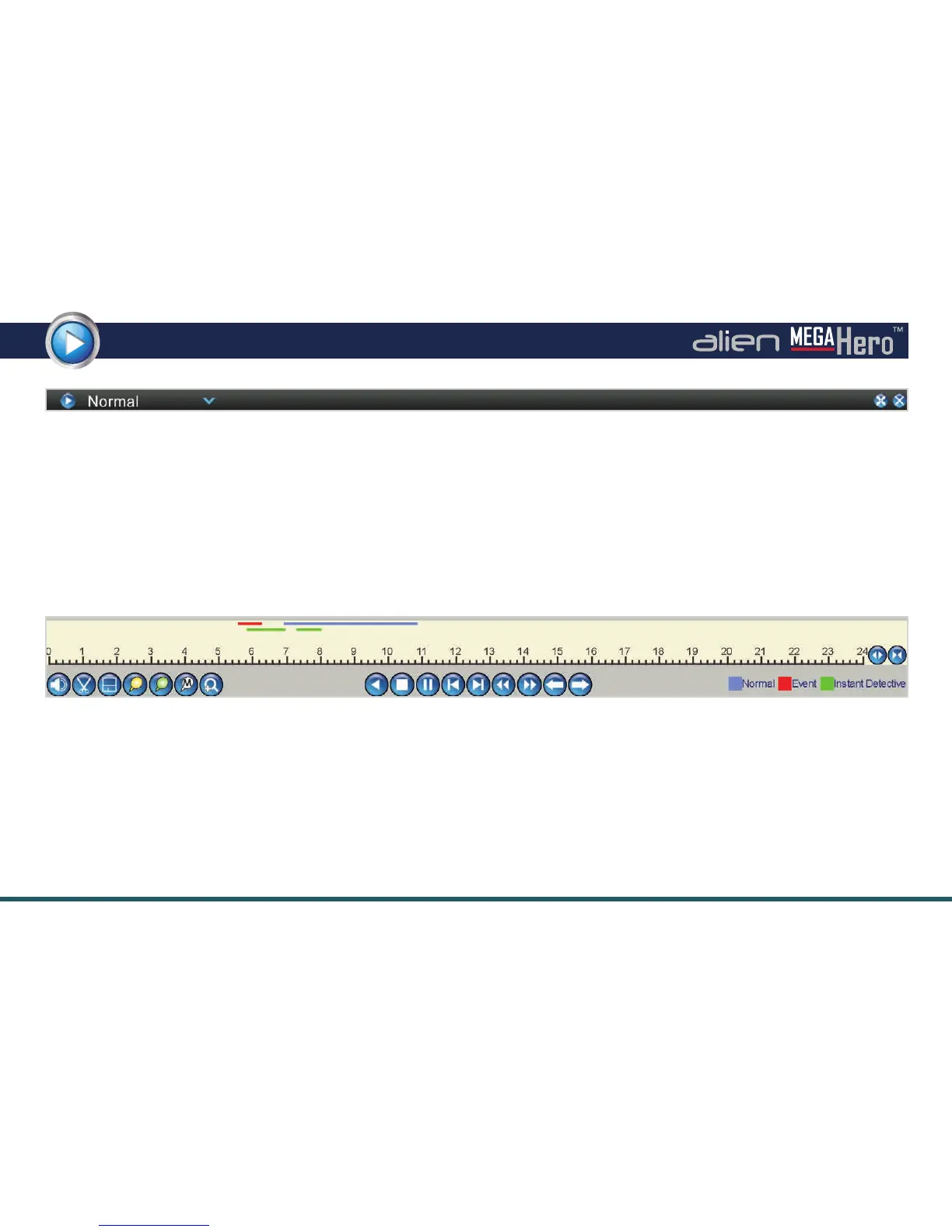
Top Bar Explained
The new toolbar at the top of the playback screen enables you to quickly switch between playback modes by selecting the option
required from the drop down list. You can also enter full screen viewing or exit the playback screen using the top bar.
How To Exit Full screen Mode
To exit full screen viewing simply right-click the mouse or press the ‘Menu’ button on the front of the DVR.
Example Of Playback Toolbar
Playback Toolbar Explained
This toolbar has everything you need to control the playback of recorded footage. You can also set the analysis area when using
Instant Detective, clip and save segments of a video and create or manage video tags.
The functions of each button is described on the opposite page.



 To Next Page