16 Get more from your alienDVR with our Free CCTV tips at aliendvr.com
Live View
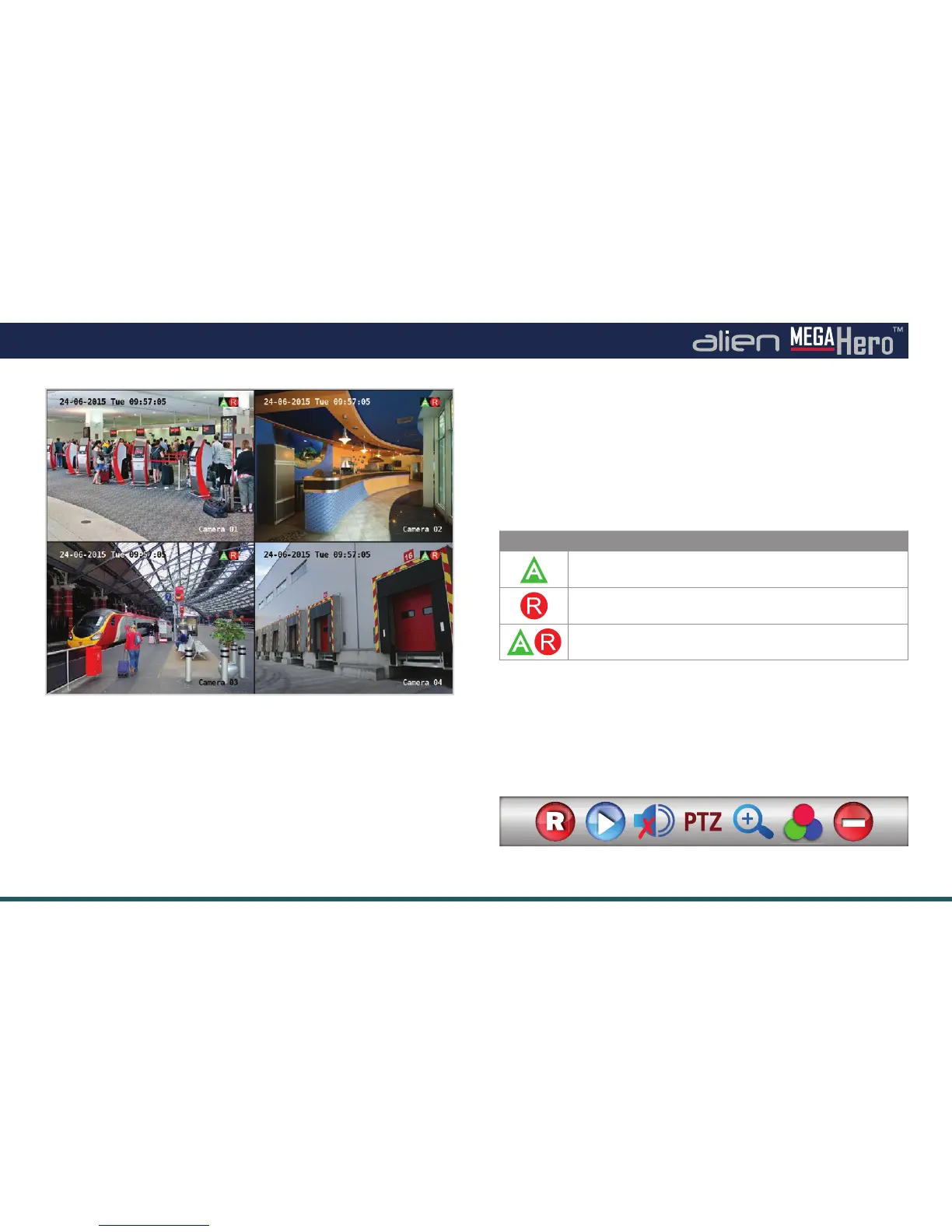
Live View Interface
Quick Setting Toolbar
Live View Icons
In the live view mode, there are icons at the top right of the
screen for each channel showing the status of the record and
alarm for each channel. This enables you to conrm when the
unit is triggering an alarm/motion and whether the unit is
recording for that channel.
Live view shows you the video image for each camera in
real time. The device automatically enters Live View mode
when powered up. It is also at the very top of the menu
hierarchy, thus pressing the ‘ESC’ button a number of times
(depending on which menu you’re on) always brings you to
the Live View mode.
Icon Function / Description
Alarm (video loss, tampering, motion detection or
sensor alarm)
Record (manual record, schedule record,
motion detection or alarm triggered record)
Alarm & Record
Quick Setting Toolbar
On the screen of each channel, there is a quick setting
toolbar which shows when you left-click the mouse on
the camera.



 To Next Page