30 Get more from your alienDVR with our Free CCTV tips at aliendvr.com
Backup
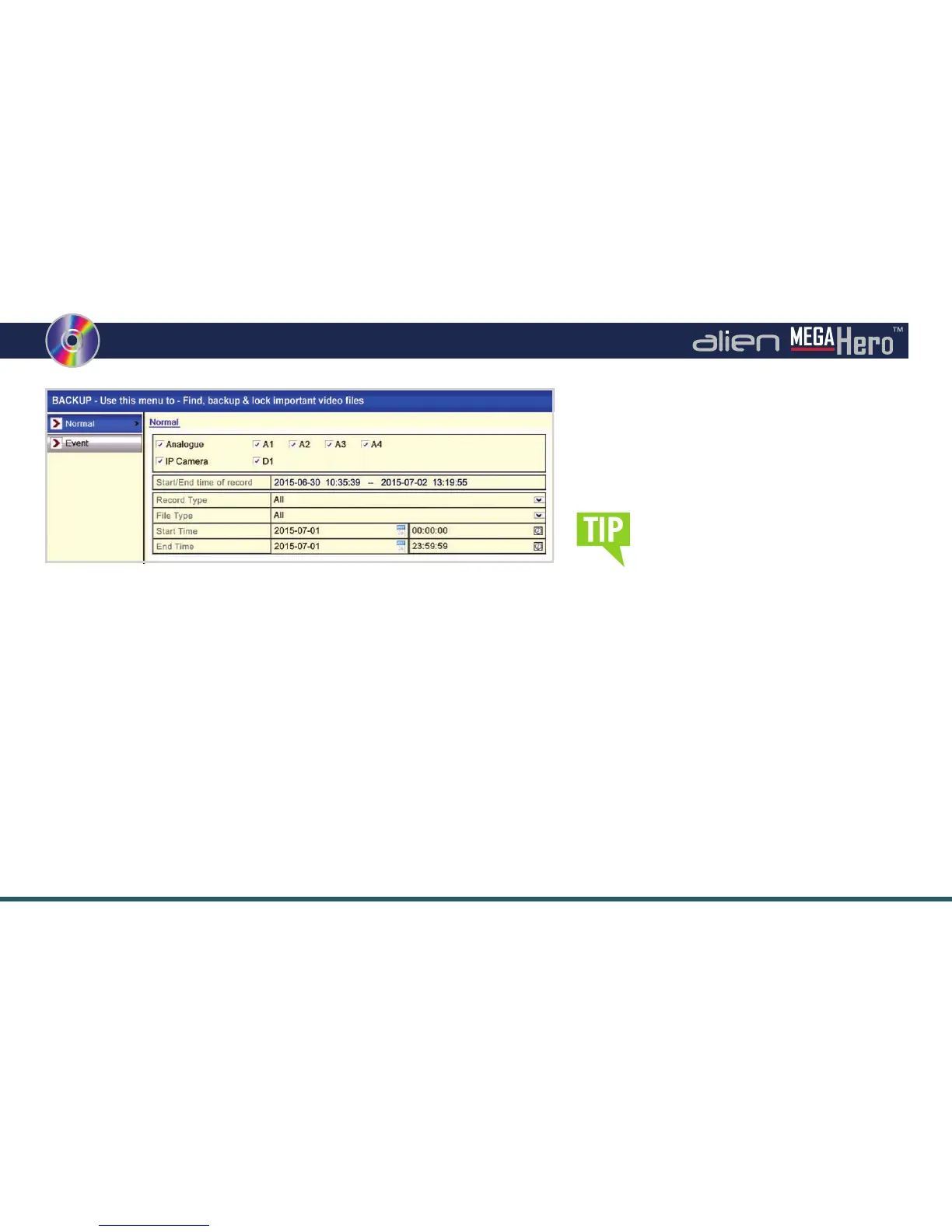
Backup Interface
Backup Submenu Overview
The Backup menu is where you can search for, and export, recorded footage
to either USB memory stick or USB CD/DVD writer.
A Quick Export can be performed which exports selected channels over a
given time period.
To export speci c footage you are able to search by channel, time, record
type and le type. Exporting footage in this way ensures only recordings
needed are backed up.
You also have the option to backup by Event. If it is known an event has
been triggered, event type, start time, end time and channel be set.
We recommend plugging the mouse
into the rear USB port leaving the
front USB port free for backing up
footage.
When a USB device is connected
it can be selected form the ‘Device
Name’ drop down list in the ‘Export’
interface.
Functions available through the Backup submenu:
• Quick Export
• Normal Export
• Event Export



 To Next Page