Playback
Playback Overview
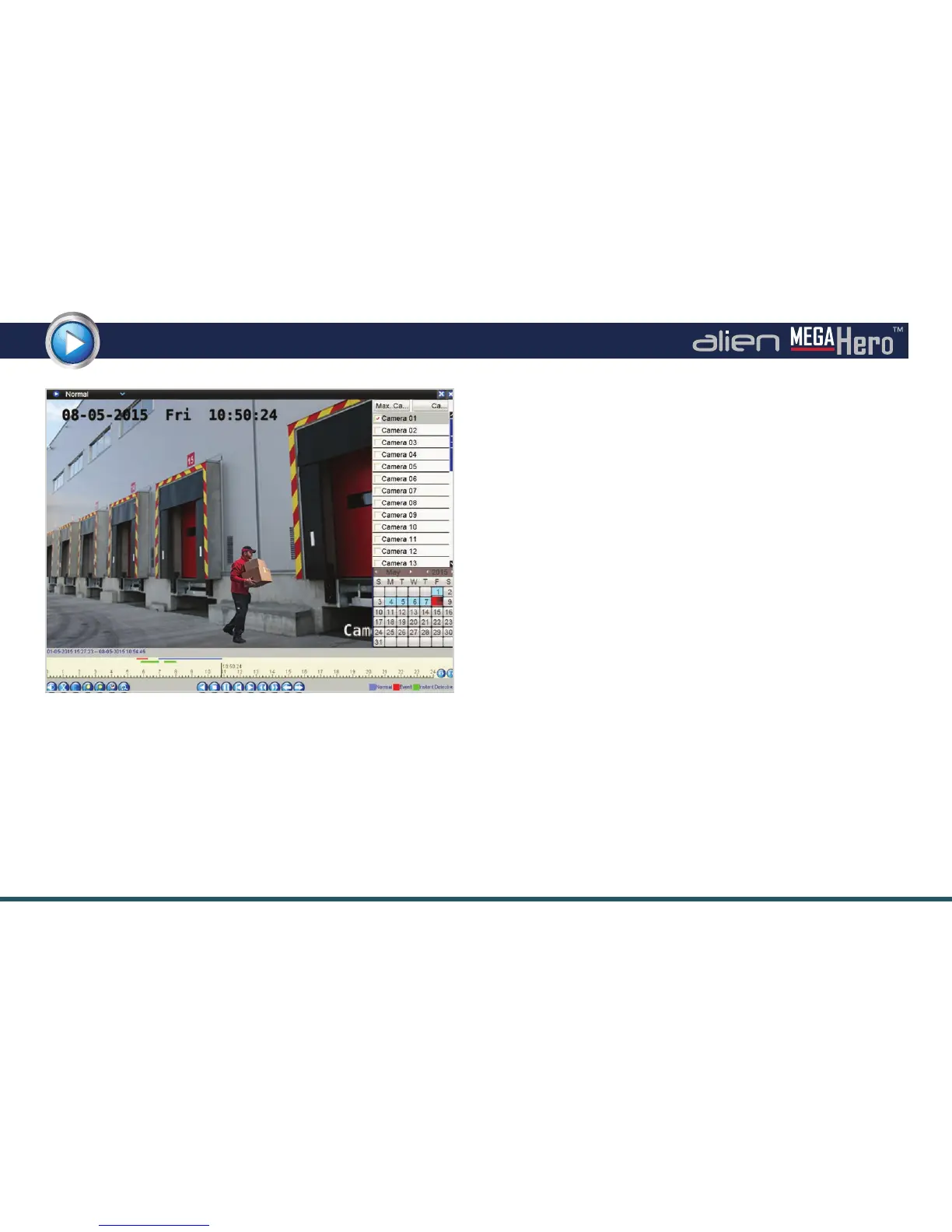
The all new playback interface makes it even easier to search
for, playback and analyse recorded footage.
Dierent playback modes are now all accessed in the same
screen from a simple drop down list.
Example Of Playback Interface
Normal playback displays all footage for the dened
camera(s) on the selected day(s).
Event Playback allows you to search for and playback footage
by event type. Choose from Alarm Input, Motion, Line
Crossing Detection and Intrusion Detection.
Tag Playback allows you to search for keywords given to
previously tagged footage.
Instant Detective is the AlienDVR’s inbuilt retrospective
video analytics software.
Along with the standard Motion Detection which recalls
footage where movement is detected in a user dened area,
the MegaHero has two new options.
Line Crossing Detection displays footage when a person/
object crosses a user dened line. Intrusion Detection nds
all footage where a person/object moves into a dened area
and stays there for a specied amount of time.
External File is another new feature which allows the user to
playback footage from a connected USB device.
See overleaf for more information



 To Next Page