25The full instruction manual can be found on the CD which accompanied the DVR.
Setup
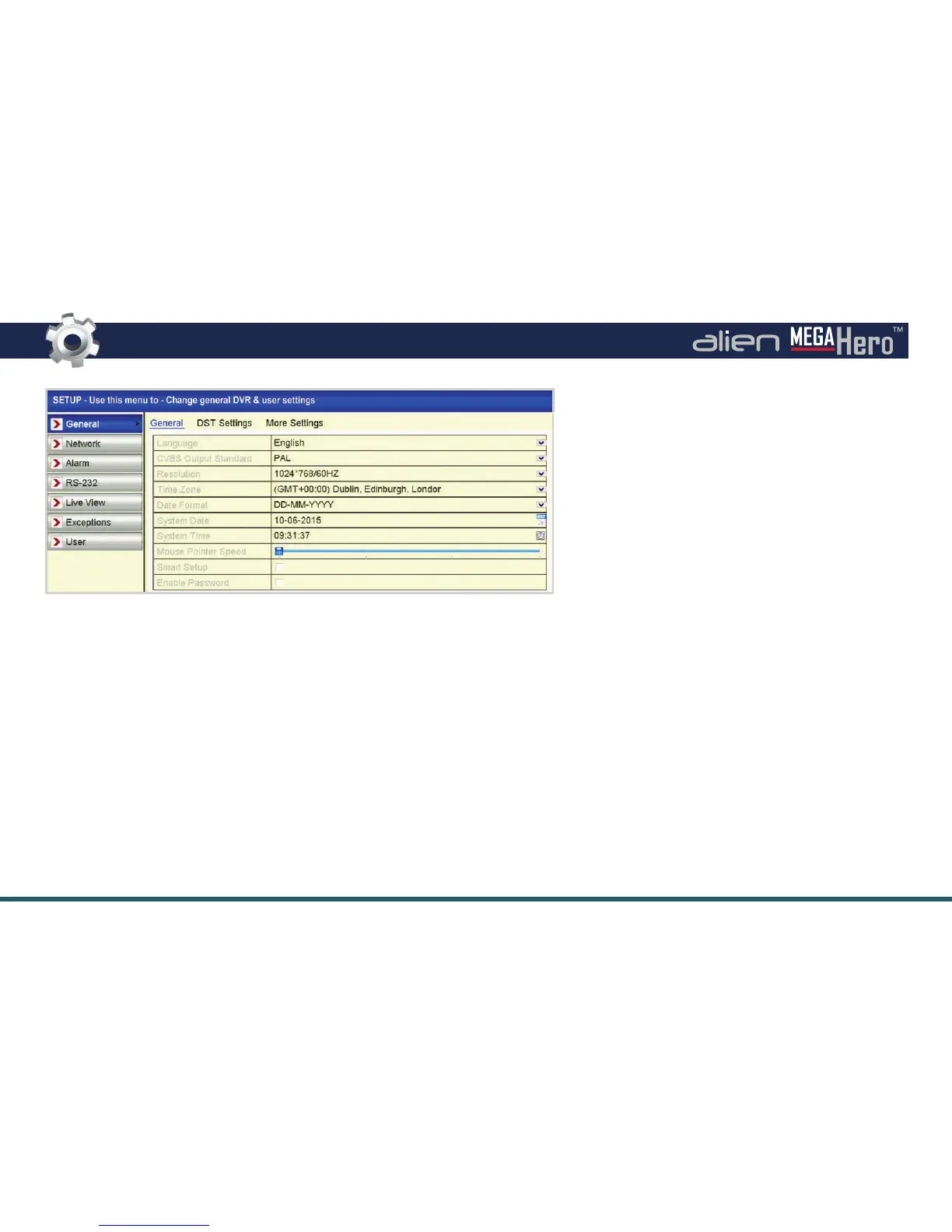
Setup Submenu Overview
The Setup menu is where all major settings are con gured from network
settings to user accounts.
In the General tab all of the basic device settings can be adjusted such as
system language, system time/date and device name.
The Network tab is where you will enter all network information like the IP
address, DDNS settings and email settings for email noti cations.
The Alarm, RS232 & Exceptions tabs allow you to con gure alarm inputs and
outputs, RS232 settings and exceptions (such as a full HDD) and user accounts.
Setup Interface
Under the Live View tab you can set video
outputs, which channels are displayed where, and
for how long. You can also setup zero channel
encoding to stream multiple channels over a
single channel using minimal bandwidth.
In the User tab, as the administrator you can create
new accounts and choose what permissions users
have both locally and remotely. You can also edit
and delete current users. On initial setup there will
only be the administrator account.
If the Admin password has not already been
changed it can be set under the User tab.
Settings which can be con gured inside the
Setup menu:
• System Settings
• Network Settings
• Alarm Inputs &
Outputs
• RS232
• Live View Settings
• Exceptions
• User Accounts



 To Next Page